
A stadium ticket site resolves to the right address, the route is correct, and both load-balancer members pass health checks. Every spectator arrives from one shared address, and source affinity sends all of them to one member until that member overloads. What failure mode is this?
Select an answer to reveal the explanation.
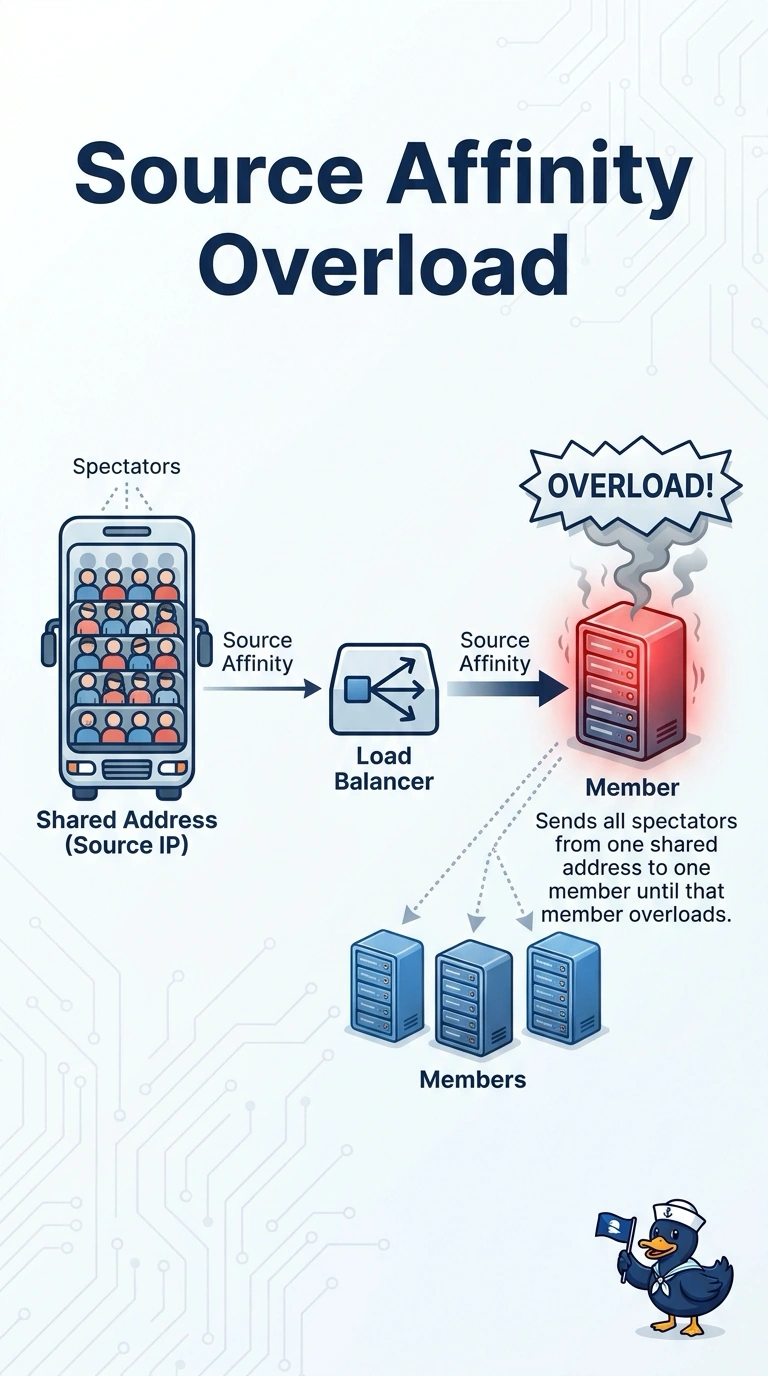
Short Explanation
Picture everyone in the stadium wearing the same badge: a guard sorting by badge sends the whole crowd down one hallway. Your DNS, route, and health checks are fine; source affinity treats that shared address as one client and pins everyone to one member.
Full Explanation
Load-balancer source affinity, sometimes called stickiness, keeps a client address on one member. When every spectator is hidden behind one shared address, they all look like one client, so new sessions stick to one member and overload it even though the other member is healthy. DNS is returning the right address, not the address of a retired ticket site, so stale DNS is not the cause. The route is correct and has not been withdrawn, so routing is not preventing access to the ticket site. Health checks are passing for both members, so they have not marked both members down or stopped every new session. Exam caveat: changing the affinity key, or not using the shared address as that key, addresses this load-balancer behavior; adding another resolver does not split the crowd. Practical check: log which member each new session selects and confirm that sessions from the shared address all map to one member while the other remains healthy. After adjusting affinity, watch new sessions spread across members while health checks stay green. Passing health checks does not establish spare capacity; correct the affinity imbalance and assess load before deciding whether to drain a member.