
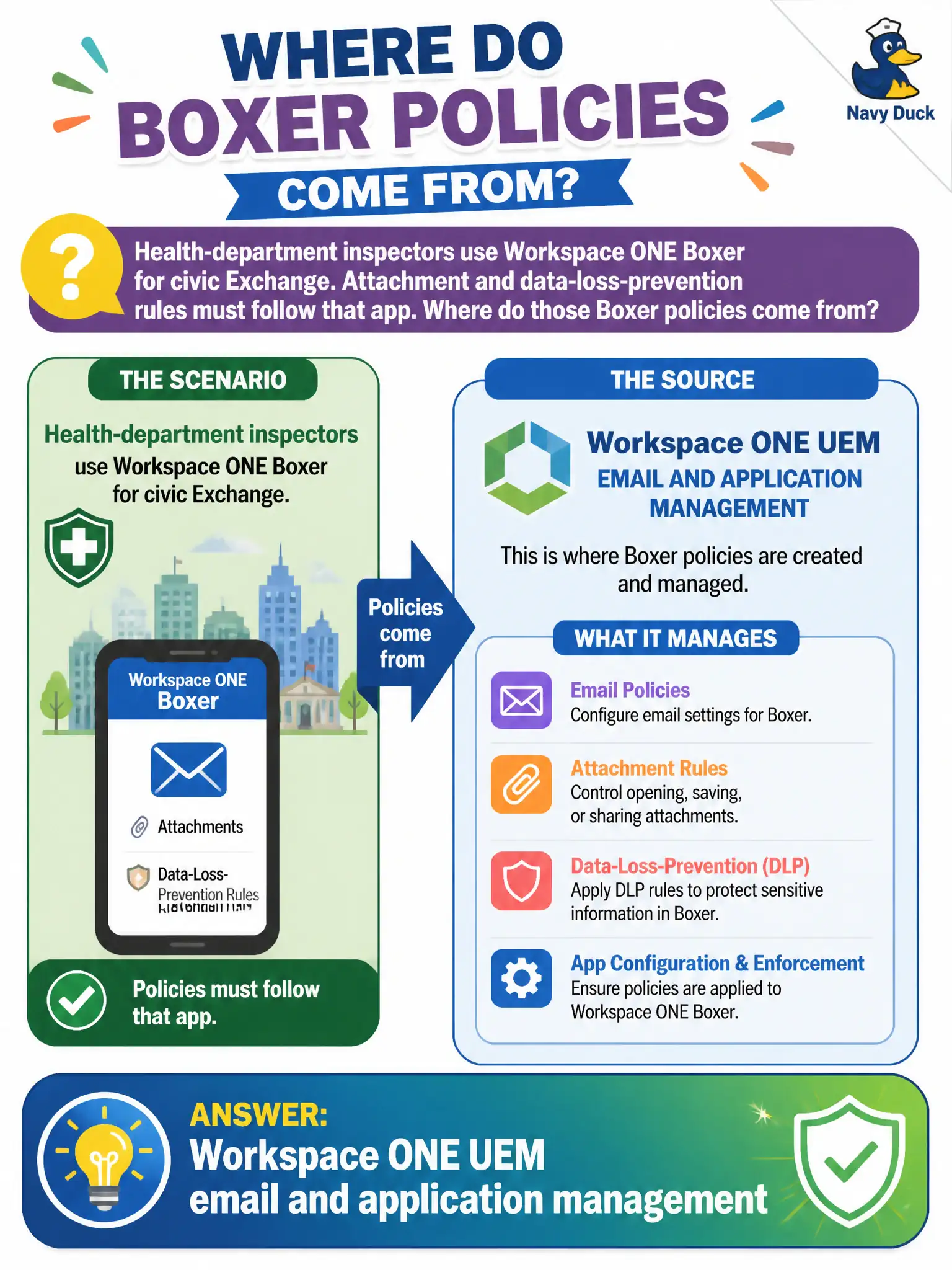
Health-department inspectors use Workspace ONE Boxer for civic Exchange. Attachment and data-loss-prevention rules must follow that app. Where do those Boxer policies come from?
Select an answer to reveal the explanation.
Short Explanation
Boxer is a managed mail app, so its leash is UEM, not a desktop profile tool. DEM dresses Windows sessions, Horizon Client talks Blast, and App Volumes layers Windows apps. Attachment and DLP rules for Boxer come from Workspace ONE UEM email and application management.
Full Explanation
Attachment handling and data-loss-prevention rules for Workspace ONE Boxer are authored and enforced through Workspace ONE UEM email and application management. Health-department inspectors who use Boxer for civic Exchange therefore inherit those controls from the UEM console, not from Horizon desktop tooling. Field inspection workflows depend on those UEM-sourced rules so protected health and permitting attachments cannot be casually exported from the managed mail client. Dynamic Environment Manager condition sets apply Windows user-environment configuration inside Horizon sessions and do not push mailbox DLP onto a mobile mail client. Horizon Client protocol policies on Unified Access Gateway govern display-protocol reachability and cipher behavior for VDI sessions, not Boxer attachment or sharing rules. App Volumes writable volumes inject user-writable application state on Windows desktops and have no mechanism to inject mailbox rules into Boxer. Exam caveat: When a stem names Boxer policies, the control plane is UEM even if the same agency also runs DEM, App Volumes, and Horizon for VDI workers. Operational check: In Workspace ONE UEM, open the email or application configuration assigned to the inspector group, confirm attachment and DLP settings match counsel requirements, and verify a test device enforces those restrictions inside Boxer.