
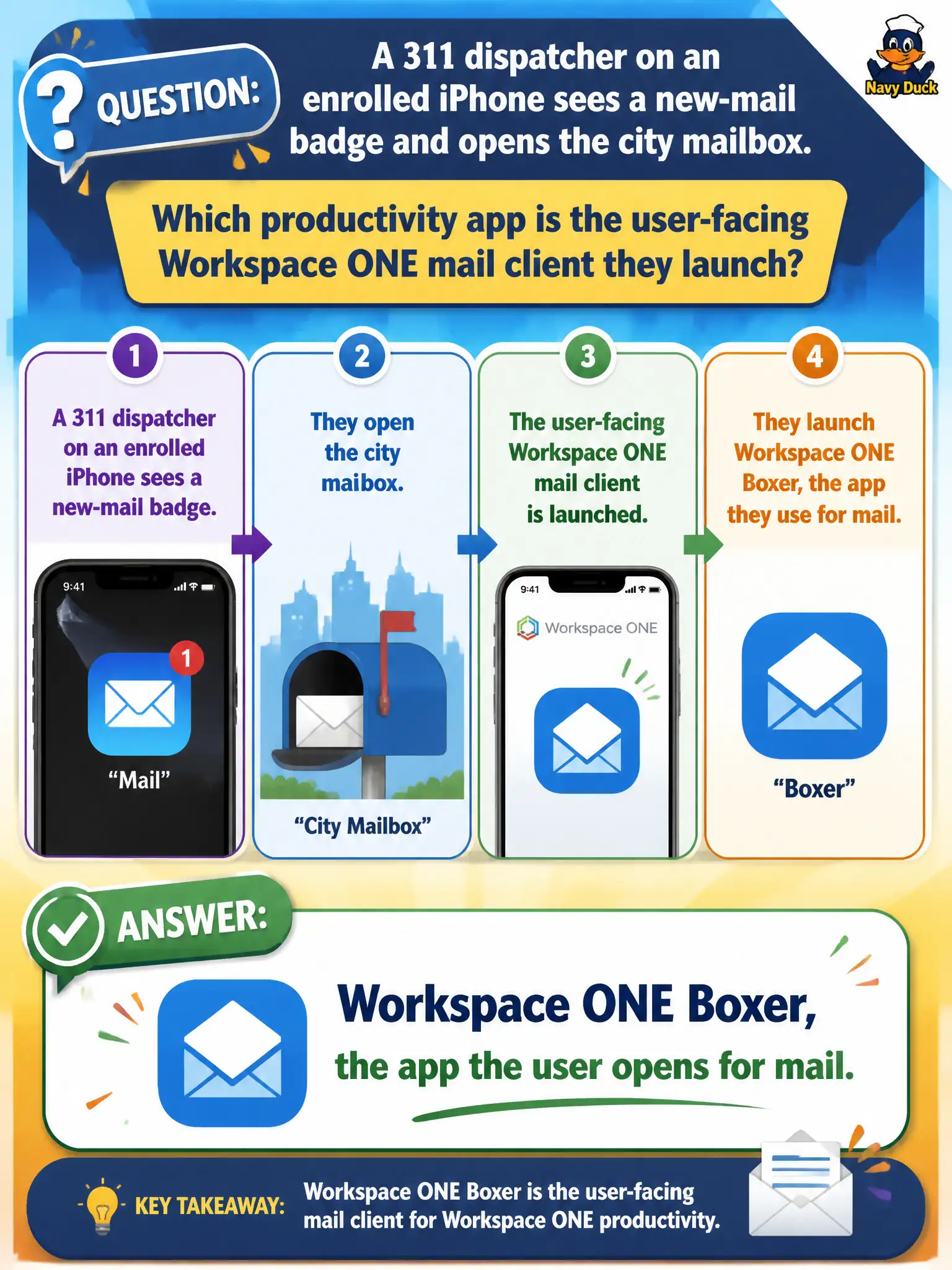
A 311 dispatcher on an enrolled iPhone sees a new-mail badge and opens the city mailbox. Which productivity app is the user-facing Workspace ONE mail client they launch?
Select an answer to reveal the explanation.
Short Explanation
The badge is just a doorbell; Boxer is the door the dispatcher actually opens. Horizon Client would start a desktop, Content is a file locker, and Intelligence is analytics. For civic mail on the phone, the user-facing app is Boxer.
Full Explanation
The user-facing Workspace ONE mail client a 311 dispatcher launches after seeing a new-mail badge is Workspace ONE Boxer. Email Notification Service may update badges on the home screen, but the application that actually opens and reads the city mailbox remains Boxer. Dispatch supervisors should train staff that badges are alerts only; the mailbox itself is always opened inside managed Boxer on the enrolled handset. VMware Horizon Client starts brokered desktop or published-application sessions; a badge alone does not imply that a VDI session is required or that Horizon Client is the mail interface. Workspace ONE Content is the secure content locker for documents and file synchronization, not the Exchange mail client the dispatcher opens to read messages. Workspace ONE Intelligence provides analytics and dashboards; reporting unread counts is not the same operational action as launching the mail app. Exam caveat: Identification items often pair a notification symptom with the wrong product family—keep the launch target (Boxer) separate from badges, VDI clients, lockers, and reporting platforms. Operational check: Tap the badge or open Boxer directly on the enrolled iPhone, confirm the civic mailbox loads, and verify that Content and Horizon Client are not required for ordinary mail reading.