
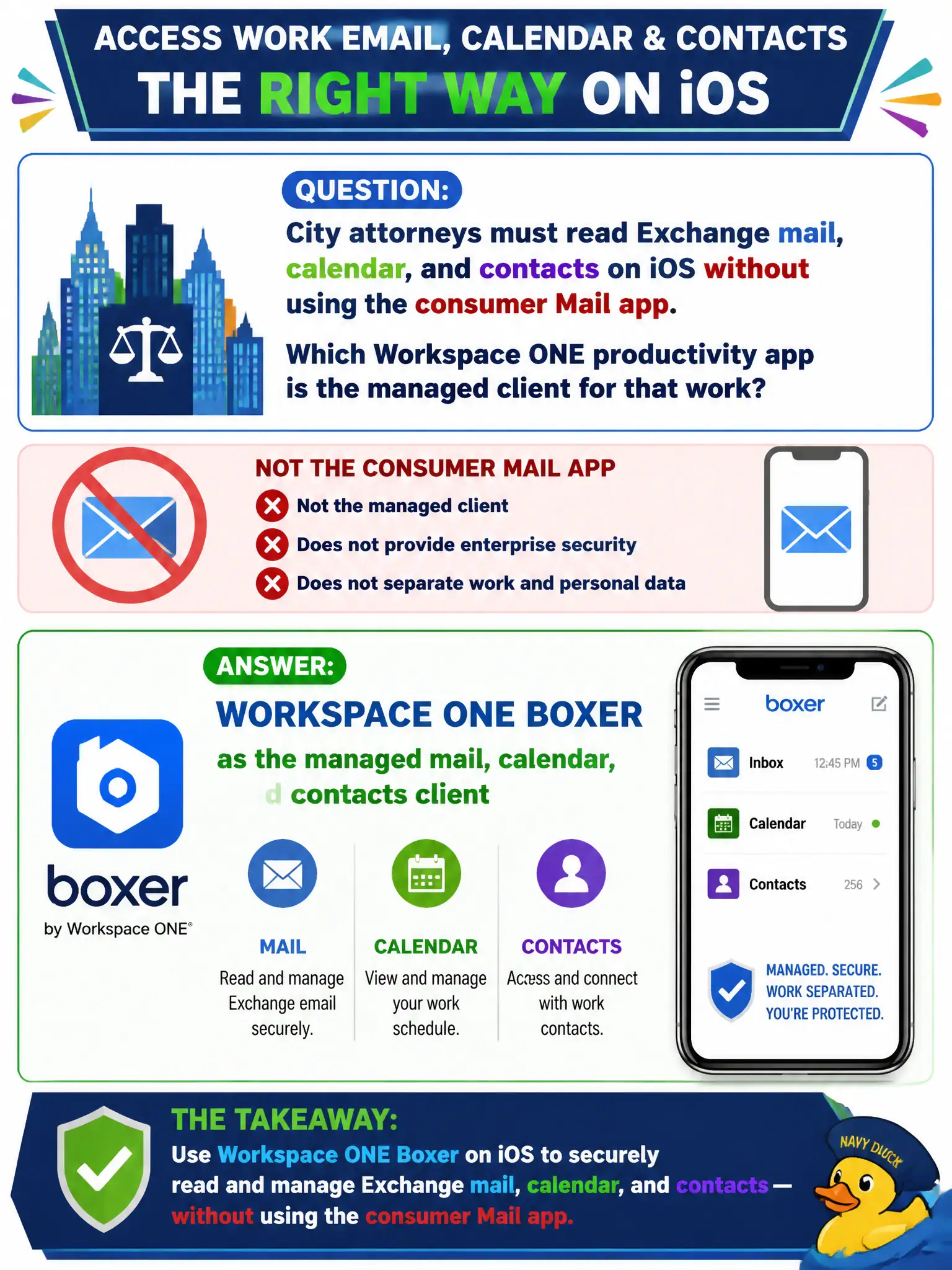
City attorneys must read Exchange mail, calendar, and contacts on iOS without using the consumer Mail app. Which Workspace ONE productivity app is the managed client for that work?
Select an answer to reveal the explanation.
Short Explanation
Boxer is the city's managed mailbag on the phone, not the consumer Mail app sitting on the attorney's home screen. Horizon Client opens desktops, Tunnel carries selected app traffic, and Assist is remote control. For Exchange mail, calendar, and contacts under Workspace ONE, the user opens Boxer.
Full Explanation
Workspace ONE Boxer is the Workspace ONE productivity application purpose-built as the managed Exchange mail, calendar, and contacts client on mobile endpoints. City attorneys rely on it so civic mailbox data remains under Unified Endpoint Management policies instead of flowing into the unmanaged consumer Mail app on iOS. Legal departments choose Boxer specifically because counsel can enforce retention, open-in, and sharing controls that the stock Mail app cannot honor for city records. VMware Horizon Client opens brokered desktops and published applications; it is not an on-device mailbox renderer for Exchange on iPhone. Workspace ONE Tunnel carries selected managed-application traffic to the civic LAN via Unified Access Gateway; it does not store or present Exchange items as a mail user interface. Workspace ONE Assist provides remote support and remote control for enrolled devices and does not become an email client. Exam caveat: Associate objectives deliberately separate the user-facing mail app from transport (Tunnel), VDI (Horizon Client), and support tooling (Assist), even when all four appear in one municipal stack. Operational check: On an attorney iPhone, open Boxer, confirm the civic Exchange account syncs mail and calendar under UEM email policies, and verify that forwarding or paste restrictions match the city's DLP profile rather than consumer Mail defaults.