
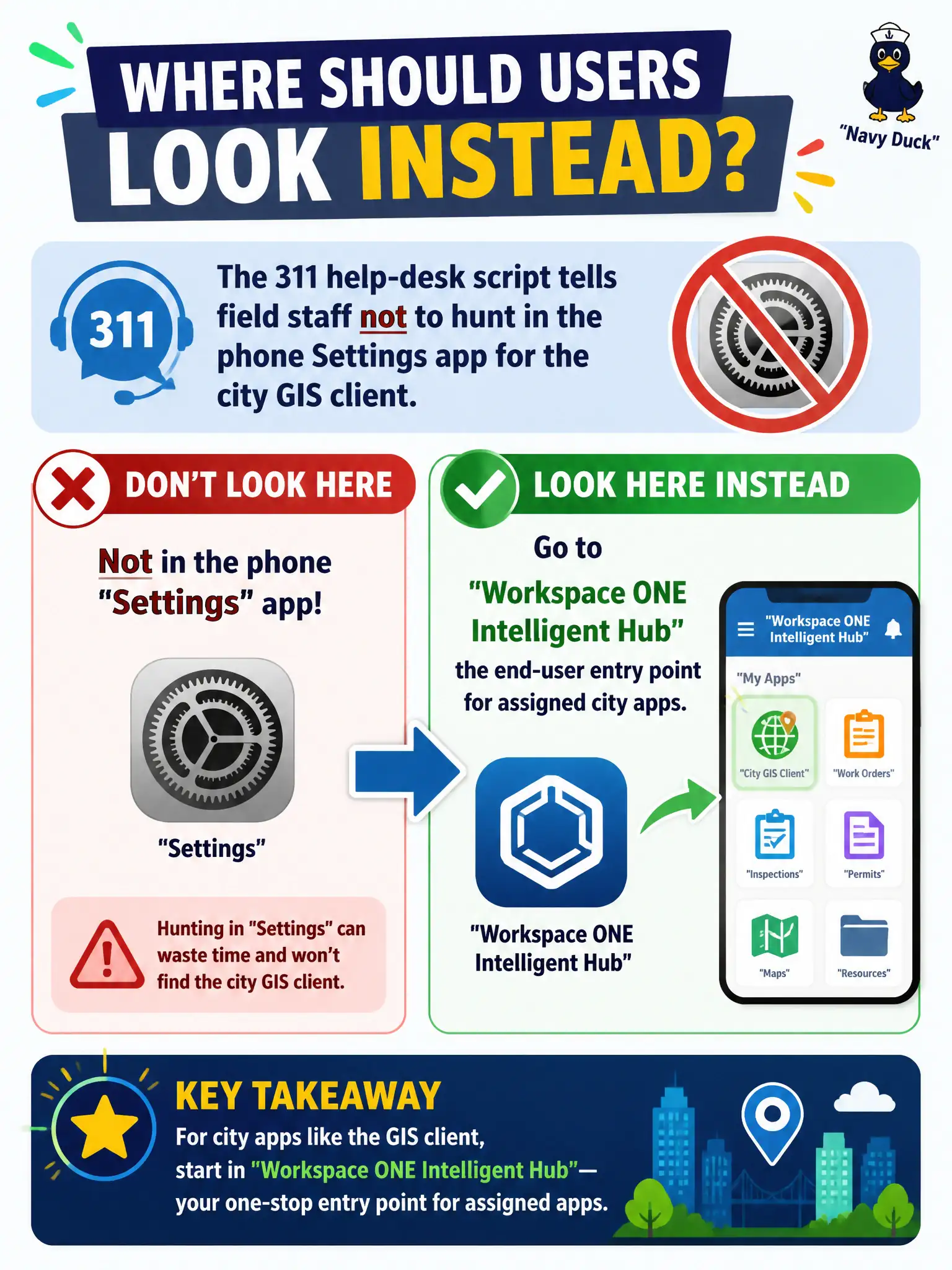
The 311 help-desk script tells field staff not to hunt in the phone Settings app for the city GIS client. Where should those users look instead?
Select an answer to reveal the explanation.
Short Explanation
If the city assigned GIS, it lives in Intelligent Hub—the staff front door—not in Settings, not in an Intelligence chart, and not in a vSphere or DEM console. Tell them to open Hub.
Full Explanation
When the 311 help-desk script tells field staff not to hunt in the phone Settings app for the city GIS client, those users should look in Workspace ONE Intelligent Hub—the end-user entry point for assigned city apps. If the city assigned GIS, it lives in Hub, the staff front door—not buried in OS settings and not in administrator or analytics consoles. Workspace ONE Intelligence fails by concept: Intelligence is an analytics and automation console for dashboards and widgets; GIS is not “only delivered as a dashboard widget,” and field staff should not be sent there to launch an operational GIS client. The vSphere Client on the phone fails because vSphere is the compute administrator interface for VMs and hosts; GIS does not run as “open the VM on your phone through vSphere” in this Workspace ONE productivity model. Dynamic Environment Manager Console fails because DEM Console is an administrator tool for user environment configuration, not a field-staff app store or launcher. Exam caveat: support scripts should name Hub explicitly; sending users to Settings, Intelligence, vSphere, or DEM Console creates noise tickets and confuses admin tools with the employee catalog. Operational check: assign GIS through the Workspace ONE stack so it appears in Intelligent Hub, walk a field user to Hub to launch it, and confirm the help-desk script no longer points at Settings, Intelligence, vSphere, or DEM Console.