
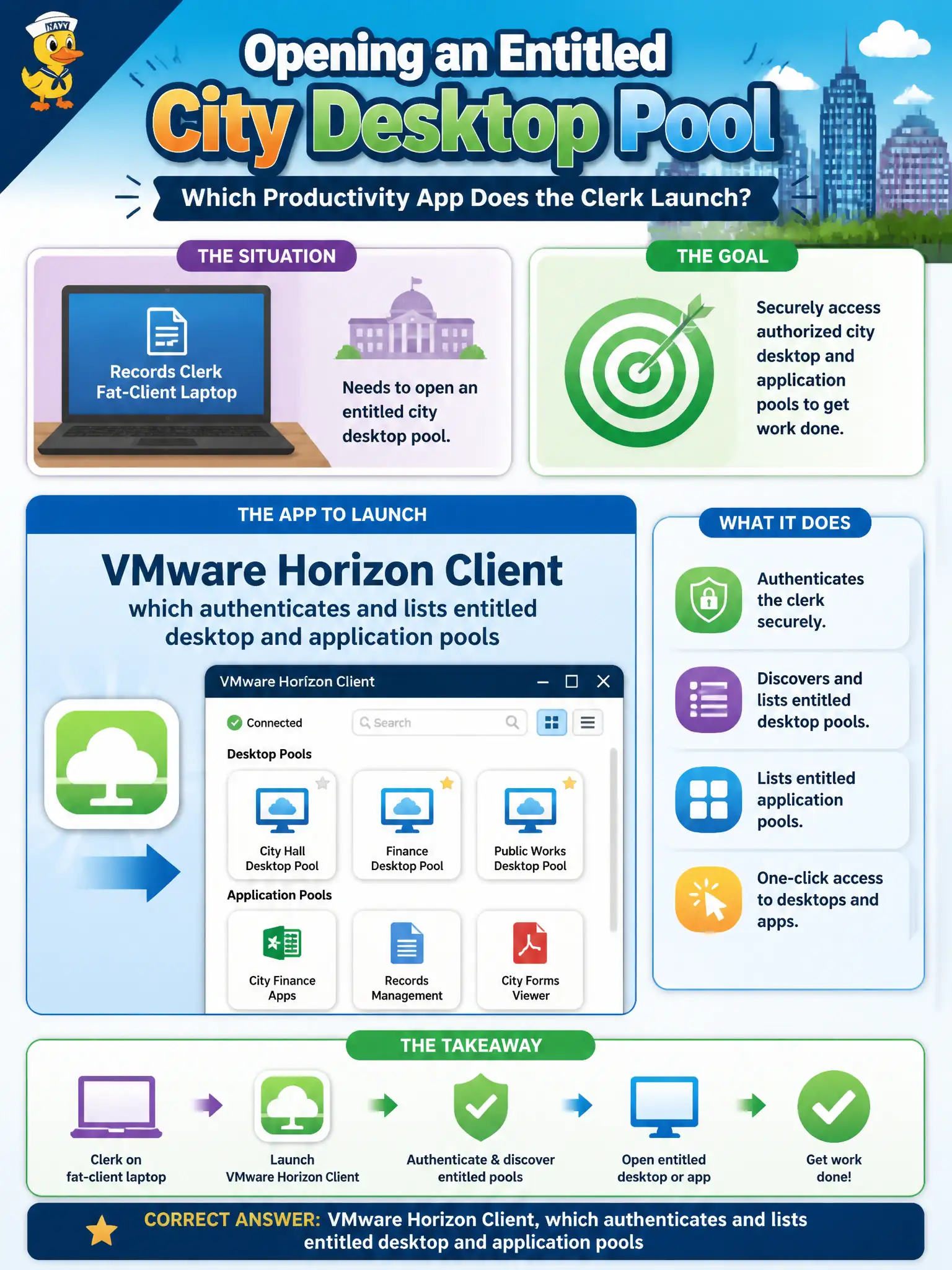
A records clerk at a fat-client laptop needs to open an entitled city desktop pool. Which productivity app does the clerk launch?
Select an answer to reveal the explanation.
Short Explanation
Want the city desktop on a fat laptop? Launch Horizon Client, sign in, pick the pool. Hub can list a tile, Boxer is mail, and Tunnel is VPN—none of those is the VDI client.
Full Explanation
A records clerk at a fat-client laptop who needs to open an entitled city desktop pool launches VMware Horizon Client, which authenticates and lists entitled desktop and application pools. Want the city desktop on a fat laptop? Launch Horizon Client, sign in, pick the pool. Intelligent Hub only, because Hub always replaces Horizon Client on Windows, fails by concept: Hub may catalog a Horizon resource and deep-link toward it, but on a traditional fat-client laptop the session client that connects to the pool remains Horizon Client—Hub does not universally replace it. Workspace ONE Boxer fails because Boxer is managed email/calendar/contacts; desktop pools do not arrive as calendar attachments. Workspace ONE Tunnel fails because Tunnel is per-app VPN for UEM-managed apps, not the Horizon display-protocol path for a full VDI session. Exam caveat: some environments launch Horizon resources from a Hub tile, yet the protocol client is still Horizon Client (or HTML Access in a browser); exam answers that erase Horizon Client in favor of Hub-only, Boxer, or Tunnel miss the VDI client boundary. Operational check: on the clerk’s Windows laptop, start Horizon Client, authenticate to the entitlement, open the city desktop pool, and verify Hub may list the resource while Boxer and Tunnel are not the VDI session path.