
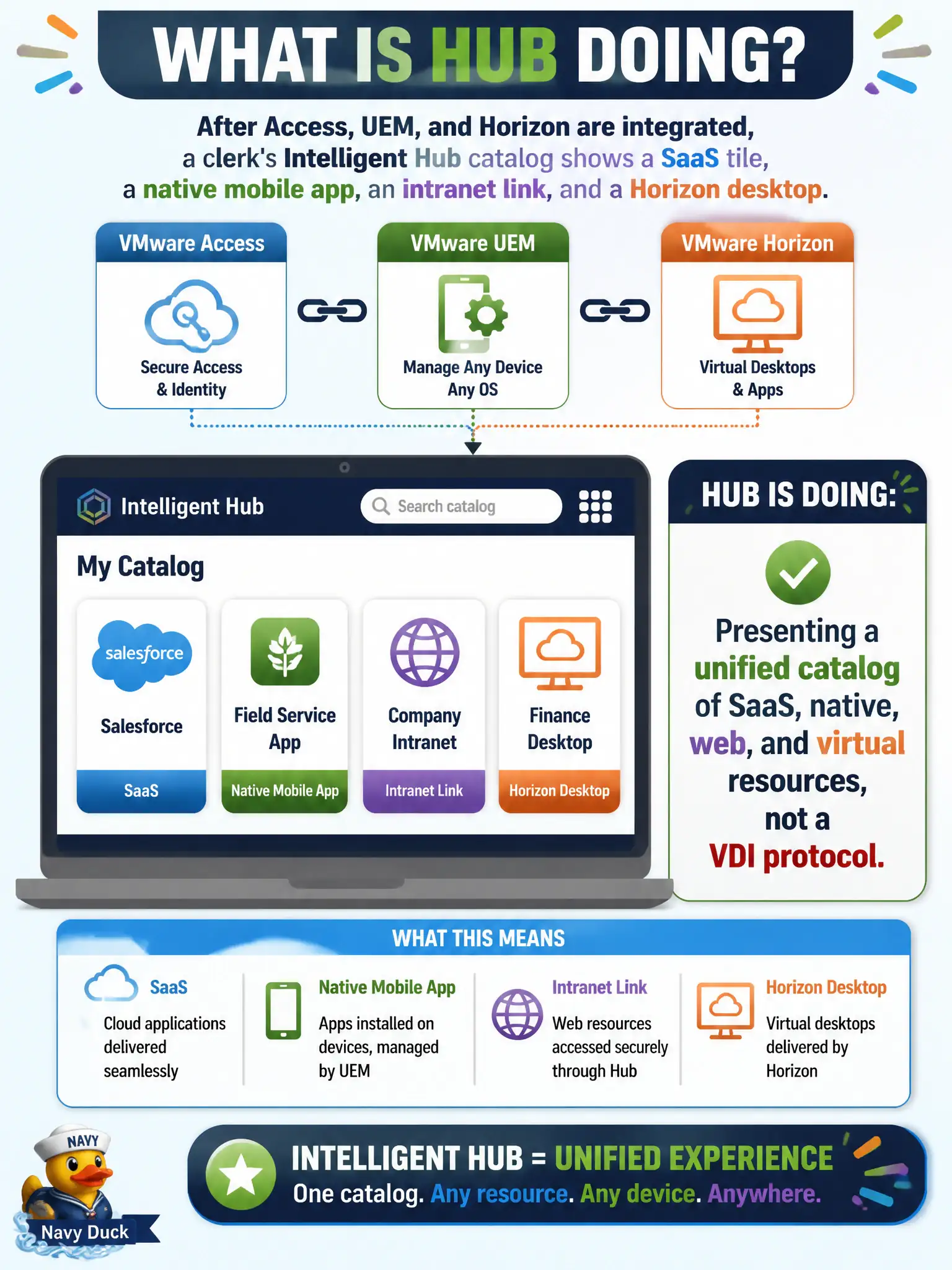
After Access, UEM, and Horizon are integrated, a clerk's Intelligent Hub catalog shows a SaaS tile, a native mobile app, an intranet link, and a Horizon desktop. What is Hub doing?
Select an answer to reveal the explanation.
Short Explanation
Hub is the mall directory: SaaS shop, native app, web link, and a Horizon kiosk all on one map. It is not Blast, not App Volumes on a phone, and not the Horizon broker.
Full Explanation
After Access, UEM, and Horizon are integrated, a clerk’s Intelligent Hub catalog shows a SaaS tile, a native mobile app, an intranet link, and a Horizon desktop because Hub is presenting a unified catalog of SaaS, native, web, and virtual resources—not acting as a VDI protocol. Hub is the mall directory: SaaS shop, native app, web link, and a Horizon kiosk all on one map. Negotiating Blast Extreme as if Hub were Horizon Client fails by concept: when a virtual desktop starts, Horizon Client (or HTML Access) still negotiates the display protocol with Horizon Agent; Hub launched or listed the entitlement, but Hub is not Blast. Packaging those icons into an App Volumes writable volume on the phone fails because App Volumes targets Horizon Windows desktops with packages and writables—it does not package Hub tiles onto a phone. Replacing Connection Server so Horizon tiles never need a broker fails because Connection Server remains the Horizon broker; Hub catalog integration does not eliminate brokering. Exam caveat: a healthy unified catalog requires correct Access entitlements, UEM app assignments, and Horizon integration; missing one backend yields a partial Hub home screen, and protocol troubleshooting still belongs to Horizon Client/Agent. Operational check: open Intelligent Hub for a test clerk and confirm SaaS, native, web, and Horizon icons appear together; start the Horizon desktop and confirm protocol negotiation occurs via Horizon Client/Agent and Connection Server, not via Hub-as-Blast or App Volumes on the phone.