
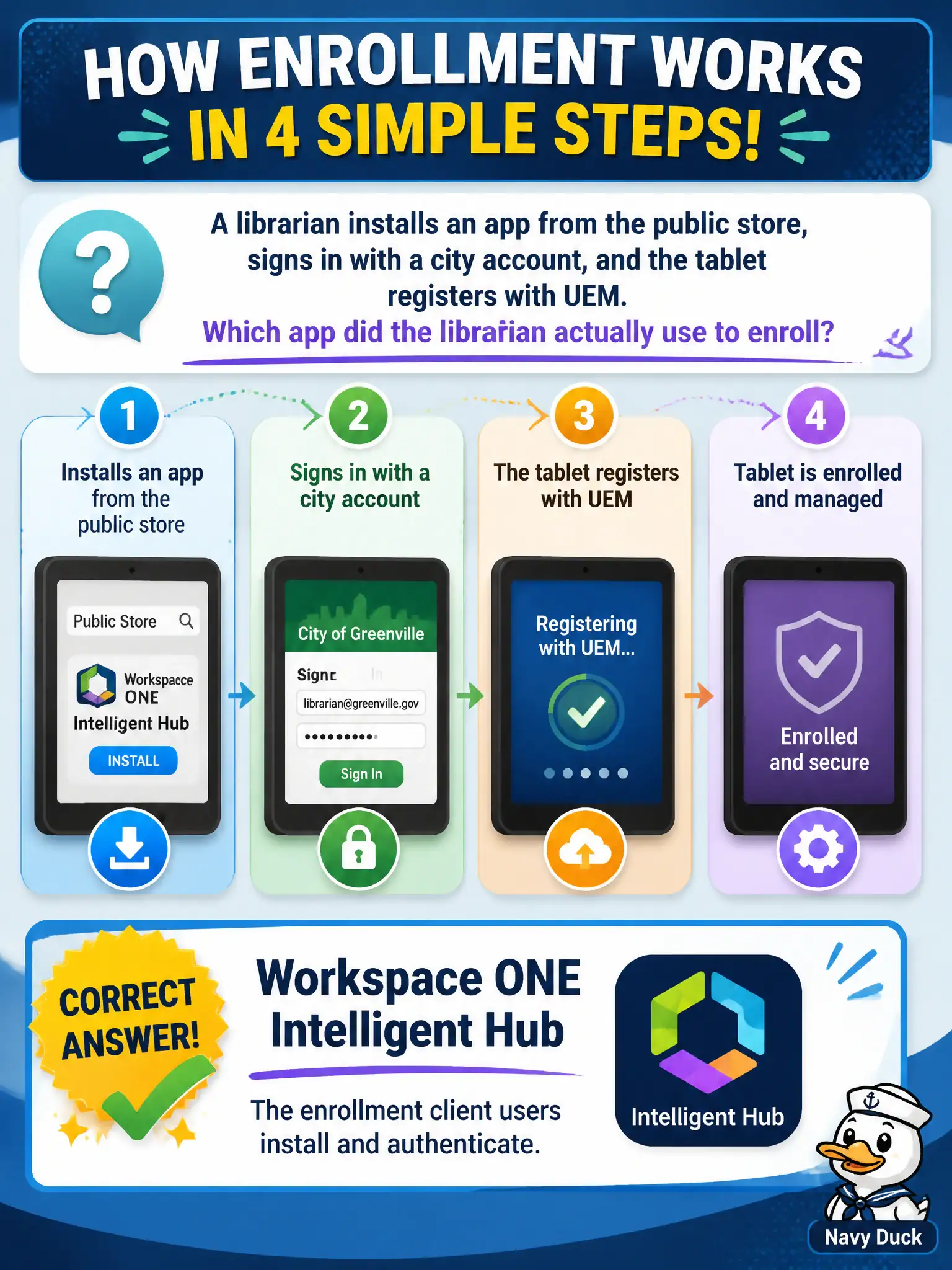
A librarian installs an app from the public store, signs in with a city account, and the tablet registers with UEM. Which app did the librarian actually use to enroll?
Select an answer to reveal the explanation.
Short Explanation
The librarian taps Intelligent Hub from the store, signs in, and the tablet joins the city. That is the enrollment client people actually touch. Horizon Client, Assist, and UAG are not the public-store enroll path.
Full Explanation
When a librarian installs an app from the public store, signs in with a city account, and the tablet registers with UEM, the app used to enroll is Workspace ONE Intelligent Hub—the enrollment client users install and authenticate. The librarian taps Hub from the store, signs in, and the tablet joins the city management plane. That is the enrollment client people actually touch. Horizon Client fails by concept: it registers a VDI or published-app session with Horizon infrastructure, not MDM enrollment with UEM, so “every Workspace ONE enrollment is a VDI registration” is false. Workspace ONE Assist fails because Assist provides remote support after a device already exists in management; remote control is not a prerequisite step that enrolls the tablet. Unified Access Gateway fails because UAG is an infrastructure edge appliance in the DMZ—not something librarians download from the public app store as Hub. Exam caveat: enrollment flows can vary (Hub-based, web/agent-based, and platform-specific options), but at associate depth the user-facing public-store enrollment client to name is Intelligent Hub; do not confuse edge appliances or VDI clients with MDM enrollment. Operational check: install Intelligent Hub from the public store on a test tablet, authenticate with a city account, confirm the device appears enrolled in UEM, and verify Horizon Client, Assist, and UAG were not the enrollment path.