
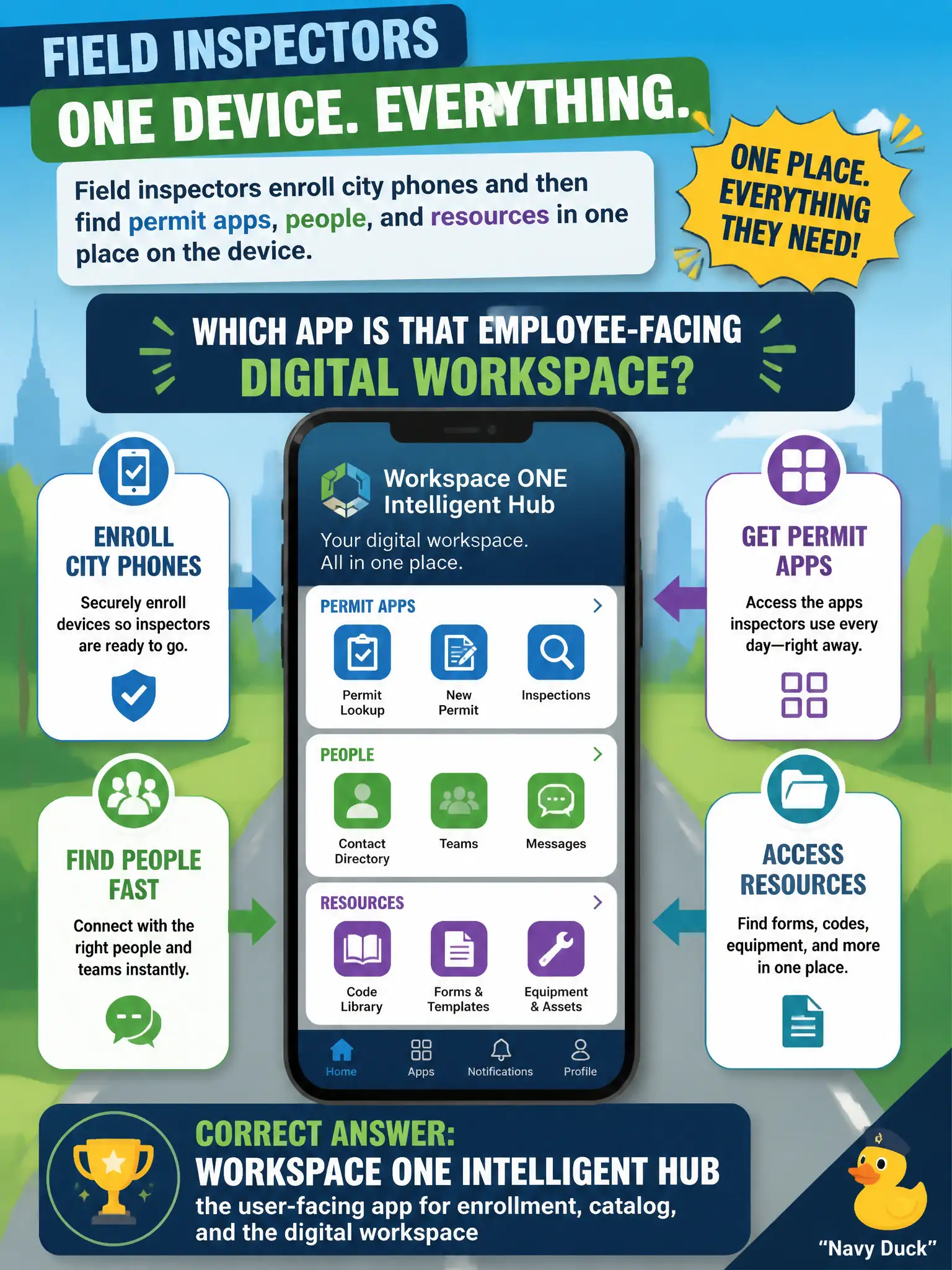
Field inspectors enroll city phones and then find permit apps, people, and resources in one place on the device. Which app is that employee-facing digital workspace?
Select an answer to reveal the explanation.
Short Explanation
Hub is the inspectors' city phone home screen for enroll, catalog, and people—not the admin console they should never bookmark. Boxer is mail. Horizon Administrator is a broker console, not a field app.
Full Explanation
Field inspectors who enroll city phones and then find permit apps, people, and resources in one place on the device are using Workspace ONE Intelligent Hub—the user-facing app for enrollment, catalog, and the digital workspace. Hub is the inspectors’ city phone home screen: enroll the device, open assigned apps, search people, and reach civic resources without bookmarking administrator consoles. The Workspace ONE UEM admin console fails by concept: it is an administrator interface for enrollment profiles, apps, and compliance—inspectors should not treat the console URL as their daily employee app. Workspace ONE Boxer fails because Boxer is the managed email, calendar, and contacts client; it is Hub-adjacent productivity mail, not the umbrella digital-workspace enrollment and catalog app. Horizon Administrator fails because it is the broker console for desktop and application pools; inspectors do not use it to entitle their own phone apps, and it is not a field mobile workspace client. Exam caveat: Hub works with Access and UEM behind the scenes for catalog and enrollment; naming Hub correctly as the employee-facing app is the associate skill, and Boxer/Tunnel remain separate productivity components. Operational check: install and open Intelligent Hub on a test inspector phone, complete enrollment, confirm permit apps, people, and resources appear there, and verify the UEM console, Boxer, and Horizon Administrator are not the employee workspace shell.