
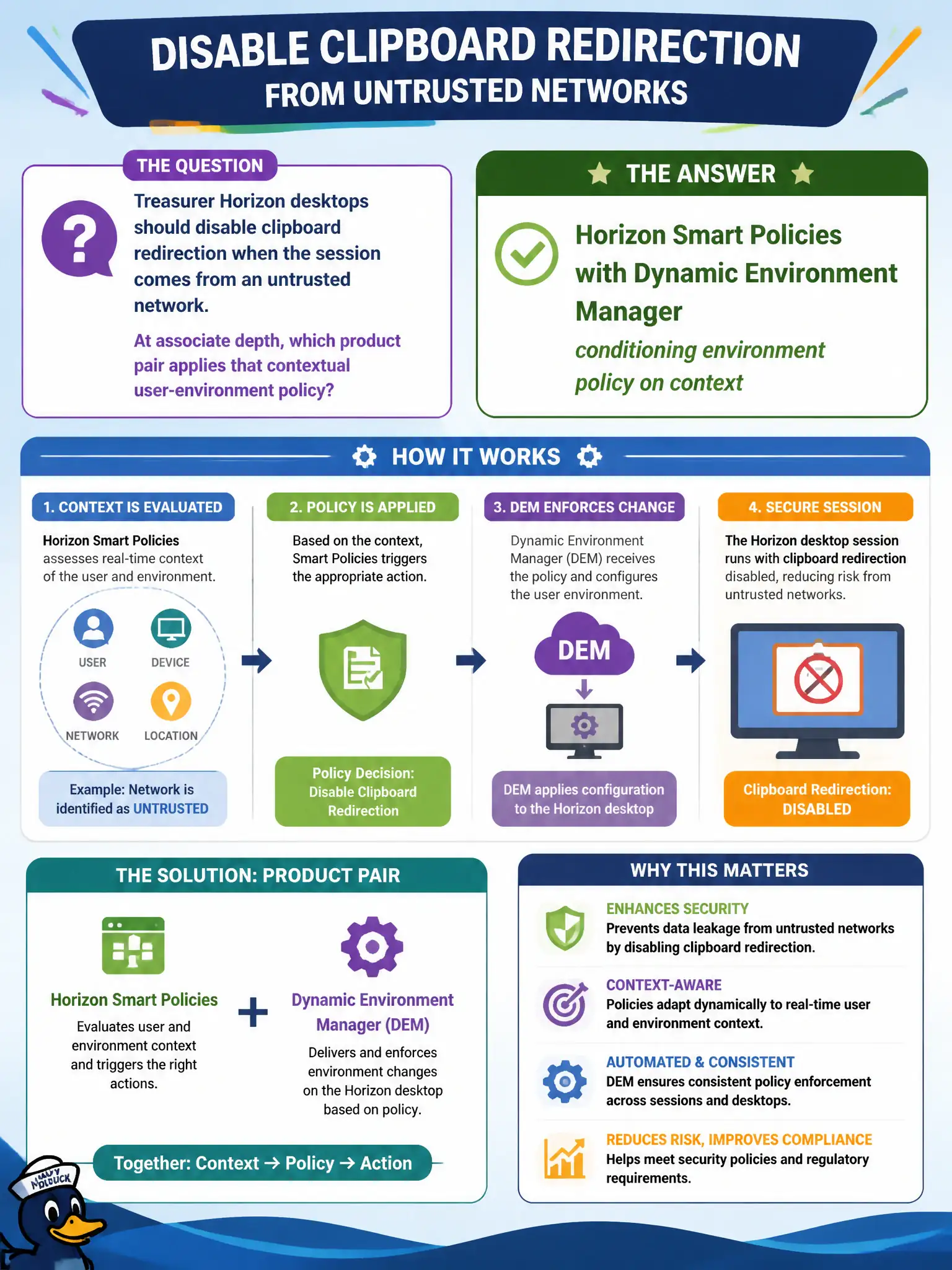
Treasurer Horizon desktops should disable clipboard redirection when the session comes from an untrusted network. At associate depth, which product pair applies that contextual user-environment policy?
Select an answer to reveal the explanation.
Short Explanation
Smart Policies plus DEM are the “if you are on a sketchy network, lock the clipboard” switch for Horizon. That is user-environment policy, not an NSX firewall rule, a Boxer hold, or a DRS pin.
Full Explanation
Treasurer Horizon desktops that should disable clipboard redirection when the session comes from an untrusted network use Horizon Smart Policies with Dynamic Environment Manager, conditioning environment policy on connection context. That product pair applies contextual user-environment controls at associate depth to reduce data leakage risk for municipal finance sessions. NSX Distributed Firewall with a clipboard Layer 7 context profile is the wrong product family for Horizon clipboard redirection policy in this EUC framing. Workspace ONE Boxer email hold policy on a phone does not control Horizon desktop clipboard redirection. vSphere DRS affinity rules that pin supposedly clipboard-disabled VMs to a DMZ host do not implement contextual clipboard policy. Exam caveat: Smart Policies evaluate connection context and DEM applies resulting environment configuration—know both names when the stem stresses contextual Horizon settings for trusted versus untrusted clients. Operational check: connect from an internal trusted client and confirm clipboard behavior per policy, connect from an untrusted remote path through UAG and confirm clipboard redirection disables, ensure NSX and Boxer were not used to achieve that Horizon control, and record the test for the treasurer’s security review.