
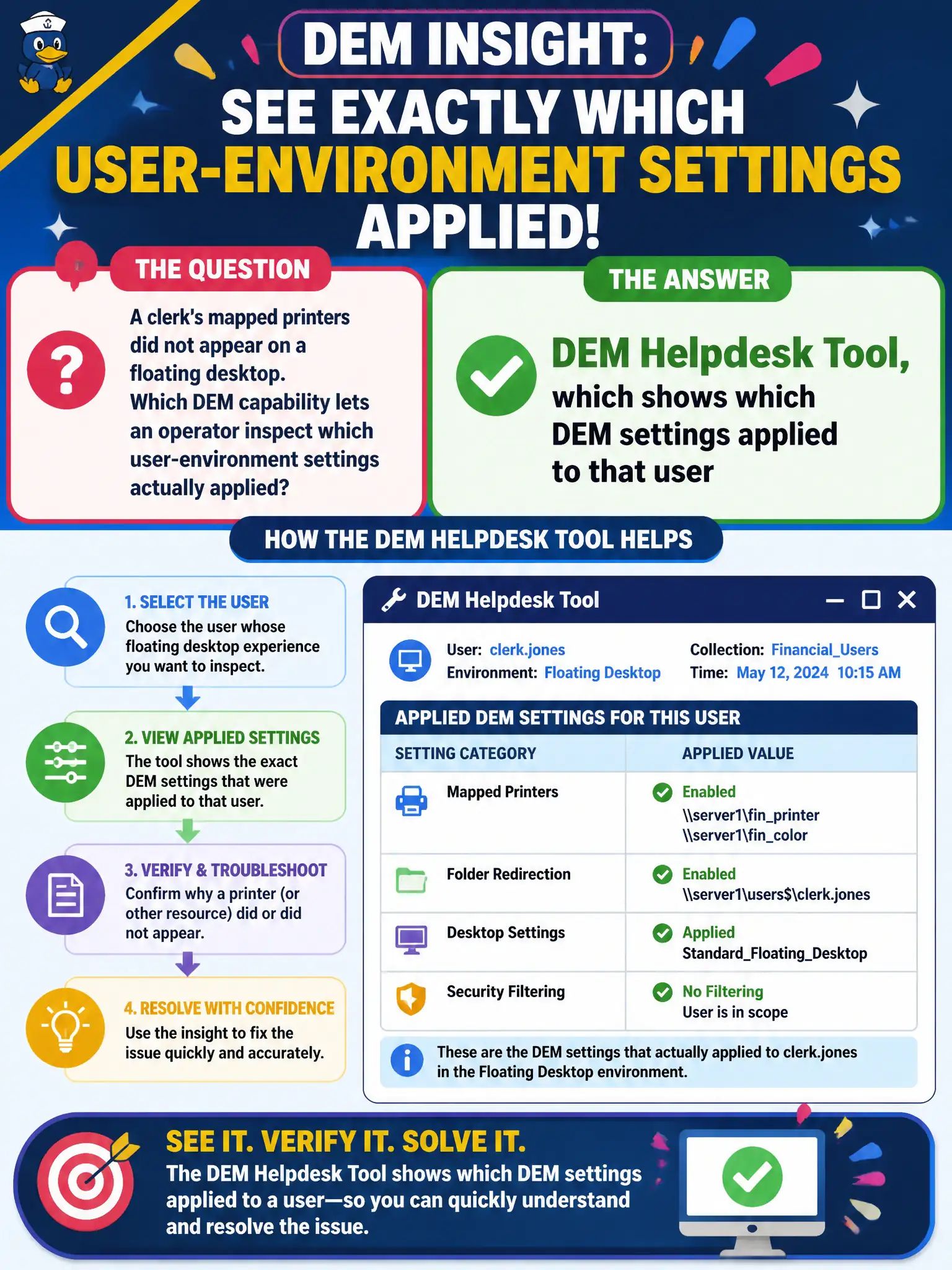
A clerk's mapped printers did not appear on a floating desktop. Which DEM capability lets an operator inspect which user-environment settings actually applied?
Select an answer to reveal the explanation.
Short Explanation
DEM Helpdesk Tool is the flashlight: it shows which settings actually stuck to the clerk. You do not hunt that answer in Cloud snapshots, App Volumes capture, or Assist camera share.
Full Explanation
When a clerk’s mapped printers did not appear on a floating desktop, the DEM capability that lets an operator inspect which user-environment settings actually applied is the DEM Helpdesk Tool. That tool shows which Dynamic Environment Manager settings applied for the user so civic help desks can troubleshoot mappings without rebuilding images or guessing. Horizon Cloud Control Plane VM snapshot browser is not the DEM applied-settings inspector for on-prem personalization. App Volumes Manager package capture wizard builds packages; it does not show DEM printer application results. Workspace ONE Assist unattended camera share supports UEM endpoint remote support and does not replace DEM Helpdesk for Windows environment troubleshooting. Exam caveat: DEM Helpdesk is for environment settings while Horizon Help Desk is for VDI sessions—similar names, different products, and mixing them slows municipal ticket resolution. Operational check: open DEM Helpdesk for the affected clerk, review which printer mappings were applied or skipped and why, remediate the DEM configuration or condition, retest logon on a floating desktop, and close the ticket with the applied-settings evidence attached. Keep civic diagrams labeled so help-desk and network teams do not swap these products during incidents.