
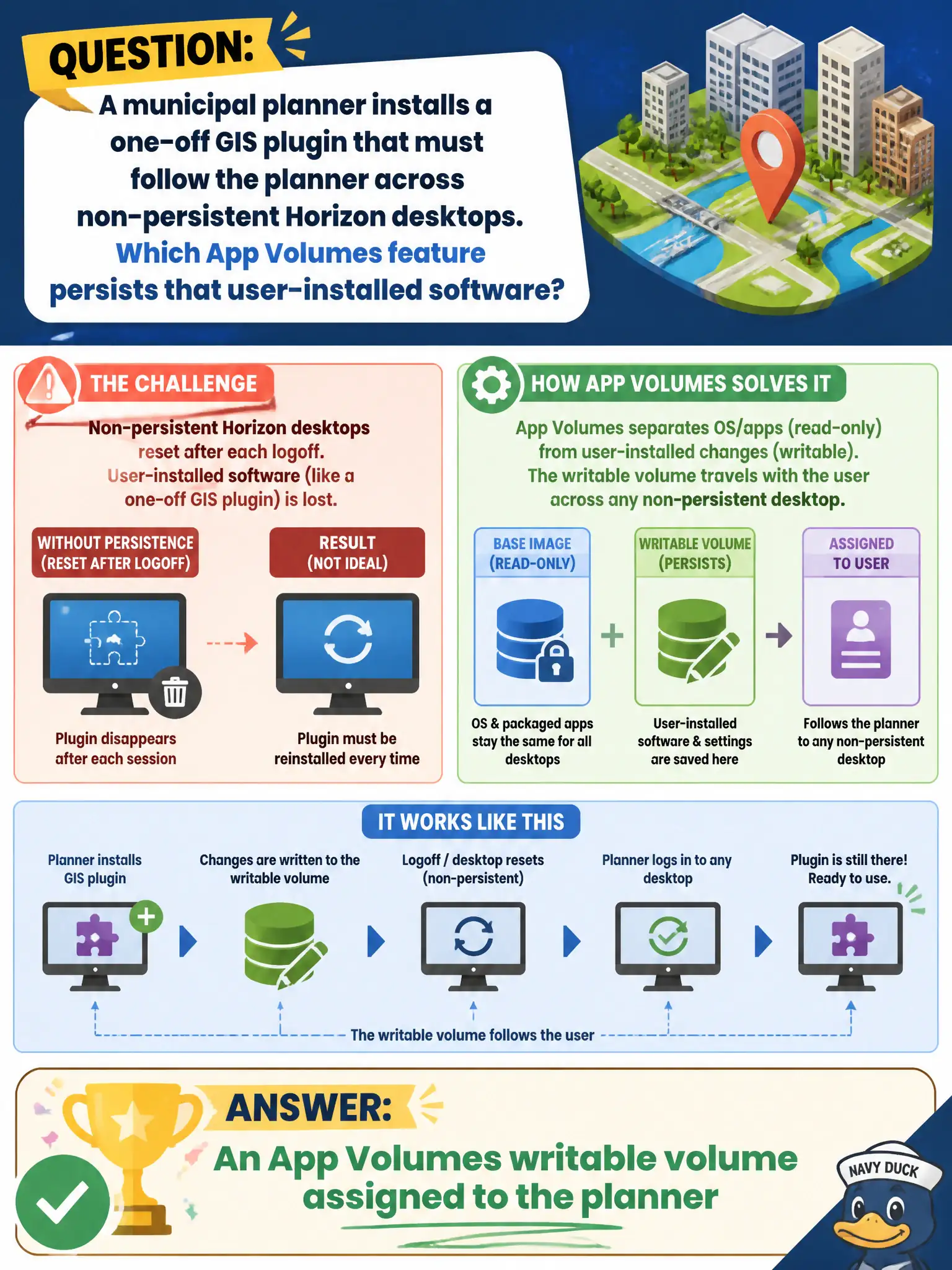
A municipal planner installs a one-off GIS plugin that must follow the planner across non-persistent Horizon desktops. Which App Volumes feature persists that user-installed software?
Select an answer to reveal the explanation.
Short Explanation
A writable volume is the planner's personal backpack on a disposable desk. Non-persistent clones wipe the OS, but the backpack—user-installed plugins and data—reattaches next session. Drive maps, Hub weblinks, and Cloud entitlements do not store that GIS plugin.
Full Explanation
A municipal planner who installs a one-off GIS plugin that must follow the planner across non-persistent Horizon desktops needs an App Volumes writable volume assigned to that user. Writable volumes persist user-installed software and suitable user data across non-persistent sessions so civic specialists keep personal tools without converting the whole pool to persistent disks. Dynamic Environment Manager drive maps that reconnect H: at logon restore folder mappings and similar settings; they do not persist arbitrary user-installed GIS plugins as App Volumes does with writables. Workspace ONE Intelligent Hub weblinks to a vendor portal open web resources and do not install Windows plugins into the planner’s desktop layer. Horizon Cloud Control Plane entitlement of a published RDS app delivers a different session model and is not the writable-volume answer for a one-off plugin on cloned desktops. Exam caveat: writables are user-scoped persistence; application packages are IT-delivered layers—pick writable when the stem stresses user-installed software that must roam. Operational check: assign a writable to the planner account, install the GIS plugin once, log across two non-persistent desktops, confirm the plugin remains, and ensure DEM drive maps alone were not relied on for that persistence.