
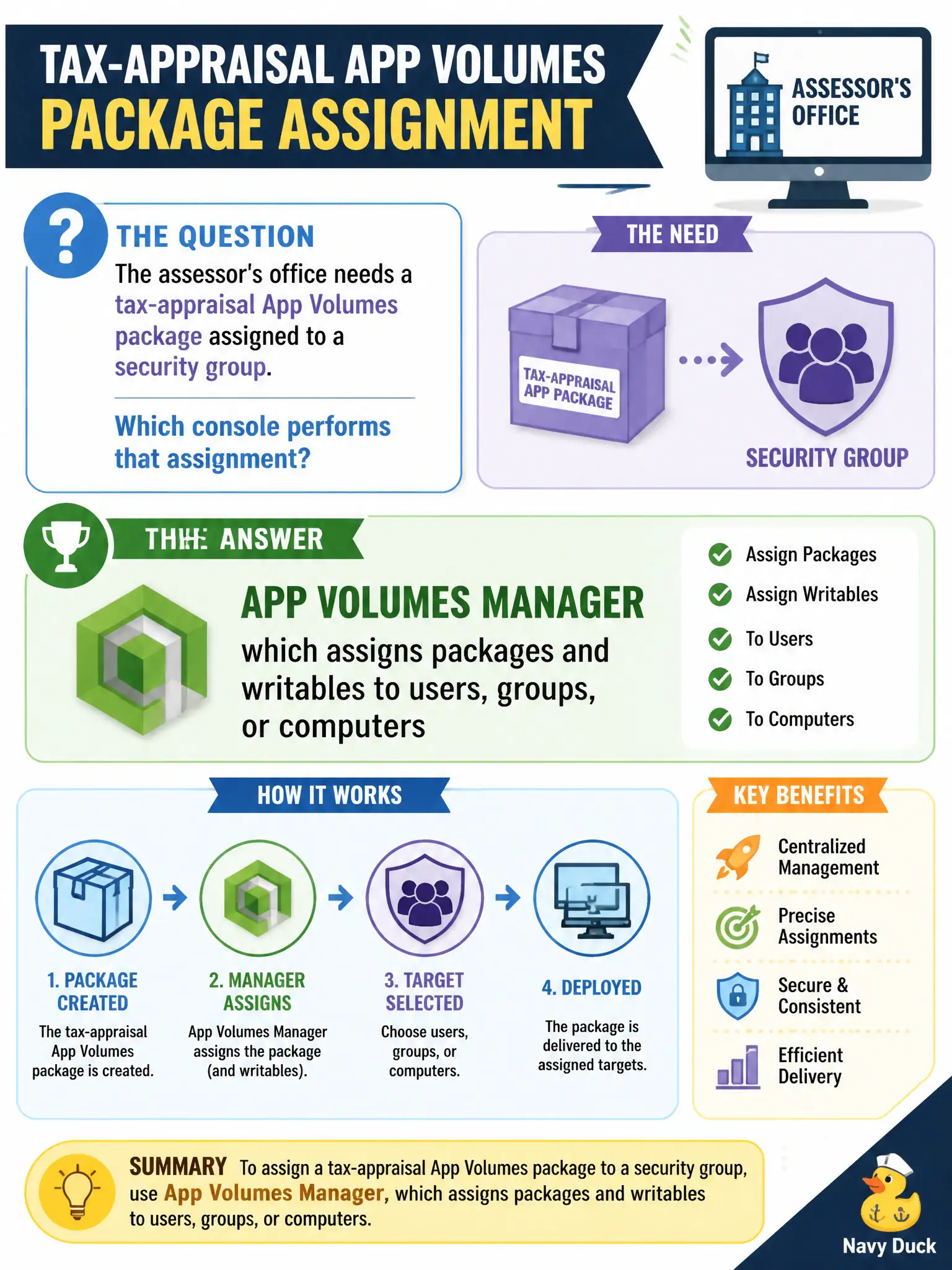
The assessor's office needs a tax-appraisal App Volumes package assigned to a security group. Which console performs that assignment?
Select an answer to reveal the explanation.
Short Explanation
Horizon Console hands out the desk. App Volumes Manager hands out the software that snaps onto that desk. Entitling a pool is not the same as assigning a package to the assessors group—use App Volumes Manager for the volume assignment.
Full Explanation
When the assessor’s office needs a tax-appraisal App Volumes package assigned to a security group, the console that performs that assignment is App Volumes Manager, which assigns packages and writables to users, groups, or computers. At associate depth, package entitlement lives in App Volumes Manager, not in Horizon pool entitlements alone and not in UEM device dashboards. Horizon Console pool entitlements grant desktop or published-app launch rights; they do not replace App Volumes Manager for attaching application layers. Workspace ONE UEM Devices dashboard manages enrollment and mobile/desktop UEM payloads; App Volumes packages are not MDM profiles. vSphere Client VM annotations do not store each clone’s AppStack inventory as the assignment system of record. Exam caveat: users often need both Horizon entitlement to a pool and App Volumes assignment of packages—passing only one console on the exam when the stem asks where packages are assigned is wrong. Operational check: in App Volumes Manager, assign the tax-appraisal package to the assessor AD group, log on an entitled desktop, confirm the package attaches, and verify Horizon Console was not used as the package-assignment UI.