
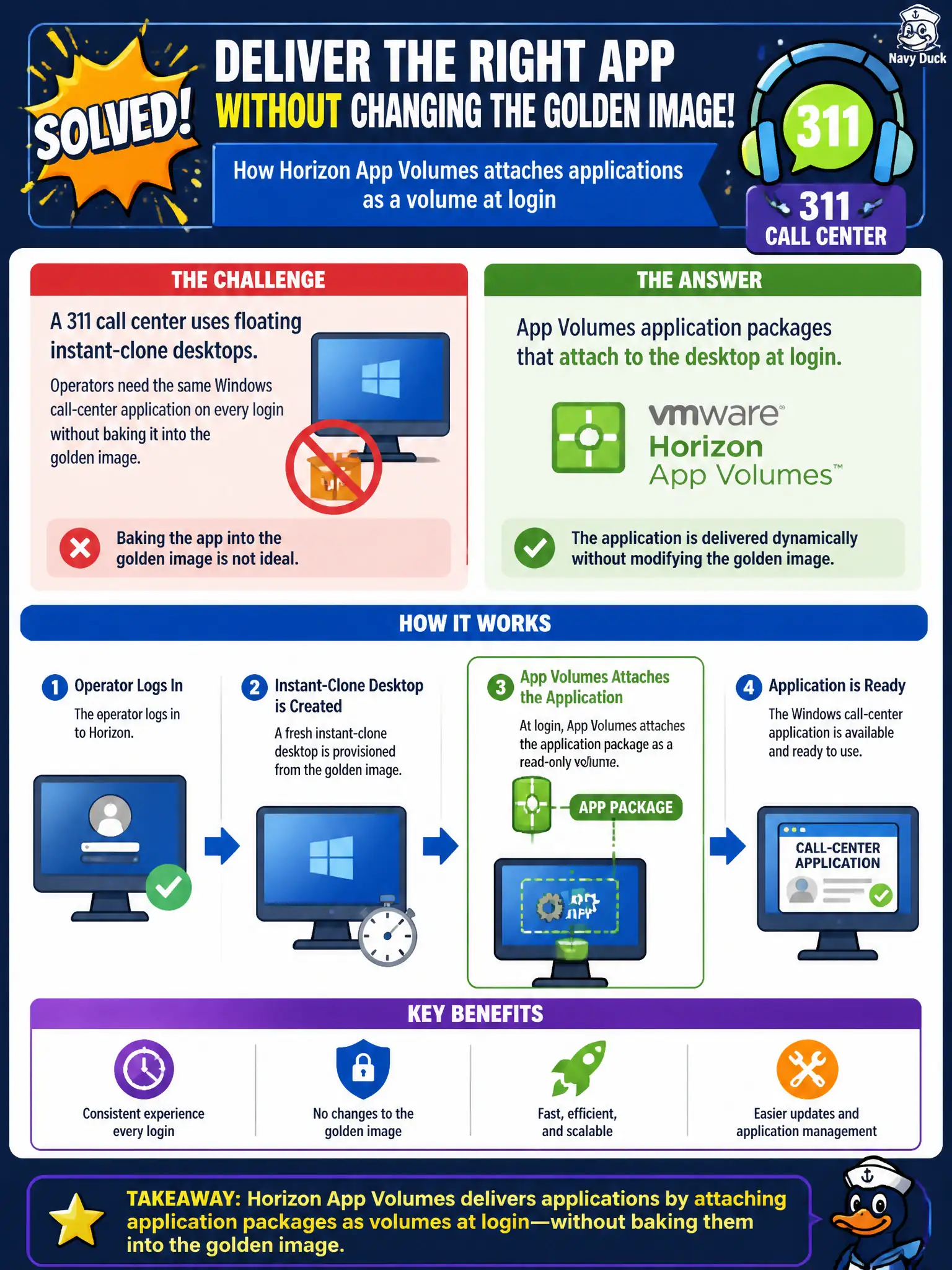
A 311 call center uses floating instant-clone desktops. Operators need the same Windows call-center application on every login without baking it into the golden image. Which Horizon companion product attaches that application as a volume at login?
Select an answer to reveal the explanation.
Short Explanation
Think of the gold image as a clean apartment and App Volumes as a moving truck that backs the call-center app up to the door at login. Floating clones throw the furniture away at logoff, so you do not paint the app onto every wall of the image. UEM catalogs, printer maps, and UAG are different jobs.
Full Explanation
A 311 call center using floating instant-clone desktops that must present the same Windows call-center application on every login without baking it into the golden image needs App Volumes application packages that attach to the desktop at login. App Volumes is the Horizon companion product for Windows application layering on VDI and RDSH, which fits seasonal or floating civic agents who should not carry local installs on non-persistent clones. Workspace ONE UEM public app catalog assignments target enrolled Android or iOS phones and do not attach Windows AppStacks to Horizon clones. Dynamic Environment Manager printer maps on a file share personalize the user environment; they do not deliver the call-center Windows application binary as a volume. Unified Access Gateway BLAST protocol proxy in the DMZ is the remote display edge, not an application-layering engine. Exam caveat: App Volumes packages are for Windows desktops and session hosts; do not answer UEM mobile catalog when the stem clearly describes Horizon instant clones. Operational check: assign the call-center package in App Volumes Manager to the 311 group, log on to a floating clone, confirm the application appears without a gold-image rebuild, log off and on again to a new clone, and verify the package reattaches cleanly.