
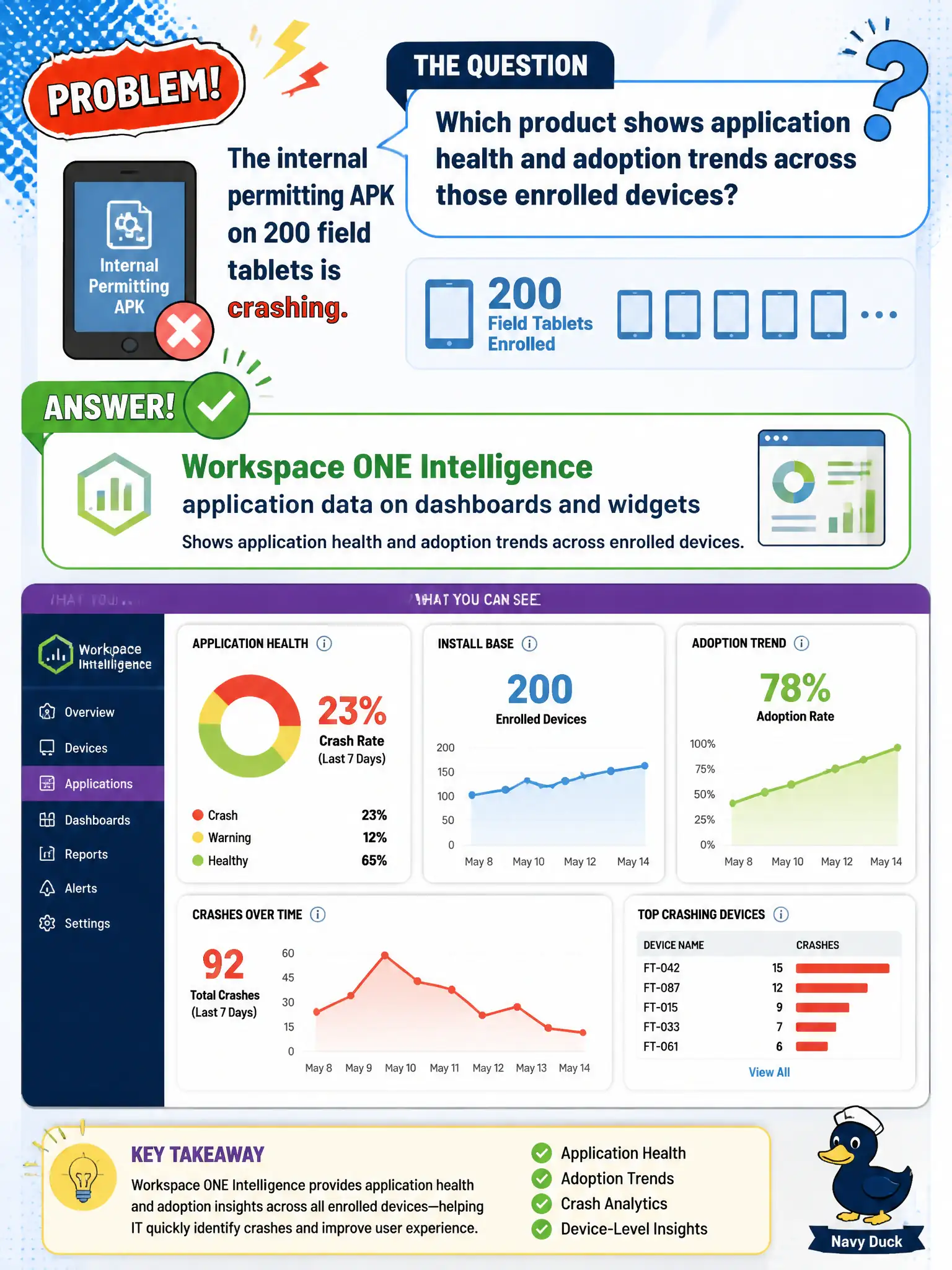
The internal permitting APK on 200 field tablets is crashing. Which product shows application health and adoption trends across those enrolled devices?
Select an answer to reveal the explanation.
Short Explanation
Two hundred crashing APKs is a fleet story, not a VDI layering story. Intelligence graphs app health and adoption from UEM. App Volumes, Horizon entitlements, and vCenter charts are watching other rooms.
Full Explanation
An internal permitting APK crashing across two hundred field tablets is a fleet application-health and adoption problem on Unified Endpoint Management–enrolled devices. Workspace ONE Intelligence surfaces application data on dashboards and widgets so civic EUC staff can trend crashes, versions, and adoption across those enrolled endpoints rather than guessing from a single user’s complaint. App Volumes Manager layers Windows applications onto VDI or RDSH desktops; it does not graph Android APK health on tablets. Horizon Console pool entitlement reports describe who may launch Windows desktops or published apps, not mobile APK adoption. vCenter Server performance charts show ESXi host and VM resource metrics and do not replace Intelligence application widgets for civic mobile apps. Exam caveat: Intelligence shows trends from telemetry; remediation still means fixing the APK assignment, version, or device state in UEM (or the app itself). Operational check: open Intelligence application widgets for the permitting APK, confirm crash or adoption signals align with the two hundred enrolled tablets in UEM, and validate that updating or reassigning the app in UEM changes the trend on the next data refresh.