
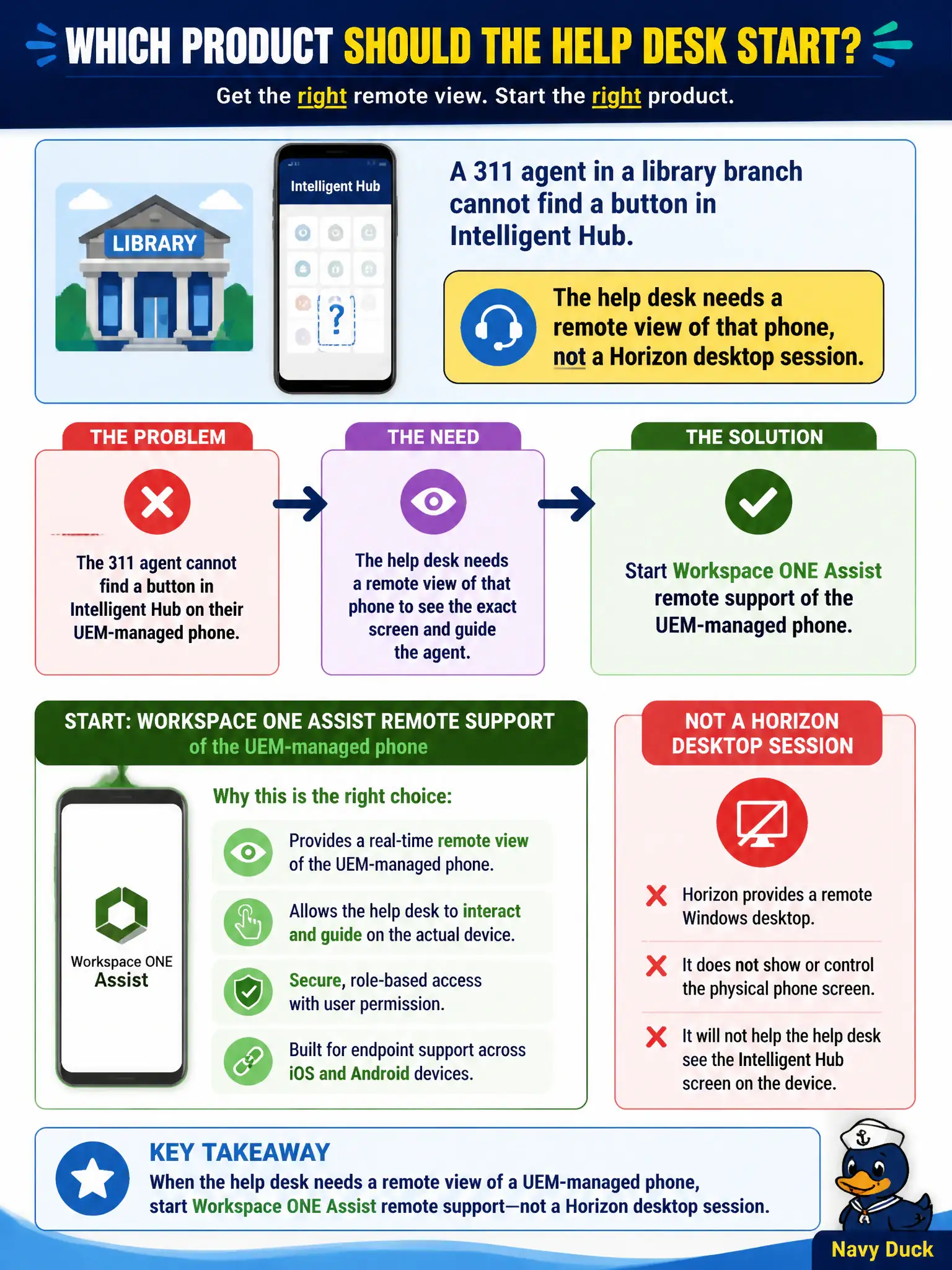
A 311 agent in a library branch cannot find a button in Intelligent Hub. The help desk needs a remote view of that phone, not a Horizon desktop session. Which product should they start?
Select an answer to reveal the explanation.
Short Explanation
The agent is holding a phone, not sitting in a floating clone. Assist is the remote pair of eyes on a UEM endpoint. Help Desk shadows VDI, Intelligence prints trends, and App Volumes does not attach Hub to iOS.
Full Explanation
A 311 agent in a library branch who cannot find a button in Intelligent Hub needs a remote view of that managed phone, not a Horizon desktop shadow. Workspace ONE Assist is the remote-support product for Unified Endpoint Management endpoints and is the correct place to start an attended or configured remote session on the agent’s device so help desk can see Hub exactly as the user does. Horizon Help Desk connects to VDI sessions such as floating clones; it does not remote-control a UEM-managed phone. Workspace ONE Intelligence weekly PDFs describe fleet adoption trends and will not show the missing Hub button on one device. App Volumes Manager attaches Windows application packages to desktops; it does not attach Hub packages to iOS or Android phones. Exam caveat: Assist requires licensing, permissions, and often user consent depending on civic policy; it is distinct from Intelligence analytics and from Horizon Help Desk. Operational check: locate the agent’s enrolled phone in UEM, start an Assist remote-support session per health or privacy policy, confirm the Hub UI matches the user’s report, and close the session without treating Intelligence reports as a substitute for live support.