
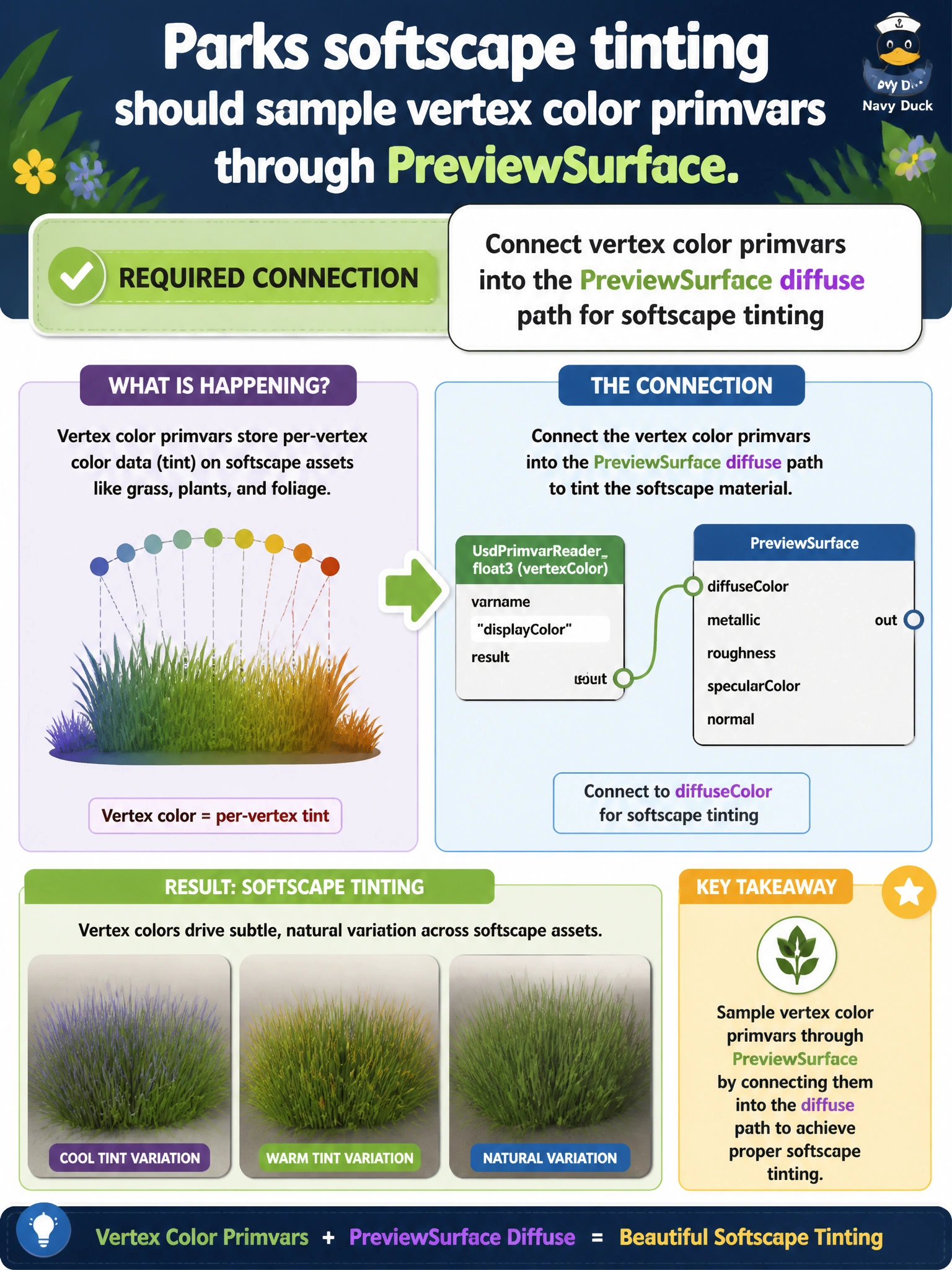
Parks softscape tinting should sample vertex color primvars through PreviewSurface. What connection is required?
Select an answer to reveal the explanation.
Short Explanation
You can bring the authored softscape tint through by connecting the vertex color primvars to PreviewSurface’s diffuse path. That connection lets the park beds show their intended colors.
Full Explanation
Parks softscape tinting commonly lives in vertex color primvars on planting beds or other softscape meshes. Connecting those primvars to the PreviewSurface diffuse path lets the shading network sample the authored colors, so softscape appears as intended in municipal viewers without baking a separate texture solely for temporary tint experiments. Lighting-only shading never samples the mesh primvars, leaving the tint data unused on the geometry. Reading colors exclusively from unrelated root customData does not read mesh vertex colors and generally cannot provide per-vertex softscape variation. A constant-white diffuse input without a primvar input removes the authored tint and produces a flat, uninformative look. Exam caveat: the vertex color primvars must use the interpolation and primvar name expected by the reader; a mismatch can yield flat or incorrect tint even when the network appears connected. Document the primvar naming convention so parks artists and visualization engineers stay aligned. Practical check: confirm the softscape meshes carry vertex color primvars, connect them to PreviewSurface diffuse, and inspect the tinted beds in the parks twin. On a test layer, break the connection or use constant white and confirm the tint disappears; restore the primvar connection and publish.