
An evidence-scene reconstruction unit needs mesh colors from displayColor primvars to drive diffuse in the viewer. What should viz build?
Select an answer to reveal the explanation.
Short Explanation
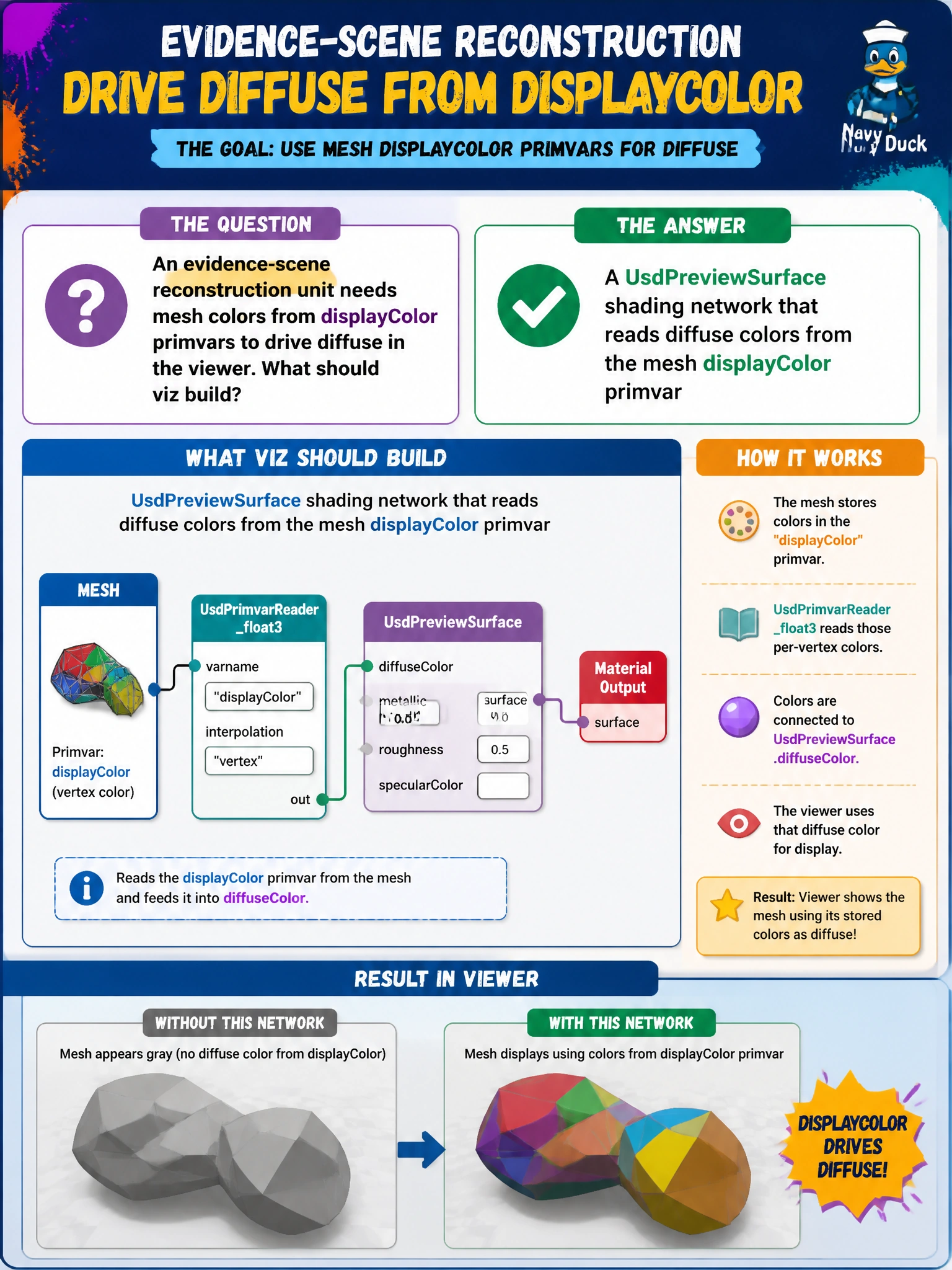
You can make the evidence colors appear live by connecting a UsdPreviewSurface network to read diffuse colors from the mesh’s displayColor primvar. That way, the viewer shades the mesh with the colors you authored.
Full Explanation
Evidence-scene reconstruction units may author status or evidence colors as displayColor primvars on meshes. A UsdPreviewSurface shading network that reads diffuse colors from the mesh displayColor primvar connects those authored colors to shaded visualization, so you see the mesh colors live in the viewer. A flatten that deletes all primvars removes the color source the shading network needs. A slideshow of screenshots with no UsdShade network cannot provide an interactive shader path or update when primvars change. A custom string attribute that records the primvar name but is never connected to shading is documentation only; it cannot drive diffuse. Exam caveat: the network needs the correct primvar-reader connection to diffuseColor (or the equivalent PreviewSurface input) and matching primvar interpolation. A wrong connection leaves displayColor unused, even if the primvar exists on the mesh and appears correct in an attribute dump. Practical check: author displayColor on an evidence mesh, connect a PreviewSurface network to sample it for diffuse, and inspect the reconstruction. On a test variant, flatten and delete the primvars and confirm the colors disappear; then restore the primvar-driven network and publish for the evidence unit.