
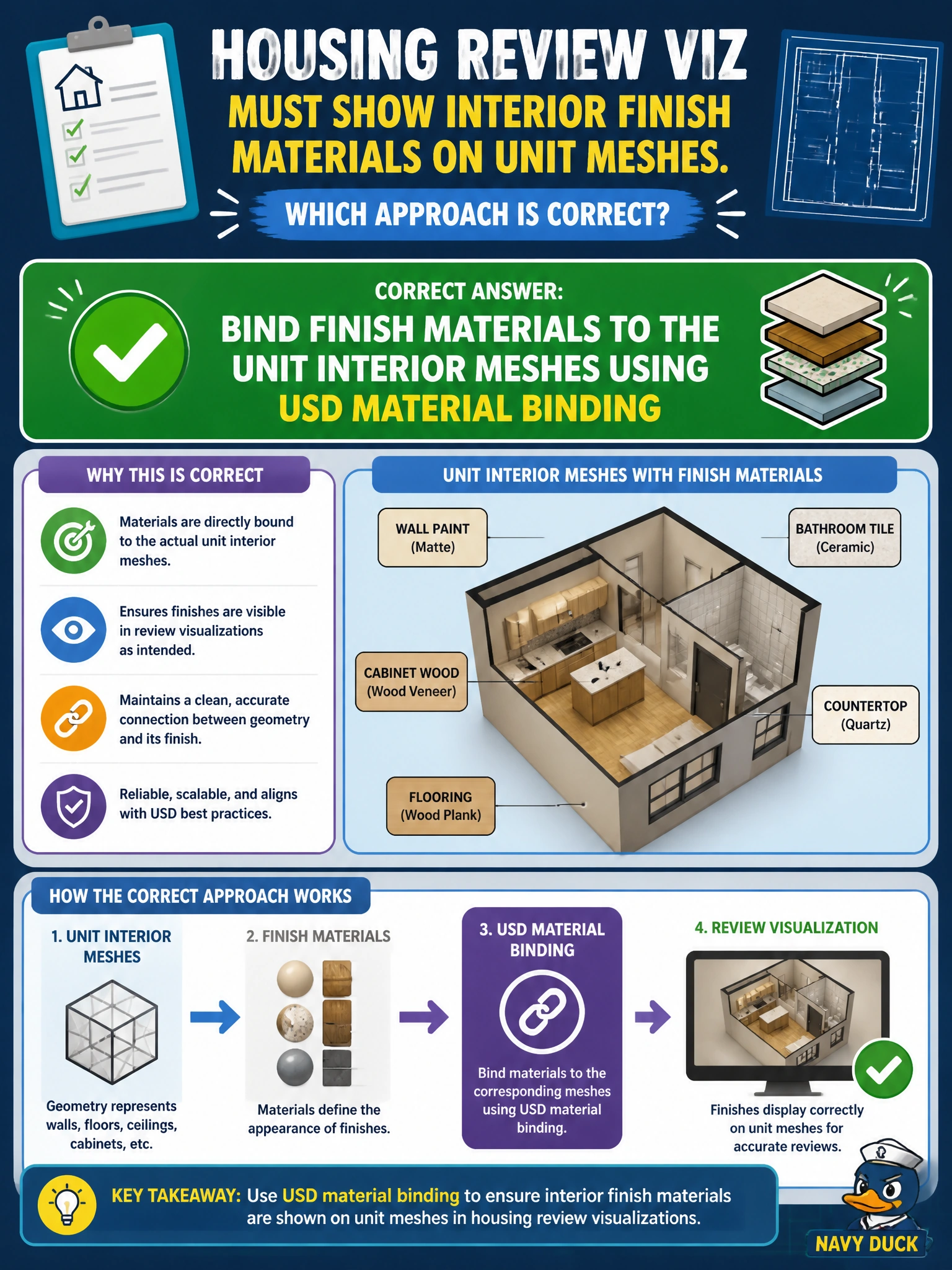
Housing review viz must show interior finish materials on unit meshes. Which approach is correct?
Select an answer to reveal the explanation.
Short Explanation
You want reviewers to see finishes on the walls, not in a brochure beside the workstation. Bind the finish materials to the unit interior meshes with USD material binding so the stage displays them.
Full Explanation
Housing review visualization must present interior finishes on the unit meshes reviewers walk through in the twin. Binding finish materials to the unit interior meshes using USD material binding attaches UsdShade looks to the correct geometry, so the review stage shows walls, floors, and millwork as intended rather than as unshaded proxies. A printed brochure beside the workstation informs people, but it does not shade the stage when the twin opens at another desk. Random displayName strings without UsdShade confuse naming with materials and provide no bindable shade network. Muting all shade layers leaves interiors unshaded and defeats the purpose of finish review. Exam caveat: ensure bindings target the interior mesh prims or subsets actually used in the unit walkthrough. Binding to a proxy or hidden LOD that the review camera never shows may look correct in the hierarchy inspector but fail in visualization. Practical check: bind finishes to the unit interior meshes, open the housing review stage, and orbit the interior cameras to confirm the finishes appear. Mute shade layers for a negative test and confirm the interiors become unshaded; unmute and verify the bindings remain. Then lock the binding approach into the housing package checklist.