
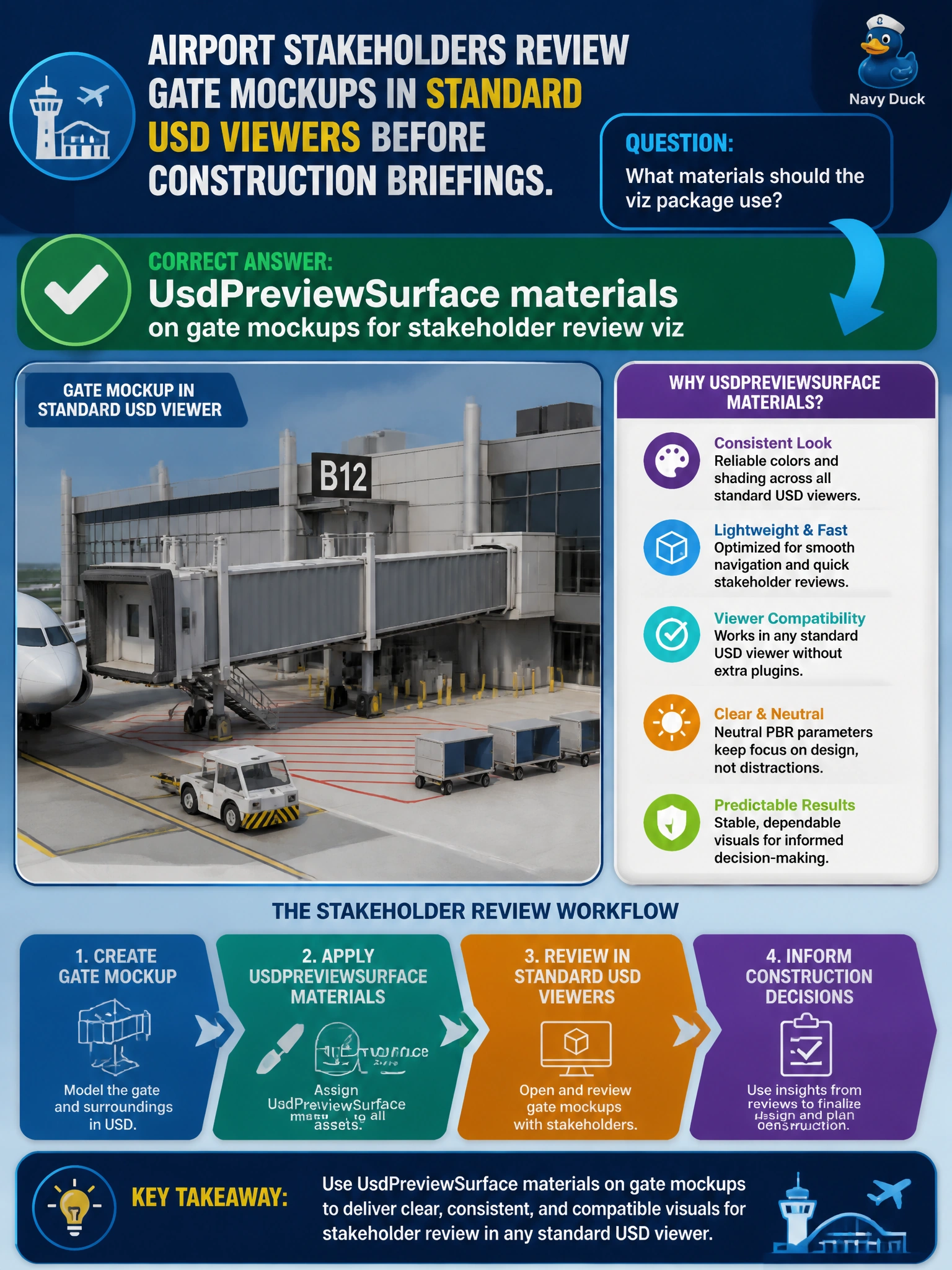
Airport stakeholders review gate mockups in standard USD viewers before construction briefings. What materials should the viz package use?
Select an answer to reveal the explanation.
Short Explanation
Briefing day is not the time for a mystery renderer license—UsdPreviewSurface on gate mockups lets stakeholders see finishes in the viewers they already have.
Full Explanation
Airport construction briefings often happen in standard USD viewers, not in a single licensed offline renderer. UsdPreviewSurface materials on gate mockups for stakeholder review viz match that constraint: finishes are visible in the tools stakeholders already have, reducing briefing risk from missing licenses or exotic shade networks that only one lookdev seat can open.
Materials that require a single licensed offline renderer only exclude reviewers who lack that seat and fail the shared briefing workflow. Providing no materials forces stakeholders to imagine finishes, which defeats visual review of gate mockups. Excel RGB cells never bound to meshes cannot drive USD shading regardless of how carefully colors were chosen in the spreadsheet.
Exam caveat: PreviewSurface is appropriate for stakeholder mockup viz; final bid packages might later add richer looks, but the exam focus is portable USD materials for common viewers before construction briefings. Always bind materials to the gate meshes that appear in the walkthrough cameras.
Operational check: publish gate mockups with UsdPreviewSurface, open on a stakeholder laptop with only a standard USD viewer installed, confirm finishes read clearly, attempt a renderer-only material package without PreviewSurface fallback and document the viewer failure, then standardize on PreviewSurface for briefing packages.