
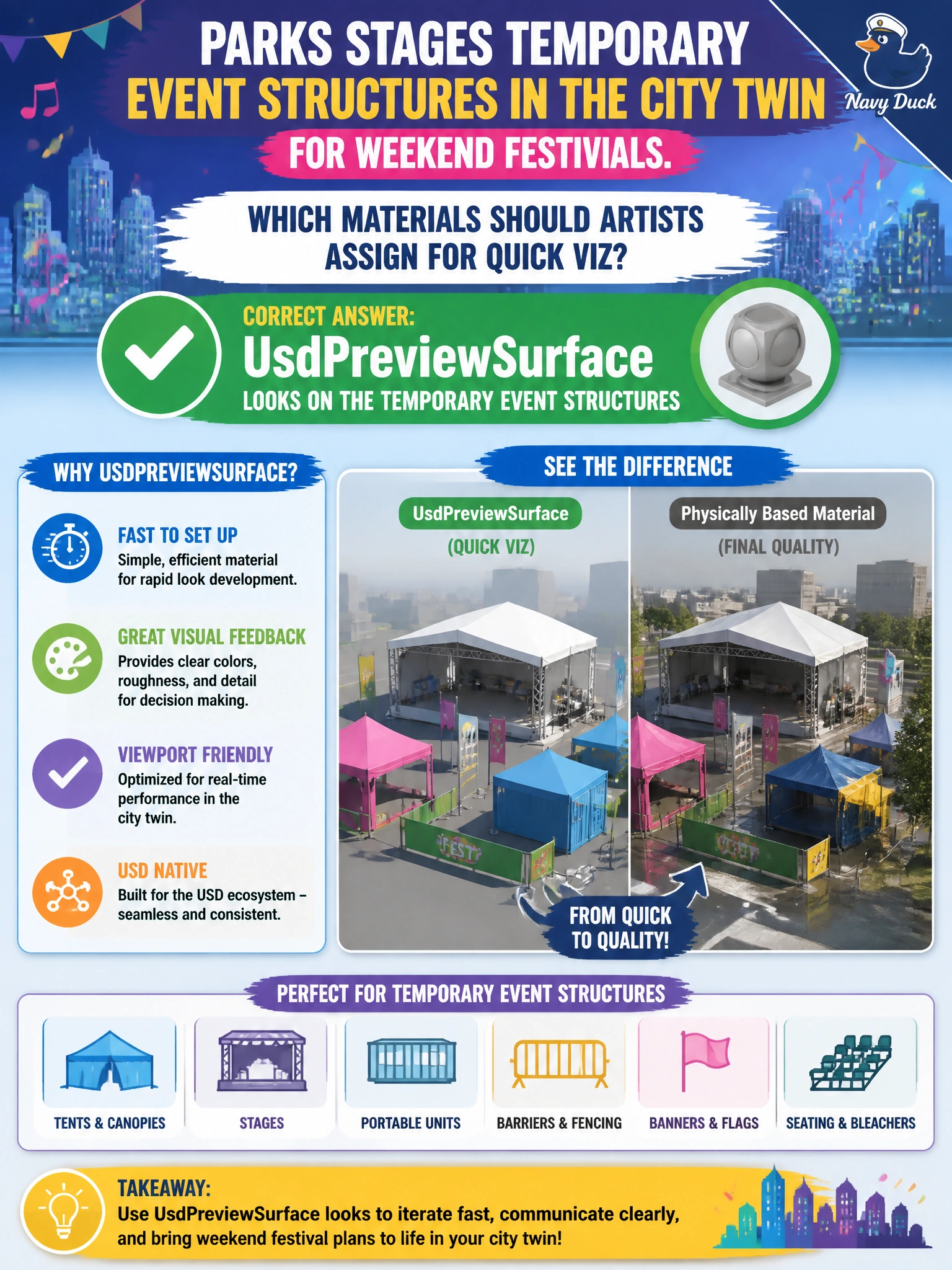
Parks stages temporary event structures in the city twin for weekend festivals. Which materials should artists assign for quick viz?
Select an answer to reveal the explanation.
Short Explanation
You want the weekend structures to look right when the city viewer opens the twin on Monday. Assign UsdPreviewSurface looks to those temporary structures for a quick, portable material path.
Full Explanation
Parks’ weekend festival structures are temporary, but they still need to visualize correctly in the city twin before and during the event. UsdPreviewSurface looks on those structures provide artists with a fast, portable material path that municipal viewers can load without film-studio toolchains or unsupported lookdev graphs. Film-studio-only lookdev graphs that no municipal viewer supports may produce attractive studio previews, but they leave parks staff with structures that do not display correctly in the twin. Materials stored solely as PowerPoint slide fills are outside USD and cannot shade the structures in the twin. Raw binary blobs with no UsdShade schema cannot bind or shade through the standard USD material pipeline used by city viewers. Exam caveat: temporary does not mean schema-free; even short-lived event geometry benefits from PreviewSurface so automated twin publishes and stakeholder viewers behave predictably. Do not defer materials until after the festival if the twin will support safety and layout briefings beforehand. Practical check: shade a temporary tent or stage prototype with UsdPreviewSurface, compose it into the weekend parks twin, and open it in the city viewer to confirm the look appears. Then test a raw binary blob with no UsdShade schema on a separate layer and confirm it fails to shade; use PreviewSurface for the event publish.