
Transit platform assets must look consistent in multiple stakeholder viewers. Which material choice best supports that portability?
Select an answer to reveal the explanation.
Short Explanation
When you share platform assets across stakeholder viewers, you need a shared visual language—like station clocks showing the same time. UsdPreviewSurface materials help your transit assets keep a consistent look across those viewers.
Full Explanation
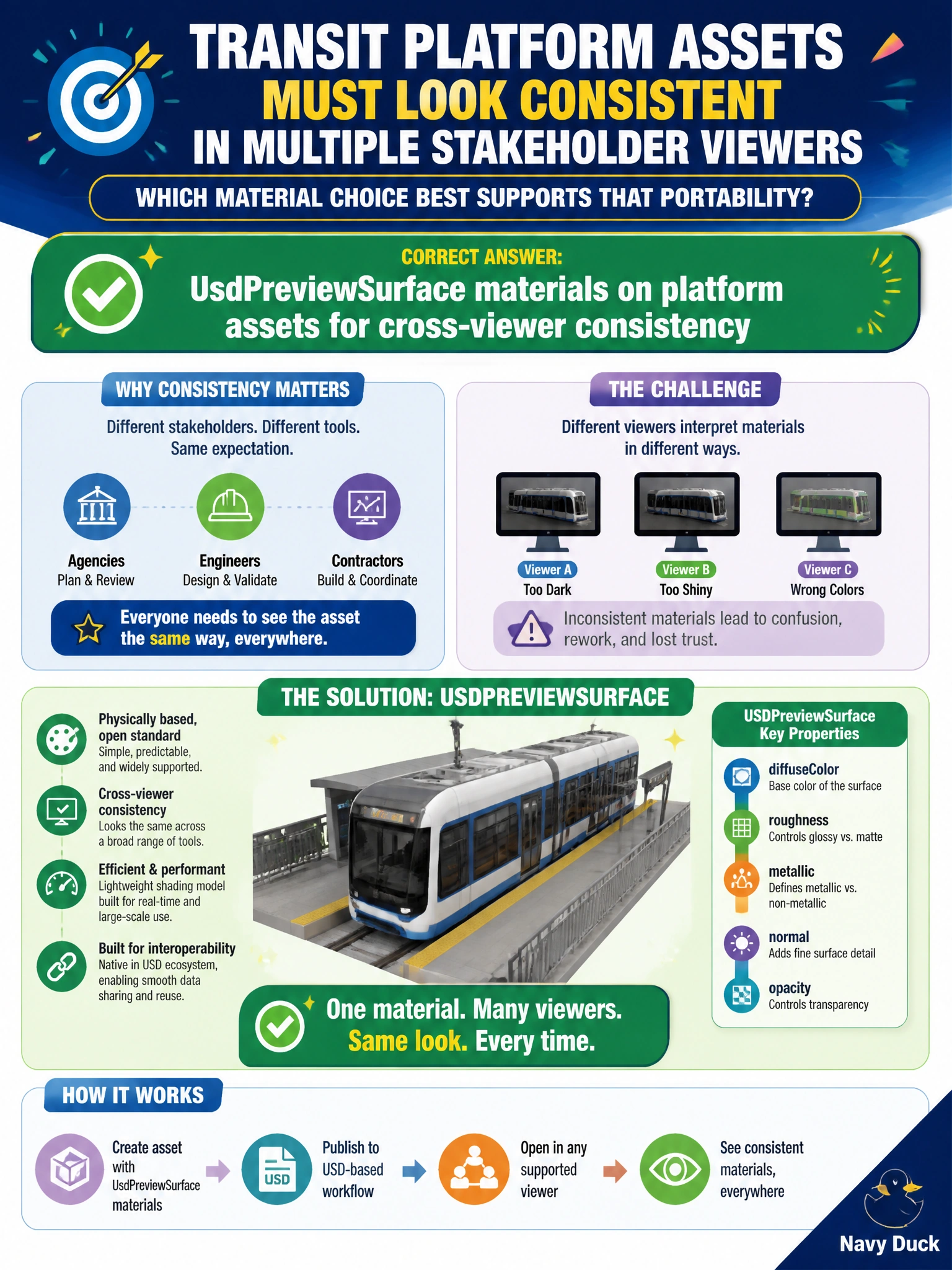
Transit platform assets reviewed in multiple stakeholder viewers need materials that travel with the USD, rather than depending on a single GPU or DCC session. UsdPreviewSurface materials on platform assets support cross-viewer consistency: the same portable shading description can open in viewers used by operations teams, consultants, and oversight without re-authoring the look for each tool. A one-off GPU shader binary committed beside each mesh is not portable, may be OS- or GPU-specific, and sits outside UsdShade. Materials that exist only inside a single DCC session cache can disappear when the session ends or another application opens the file. Having no materials and choosing color randomly each open undermines repeatable stakeholder review and auditability of platform finishes. Exam caveat: creating a PreviewSurface prim is not enough; bindings and parameter values must be authored so viewers shade the platform meshes. An empty or unbound PreviewSurface prim can still fail stakeholder visualization even though the material type is correct. Practical check: assign UsdPreviewSurface to a platform asset, publish it, and open it in two stakeholder viewers to confirm consistent looks; compare with a session-cache-only material package, which fails on the second machine, and keep PreviewSurface as the transit packaging standard.