
City visualization needs lightweight, portable looks on plaza furniture for public twin viewers. Which material approach fits?
Select an answer to reveal the explanation.
Short Explanation
UsdPreviewSurface is the common jacket that fits most public viewers—put it on plaza furniture so the twin looks consistent without locking to one renderer.
Full Explanation
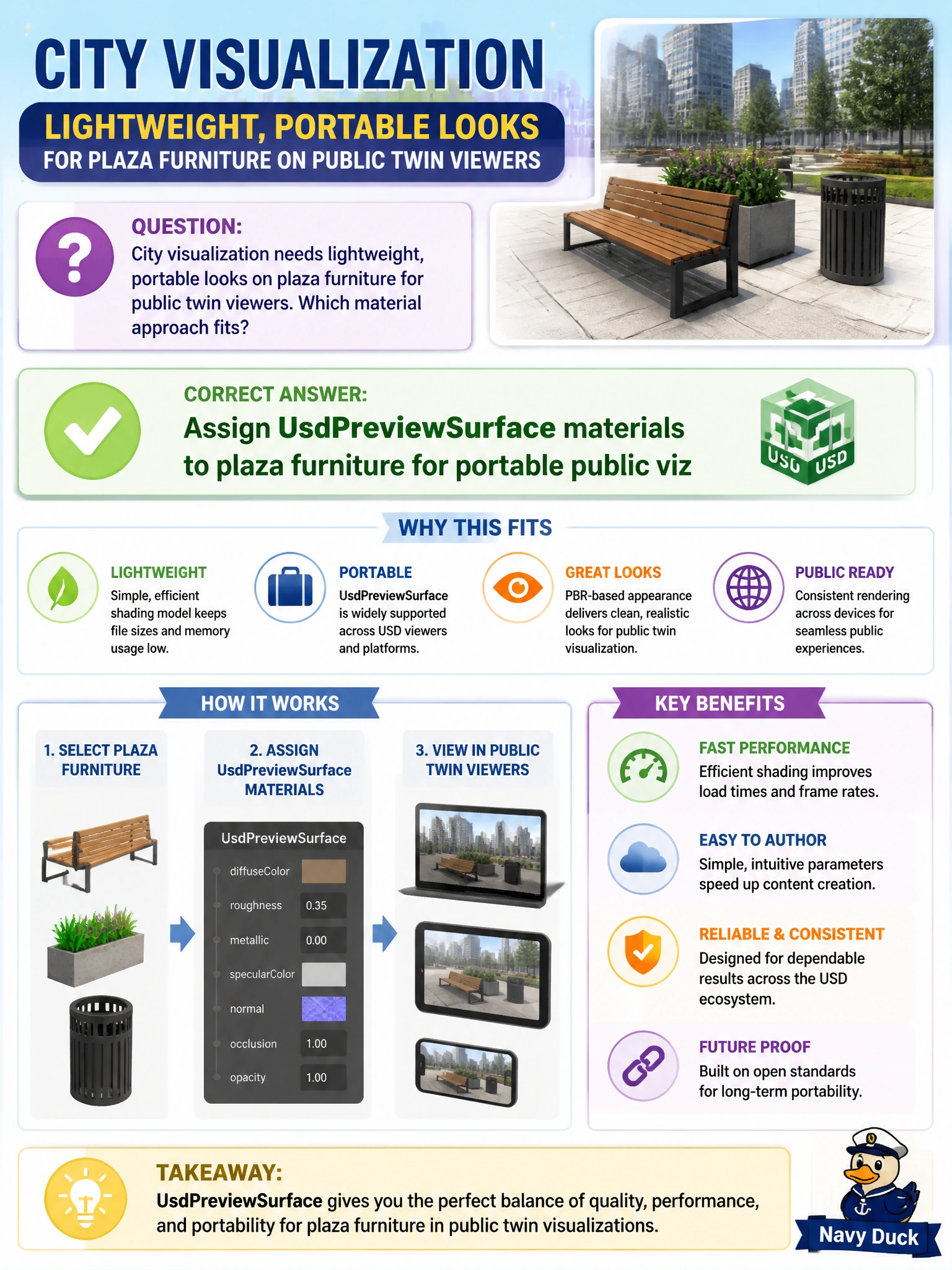
City visualization for plaza furniture in public twin viewers needs lightweight looks that open without specialized renderer licenses. Assigning UsdPreviewSurface materials to plaza furniture for portable public viz supplies a schema-based, widely supported material model so citizens, staff, and consultants see consistent furniture shading in common USD viewers.
Proprietary renderer-only materials with no USD binding may look correct in one offline seat and fail in every public viewer the city actually ships. Omitting all materials and relying on wireframe forever shows structure without finish or material intent for plaza review. Encoding materials only as free-text notes in customData records intent for humans but never binds UsdShade looks to furniture meshes.
Exam caveat: UsdPreviewSurface is the portable civic baseline, not always the final cinematic look. Pipelines may add richer materials in specialized layers later, but public twin packages should still carry PreviewSurface (with correct bindings) so default municipal viewers are not blank or wireframe-only.
Operational check: assign UsdPreviewSurface to plaza furniture, open the public twin in two standard USD viewers, confirm furniture looks appear, replace with unbound proprietary-only materials on a test copy and document viewer failure, then restore PreviewSurface for the city viz publish.