
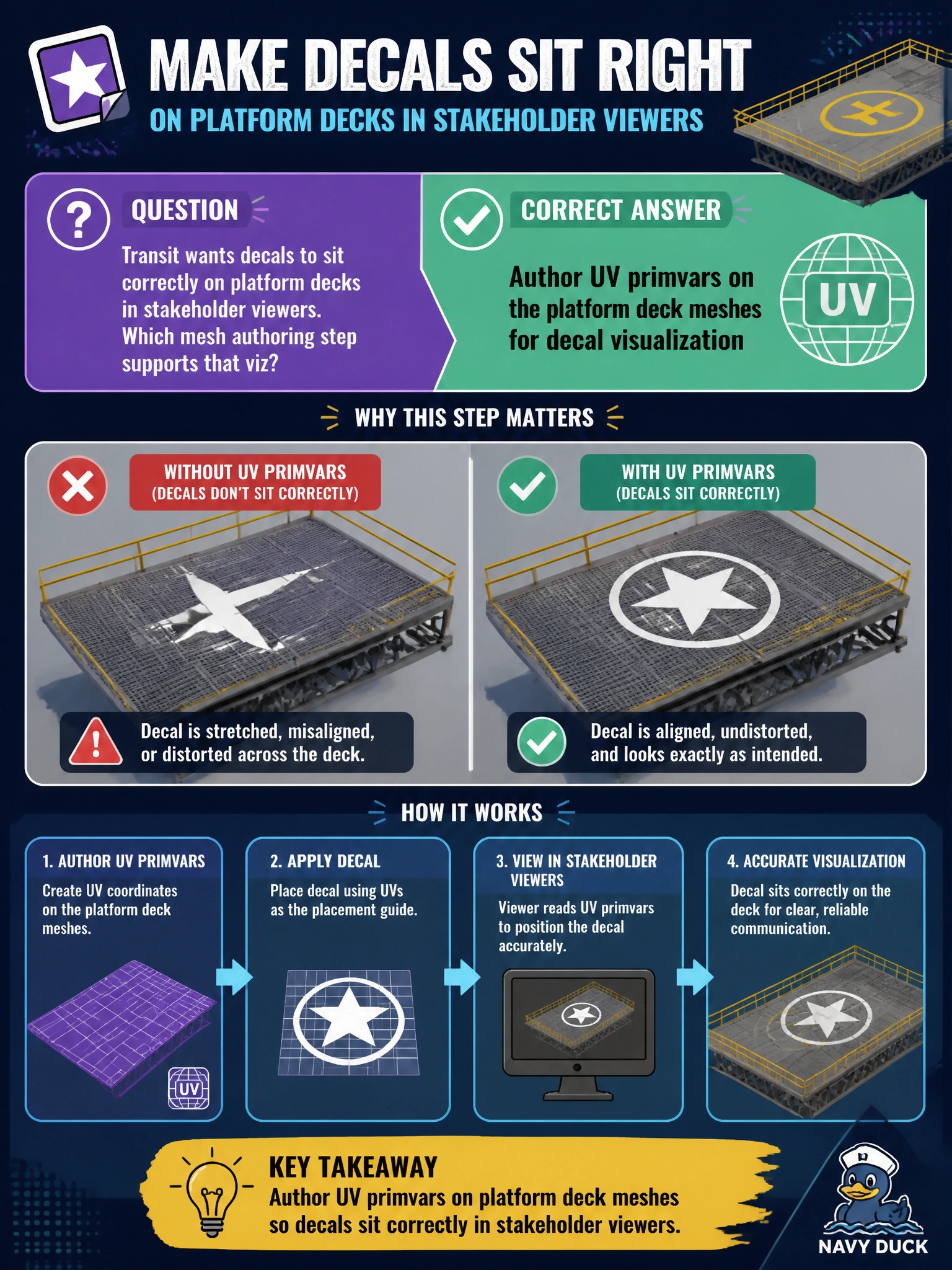
Transit wants decals to sit correctly on platform decks in stakeholder viewers. Which mesh authoring step supports that viz?
Select an answer to reveal the explanation.
Short Explanation
Decals need a map—UV primvars are the grid lines on the platform deck. Author them on the mesh so viz can place markings where riders actually walk.
Full Explanation
Transit decals on platform decks require parameterized surface coordinates. Authoring UV primvars on the platform deck meshes gives shaders and decal workflows a stable mapping so markings sit where riders walk and wayfinding belongs. Without UVs, decal placement in stakeholder viewers becomes guesswork or renderer invention.
Deleting all UV-related data forces shaders to invent coordinates, which typically stretches or misplaces decals across the deck. Storing UV layouts only in a paper binder keeps the mapping outside USD, so no viewer can apply it when the twin opens. Replacing deck meshes with untyped Xform prims removes geometry entirely; Xforms transform hierarchy but cannot carry deck surfaces or UV primvars for decals.
Exam caveat: UV primvars must match the mesh topology and indexing the shader expects (face-varying versus vertex conventions). Wrong interpolation or stale UVs after remeshing will still misplace decals even when UV data technically exists on the prim.
Operational check: inspect platform deck meshes for UV primvars, apply a known decal material in the stakeholder viewer, confirm alignment against physical platform photos or CAD marks, intentionally clear UVs on a copy and observe breakage, then restore authored UVs and re-verify placement before transit publish.