
Public-works visualization needs color-coded curb inspections in the twin viewer. What should the viz team add to the curb meshes?
Select an answer to reveal the explanation.
Short Explanation
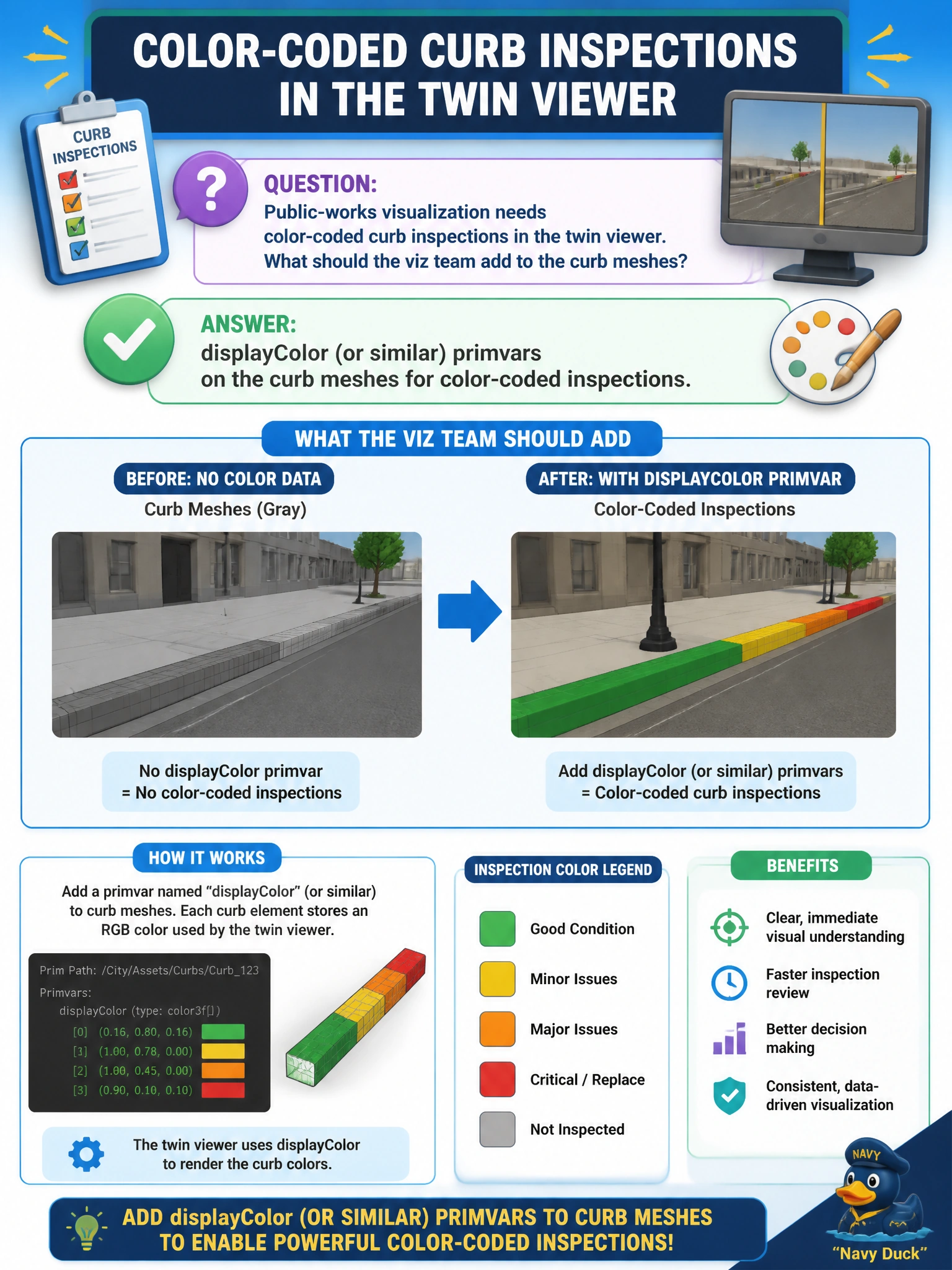
You can add a displayColor-style primvar to each curb mesh, like marking inspection status with chalk on a sidewalk. That lets you see color-coded inspections in the twin viewer without rebuilding the geometry.
Full Explanation
Public-works curb inspection visualization needs status to be readable directly on geometry in the twin viewer. Adding displayColor or similar primvars to curb meshes attaches per-mesh or per-vertex colors that viewers and PreviewSurface networks can consume for color-coded inspections, without rebuilding topology or inventing parallel non-USD markup. A root-layer mute without mesh attributes only toggles layer visibility; it does not encode inspection colors on curbs. A composition arc that removes every curb mesh takes the assets under review out of the viewer instead of visualizing them. Storing GPU firmware updates as mesh points confuses hardware maintenance with geometric primvars and destroys mesh meaning. Exam caveat: displayColor is a visualization primvar, useful for inspections and lightweight visualization, but it is not a substitute for authoritative asset databases. Document how colors map to inspection states so crews interpret the twin consistently across districts. Practical check: author displayColor on a sample curb mesh for a known inspection state, open the twin in the municipal viewer, and confirm the expected color appears. Change the primvar to another state, reload, and verify the visualization updates without destructive composition arcs or muting the curb layer entirely.