
An administrator must protect production AHV VMs with Nutanix backups, but users report slow response during backup jobs. Which scheduling change best reduces production I/O contention?
Select an answer to reveal the explanation.
Short Explanation
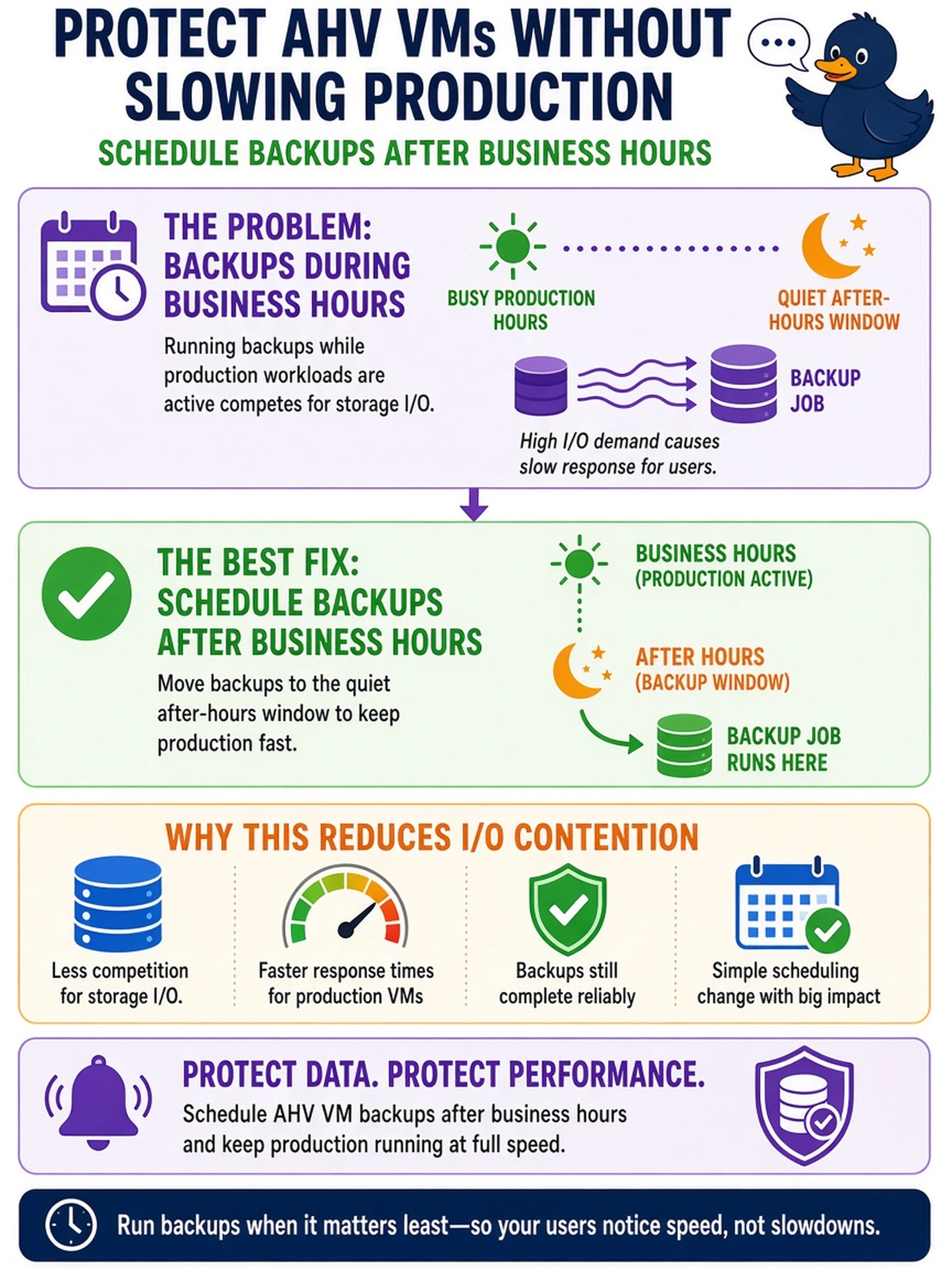
Think of backups like lawn mowing: you don't do it while the kids are playing outside. Run them after business hours so your production I/O isn't fighting for the same disk resources. The trap is chasing RPO or network hops instead of timing the heavy job around real user load.
Full Explanation
Backup jobs read VM disks and metadata, so their timing determines whether they compete with production I/O. Scheduling backups after business hours moves snapshot creation, read amplification, and data movement into a period with lower user demand, reducing latency impact while still meeting retention requirements. Scheduling during business hours assumes idle network bandwidth, but production storage queues and application I/O are already busy, so the backup can worsen response times. Scheduling hourly minimizes recovery point objectives but increases read and metadata load, directly conflicting with the goal of reducing performance impact. Scheduling on the same node as production VMs may seem to reduce network hops, yet Nutanix distributes data across the cluster and backup reads still consume local disk and CPU resources; it does not address the underlying contention window. Exam caveat: choose the change that shifts heavy backup I/O to a low-demand window, not the change that only improves RPO or theoretical network path. Operational check: review backup job schedules and confirm the window starts after peak application usage, then monitor VM latency and disk queue depth during the first runs.