
A production VM was deleted, and another VM's application disk is corrupted. The cluster uses a protection domain with async replication to a DR site and scheduled backups to an external backup server. Which action recovers both VMs while keeping the DR copy intact?
Select an answer to reveal the explanation.
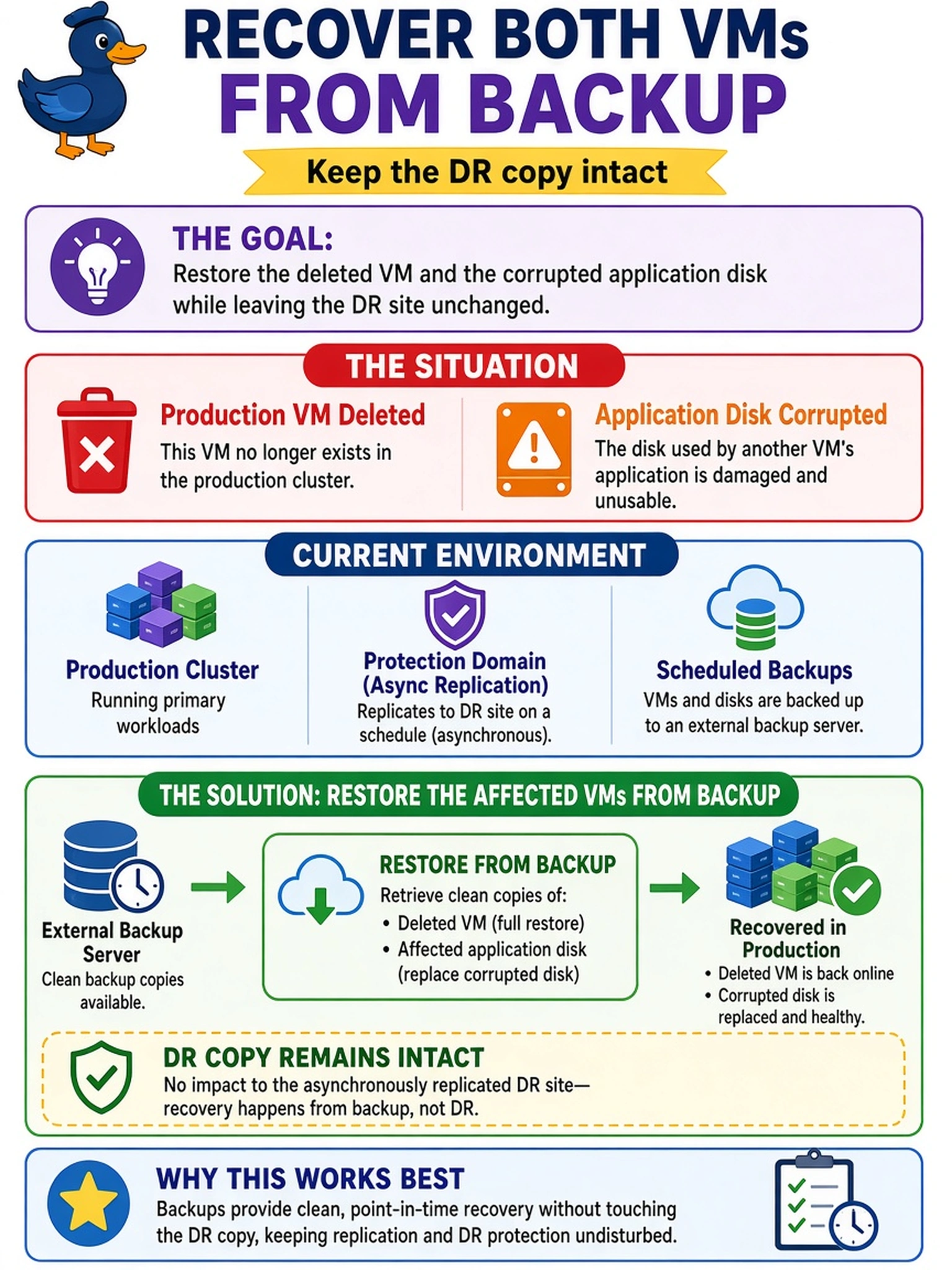
Short Explanation
Think of backups as your safety copy of the VM files, not just a way to satisfy audit. If a VM vanishes or a disk goes sideways, you restore the backup and get your workload back. Replication is for disaster failover, not a magic undo button for everyday damage.
Full Explanation
Backup integration is designed to retain point-in-time copies of protected workloads on external backup targets, so a restore operation can bring back a VM that was deleted or repair a VM whose disk contents became corrupt. In a Nutanix multicloud estate, the backup copy is the recovery source when the failure is local data loss or corruption, while the protection-domain replica remains the DR copy for site-level failover. Restoring from the remote protection-domain replica confuses DR replication with backup retention; it may not satisfy the backup schedule, can expose the DR copy to recovery traffic, and is not the intended path for restoring a deleted or corrupted VM. Recreating a VM through automation or attaching a replacement disk does not recover the backed-up operating system, application state, or file system contents, and protection-domain metadata is not a backup image. Running health checks or forcing replication helps diagnose or refresh DR state, but it neither restores deleted VM files nor repairs corrupted guest disks. Exam caveat: choose backup restore when the requirement is recovering lost or damaged VM data, not surviving a site outage. Operational check: confirm the backup server catalog shows the target VMs as protected, then perform a restore to an isolated network or new name before reconnecting workloads.