
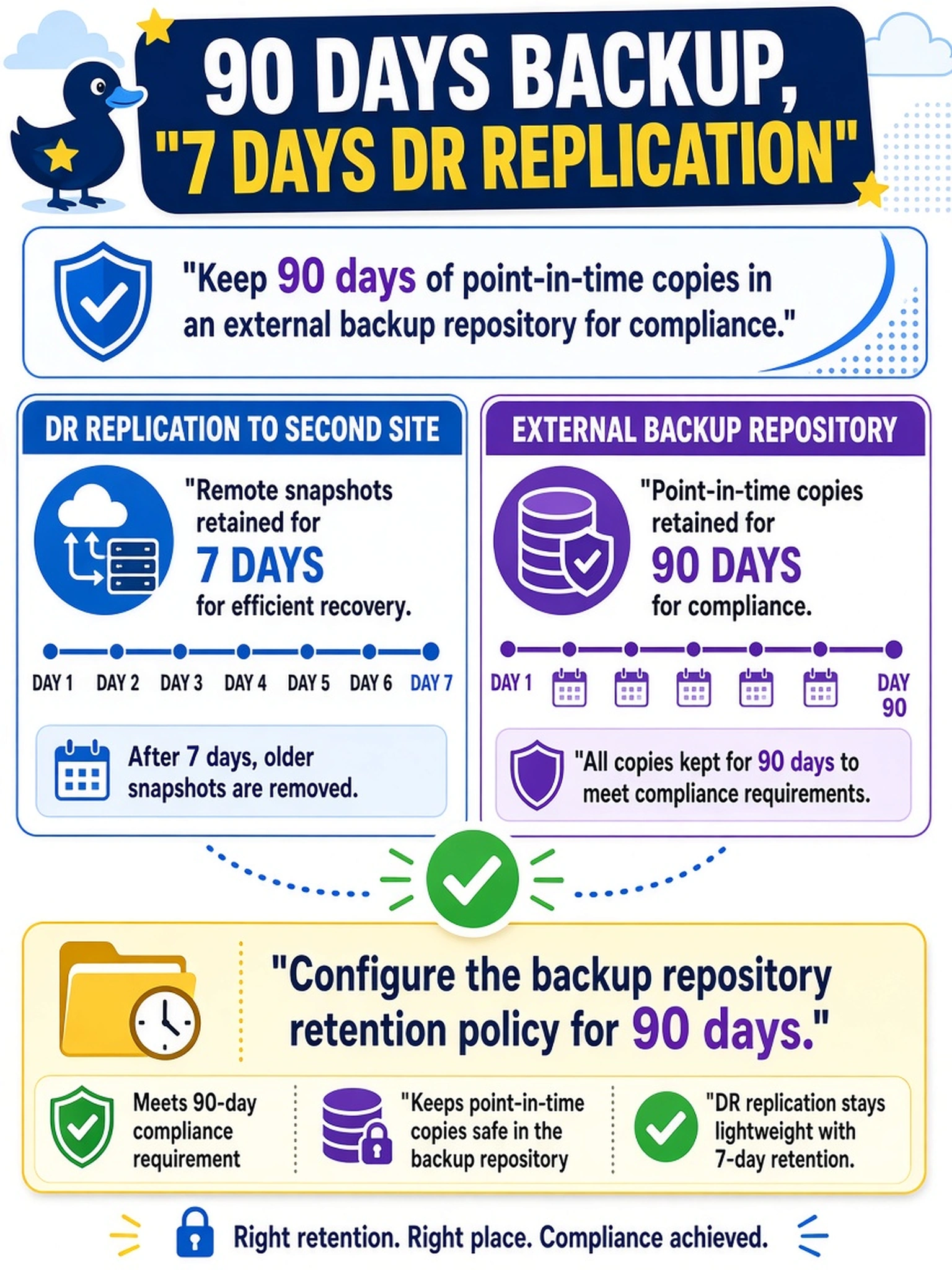
A Nutanix administrator must keep 90 days of point-in-time copies in an external backup repository for compliance, while DR replication to a second site must retain only 7 days of remote snapshots. Which design decision satisfies the 90-day requirement?
Select an answer to reveal the explanation.
Short Explanation
Think of replication like a short-term safety copy and backup like a filing cabinet. If compliance asks for 90 days, you set that retention in the backup repository, not by stretching Protection Domain snapshots. Don't confuse remote DR retention with backup retention.
Full Explanation
Backup integration and DR replication retention serve different purposes. Protection Domain remote snapshots provide recent recovery points and limited remote history for disaster recovery. Backup integration stores point-in-time copies in an external repository for compliance or long-term restore. Because the requirement is 90 days of copies in an external backup repository, the correct design is to configure the backup repository retention policy to 90 days while leaving Protection Domain remote snapshot retention at the DR requirement of 7 days. Extending Protection Domain remote snapshot retention would consume remote cluster capacity and does not create external backup retention. Increasing the local Protection Domain snapshot schedule retains copies on the source cluster, not in the backup repository, so it does not satisfy the compliance target. Changing NearSync replication affects replication mode and recovery point objective, not retained backup copies, so it cannot meet a 90-day retention design. Exam caveat: Retention, recovery point objective, and snapshot schedule frequency are related but distinct; identify where the copy is stored. Operational check: Validate the backup policy's 90-day retention in the backup repository and confirm Protection Domain remote snapshot retention remains 7 days.