
During a planned failover in Prism Central, a three-tier application recovery plan powers on the web and app VMs before the database VMs, causing failed health checks. You need the recovery plan to control VM power state and startup sequence without changing replication. What should you configure?
Select an answer to reveal the explanation.
Short Explanation
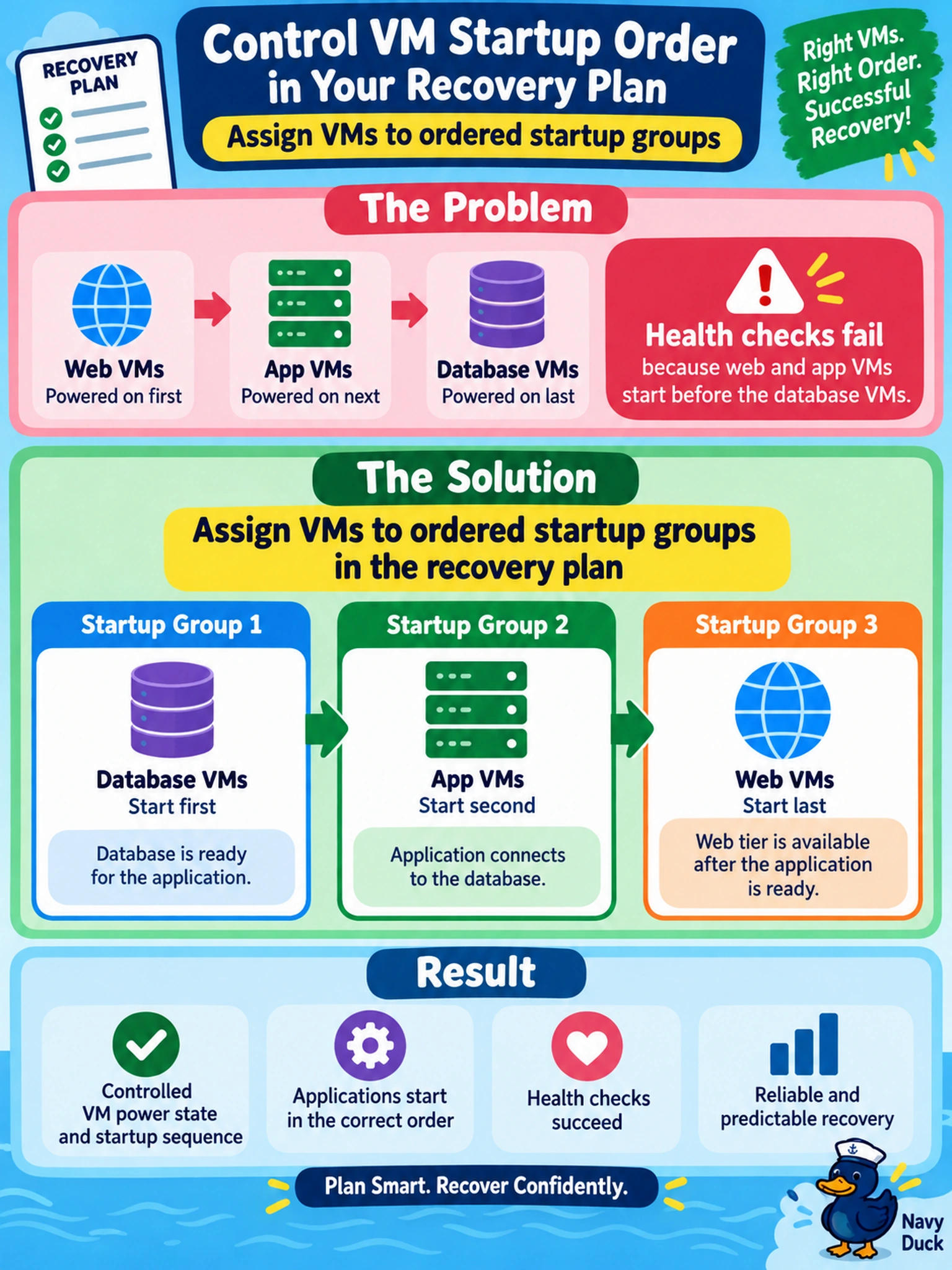
Think of a recovery plan like a staged launch checklist: it can decide which VMs come up first. You assign VMs to startup groups with an order and delay, so the database gets ready before the app tier tries to connect. Don't confuse startup sequence with replication or placement — those solve different problems.
Full Explanation
Recovery plans in Prism Central are runbooks for failover and failback, and startup groups are the mechanism that controls VM power state during those runbooks. You assign tiers to groups, set the group start order, and optionally add a start delay so a database reaches a usable state before application or web VMs attempt to connect. This is a recovery-orchestration control, not a storage or replication control. A protection domain snapshot or replication policy determines how often VM disks are copied and what point-in-time data is available; it does not decide which VM boots first after failover. Storage affinity rules influence where VMs are placed on the cluster, which can help locality or compliance, but placement does not coordinate power-on dependencies between tiers. NearSync replication lowers the recovery point objective by keeping remote copies very close to production writes, yet it still does not sequence startup or wait for guest readiness. Exam caveat: the exam may use wording such as startup groups, start order, VM dependencies, or controlling VM power state rather than naming a menu path. Operational check: edit the recovery plan, place database VMs in the first startup group, application VMs in the next, add a delay, then run a test failover to confirm the sequence.