
Your team performs a planned failover of a Nutanix AHV application. After target VMs power on, you must run a validation script and then start a dependent application tier in a fixed order. Which recovery element should carry these scripted startup and validation steps?
Select an answer to reveal the explanation.
Short Explanation
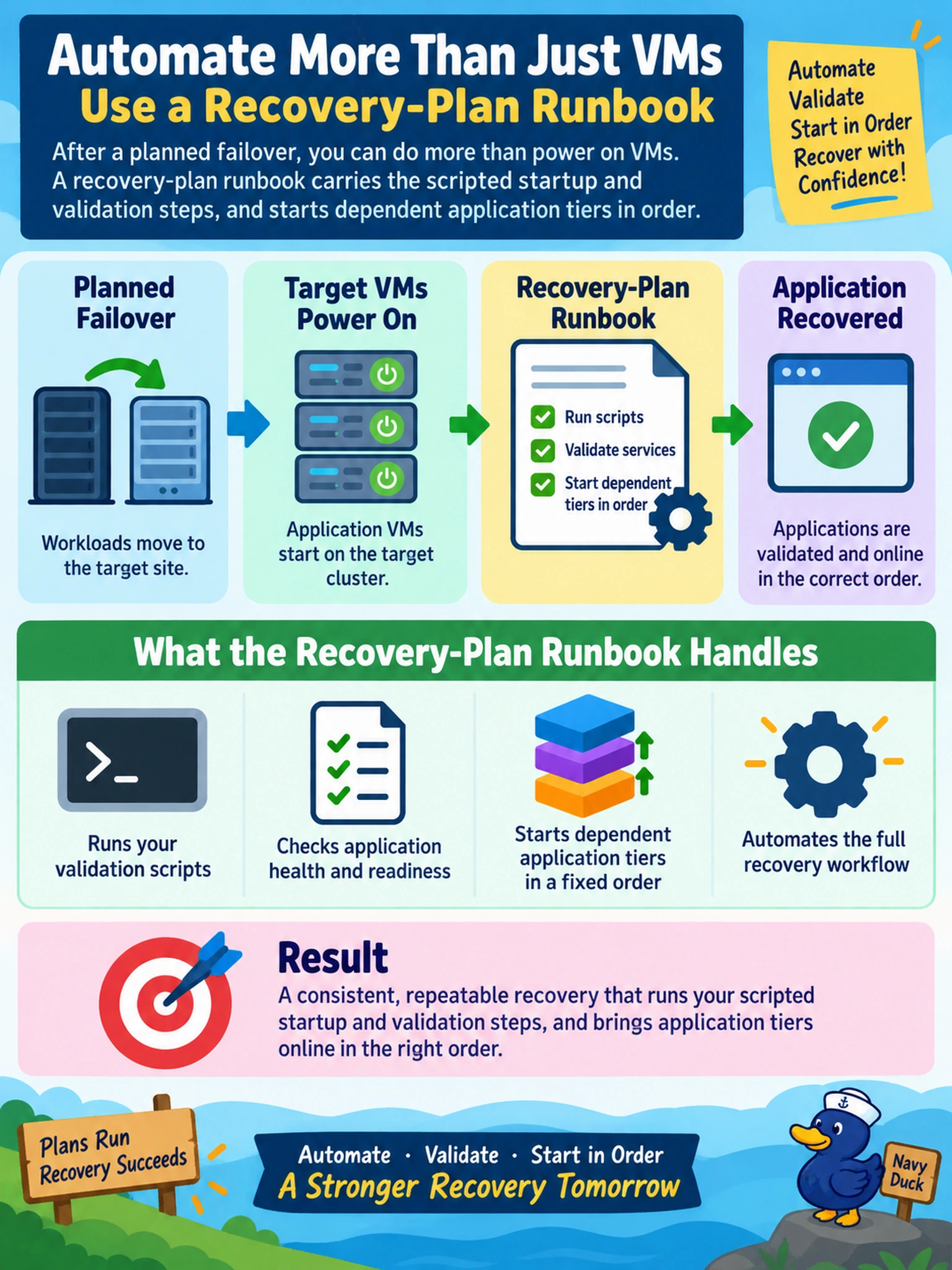
Think of a recovery plan like a checklist, and the runbook as the hands that actually do the work. If your app needs a start script or a quick validation after failover, you put it in the runbook so the plan runs it every time. Don't confuse that with snapshots or alerts, which just record or report, they don't start your app.
Full Explanation
Nutanix recovery plans orchestrate failover and failback steps, and runbooks provide the place to embed operational actions such as starting applications or running validation checks. When a plan fails over, the runbook can execute scripts after target VMs are powered on, giving the administrator a repeatable way to confirm the application is ready before declaring recovery successful. The plan also supplies ordering and visibility for each recovery action. A protection-domain snapshot schedule is wrong because snapshots capture data points and replication state, not application startup or post-failover validation logic. An X-Play playbook is also wrong here; although X-Play can automate tasks, it is not the recovery-plan mechanism for embedding startup or validation steps inside a failover runbook. A Prism alert policy is wrong because alerts report conditions after they occur and do not drive application startup or validation as part of recovery. Exam caveat: focus on the object that belongs to the recovery workflow, not a general automation or monitoring feature. Operational check: before a DR test, review the recovery plan's runbook steps and confirm the validation script runs after the target VMs reach a powered-on state.