
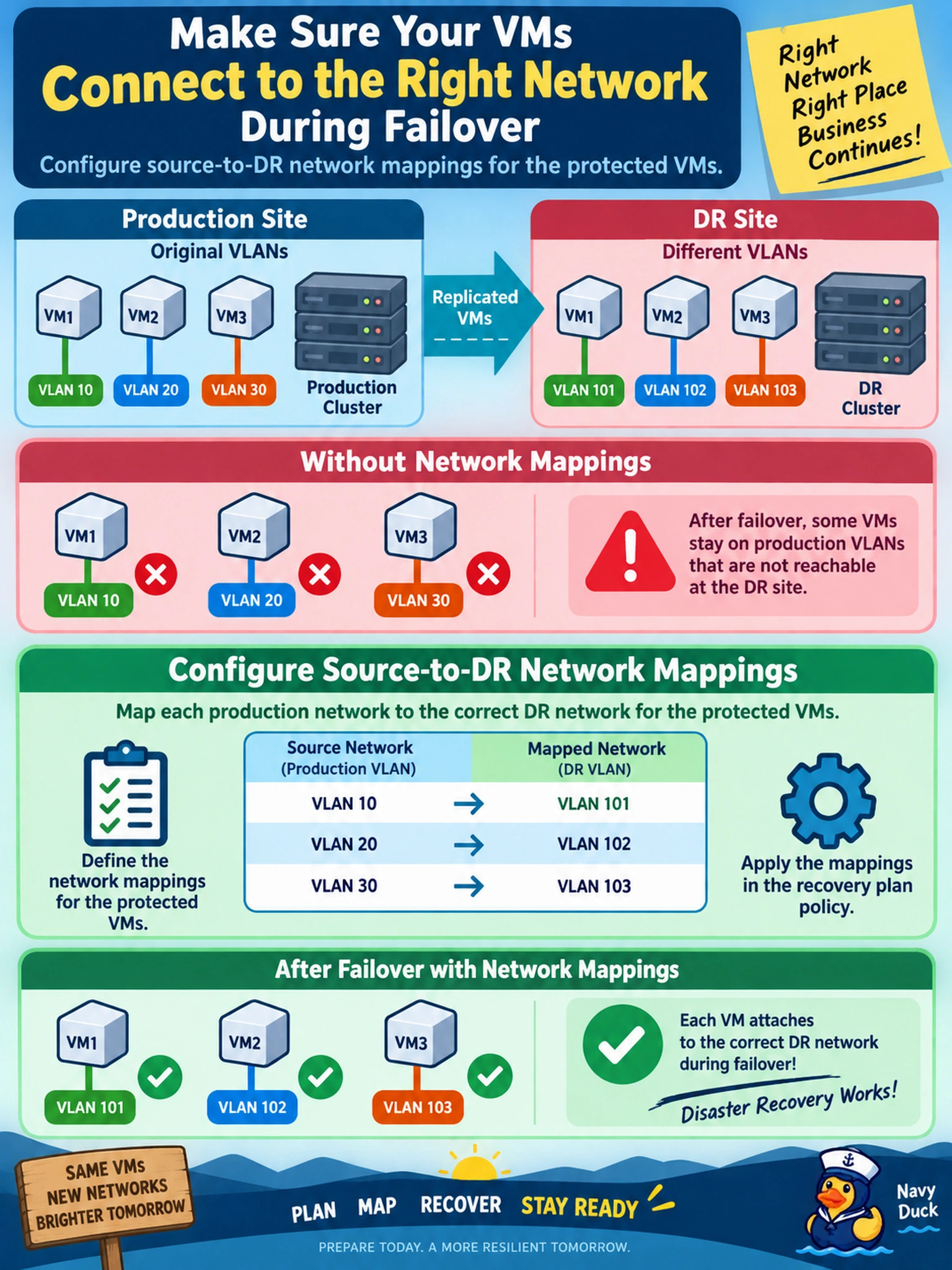
An administrator tests a recovery plan for AHV VMs replicated to a second Nutanix cluster. The DR site uses different VLANs, and after failover some VMs stay on production VLANs that are not reachable there. Which action ensures each VM attaches to the correct DR network during failover?
Select an answer to reveal the explanation.
Short Explanation
Think of failover like moving a VM to a new building: the NIC has to plug into the right wall jack, not the old one. You configure source-to-DR network mappings so the recovery process remaps each VM to the DR network. Don't let a guest script or replication mode do the job; they don't know the right DR VLAN.
Full Explanation
During a Nutanix failover, the platform must know which destination network replaces each source network for every protected VM. A source-to-DR network mapping tells the recovery process to reattach the VM NIC to the correct DR VLAN or network after the VM powers on at the recovery cluster. This keeps recovery consistent across operating systems and ensures the VM is placed on a network that exists and is reachable in the DR site.
Extending the production VLAN on the DR cluster keeps the VM on the old network rather than remapping it to the intended DR network; it may also expose duplicate or non-routable segments. Changing replication mode, including near-synchronous replication, affects data transfer timing and RPO, not the destination network attachment. Guest startup scripts can change an interface inside the OS after boot, but they do not control the hypervisor network attachment, depend on guest credentials and OS behavior, and can miss VMs that fail to boot.
Exam caveat: choose the platform-level network mapping for failover, not a guest OS workaround or replication setting. Operational check: review each protected VM's source network and confirm the mapped destination network exists on the DR cluster before testing failover.