
A recovery plan moves protected VMs from production to a DR site, but after failover the VMs cannot reach the DR application tier because their NICs retain production network settings. What should be configured in the recovery plan?
Select an answer to reveal the explanation.
Short Explanation
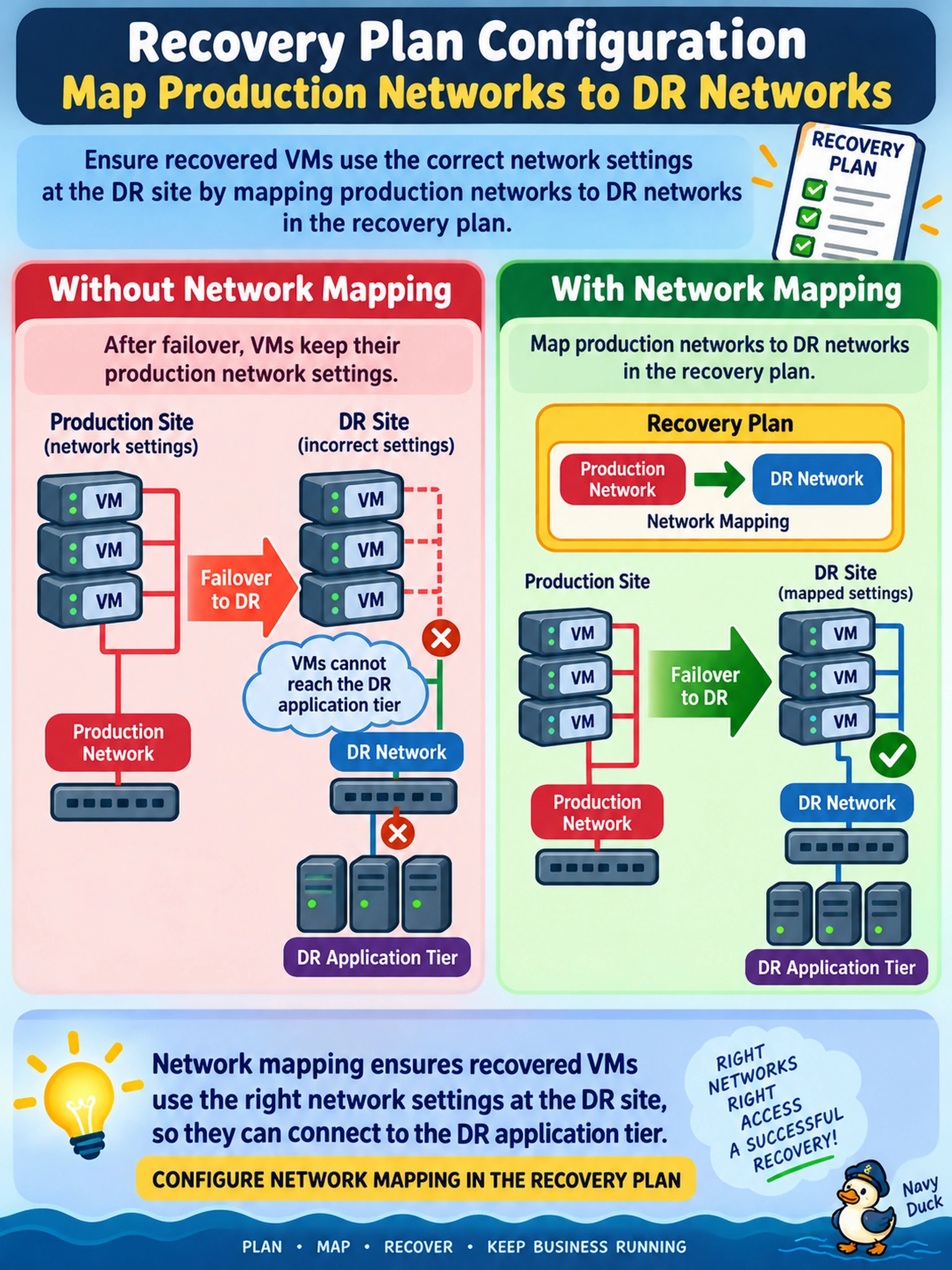
Think of a recovery plan like moving your team to a new office: same people, different network jacks. If you don't map production networks to DR networks, the VMs boot with addresses that no longer make sense. You set the mapping so failover gives them the right network and keeps apps reachable.
Full Explanation
Recovery plans use network mappings to translate the production network attached to a protected VM into the corresponding DR network at failover. Without that mapping, the VM may power on in the DR cluster but remain connected to a network name or VLAN that does not exist there, so application traffic cannot reach the recovered tier. The mapping is plan-level behavior, not a storage or replication setting. NearSync improves recovery point objectives by reducing replication lag, but it does not decide which network a recovered VM uses. Guest customization scripts can change IP settings after boot, yet they are a workaround and do not replace the recovery plan network mapping for consistent failover. Placing VMs in a common storage container affects capacity and data placement, not NIC attachment or VLAN configuration during failover. Exam caveat: network mapping and IP customization may be presented together; choose network mapping when the failure is wrong network attachment after failover. Operational check: review the recovery plan network mapping before a planned failover and confirm each production network resolves to the intended DR network.