
An AHV cluster uses NearSync replication to a second Nutanix site. The application owner requires recovery from ransomware and compliance retention for 90 days. The DR team notes NearSync replicas are available but cannot meet the retention goal. What should be added to meet long-term recovery requirements?
Select an answer to reveal the explanation.
Short Explanation
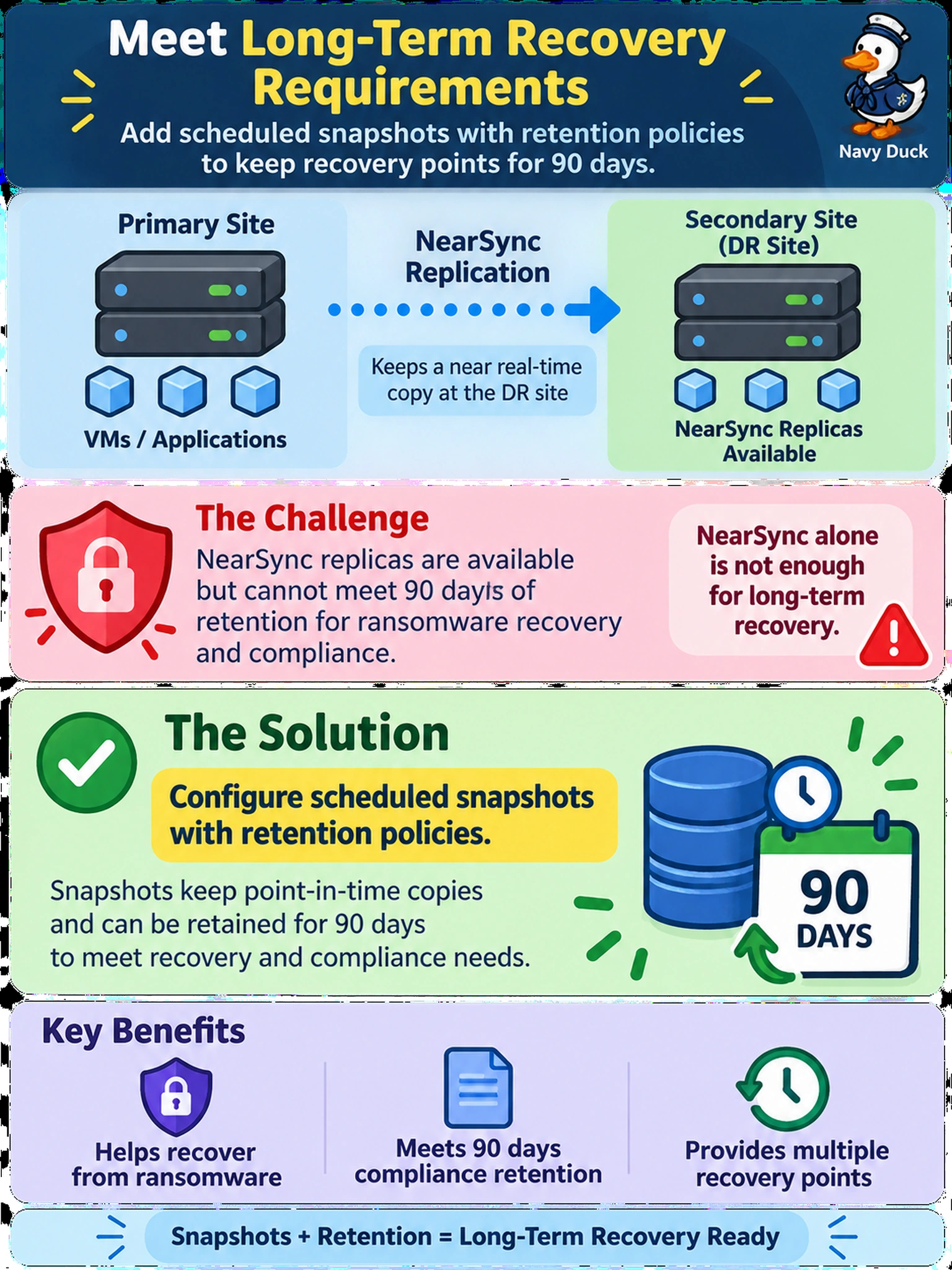
Think of NearSync like a live photocopy: it keeps a recent copy, not a filing cabinet. You still need snapshot schedules and retention policies to recover from ransomware or old mistakes. Replication gets you to the right place fast; retention keeps the history you can restore.
Full Explanation
NearSync replication continuously copies changed data to a remote Nutanix site so the replica reflects the latest state, which supports a low RPO and fast site failover. It is not a backup retention mechanism because the remote copy follows production changes, including accidental deletion or ransomware encryption, and it does not provide a policy-driven set of historical restore points. Scheduled snapshots with retention policies create time-stamped recovery points and keep them for a defined period, giving the long-term recovery and compliance capability the requirement asks for. Increasing replication frequency only narrows the recovery point objective; it still mirrors current data and can propagate bad changes sooner. Adding more replicas creates additional current copies but does not create historical versions or a retention window. Enabling Metro availability keeps sites synchronously consistent for zero RPO failover, yet it also does not preserve older states for ransomware or compliance recovery. Exam caveat: treat replication mode as a business-continuity choice and backup retention as a data-protection choice; they solve different failure scenarios. Operational check: list the protection domain's replication state, then confirm snapshot schedules, retention counts or ages, and a test restore from an older snapshot.