
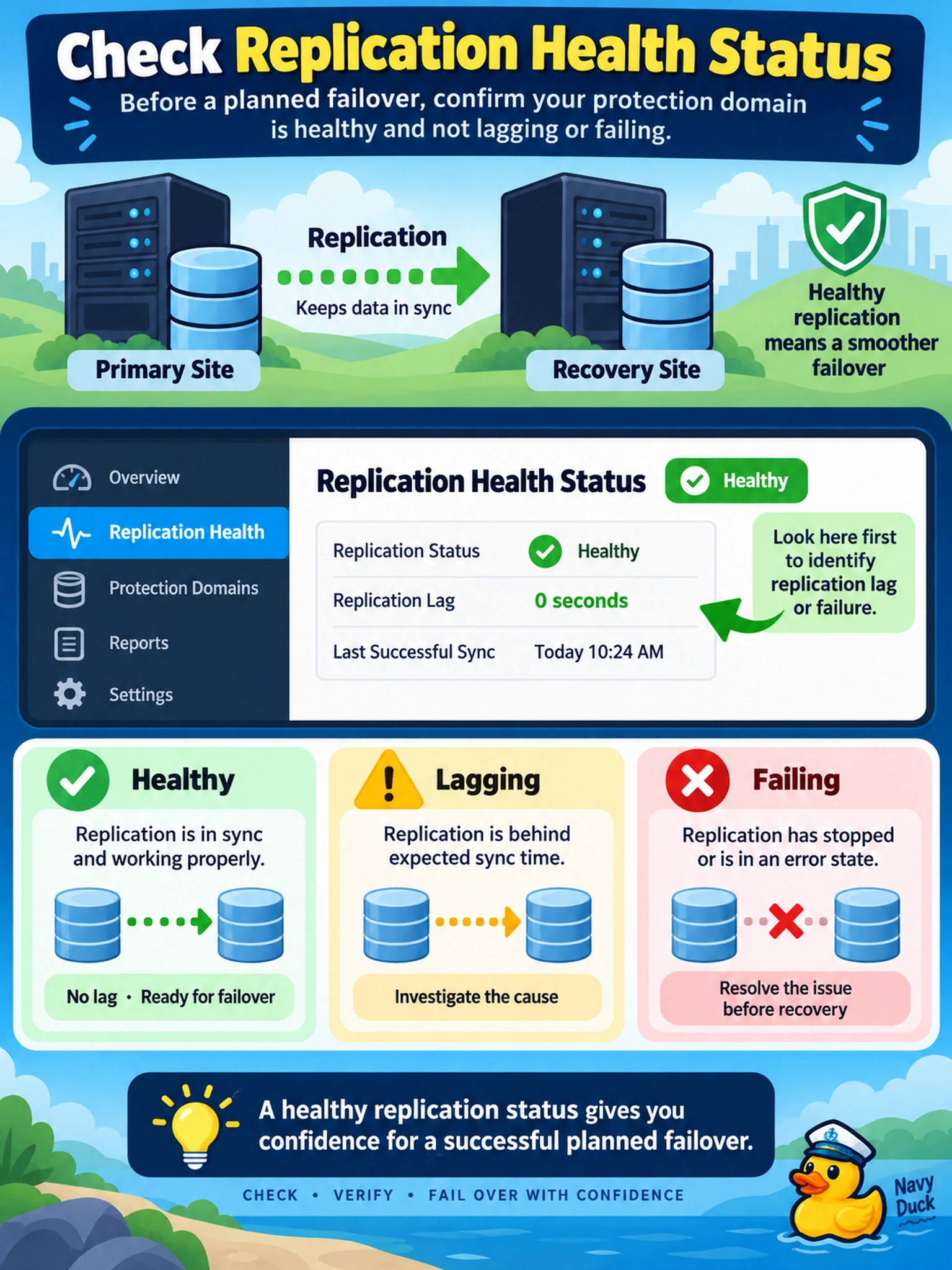
Before a planned failover, your team must confirm that a protection domain is not lagging or failing. Which feature should you check first to identify replication lag or failure before recovery?
Select an answer to reveal the explanation.
Short Explanation
Think of replication health as the check-engine light for your DR relationship. If it says lag or failure, don't trust a failover until you know why. You catch trouble there before your recovery plan turns a sync issue into an outage.
Full Explanation
Replication health status is the primary signal for whether a protection domain is keeping pace with its source data. For asynchronous and NearSync relationships, the platform evaluates recent replication cycles, outstanding write backlog, and last successful transfer, so a growing lag or failed cycle appears before a recovery plan is invoked. Metro availability also depends on healthy synchronous replication, but the health view still tells you whether the DR link is usable. A snapshot schedule and retention policy only describe when local or remote snapshots are created and how many are kept; they do not reveal whether replication has fallen behind or failed. VM power state and guest OS heartbeat indicate whether the protected VM is running and responding inside the guest, not whether its data has reached the remote site. Cluster capacity runway and CVM disk utilization are capacity indicators that may explain a future replication problem if space is exhausted, but they are not direct evidence of current replication lag or failure. Exam caveat: do not confuse snapshot age, which can be normal under a policy, with replication health, which must be evaluated against the protection domain's RPO and mode. Operational check: open the protection domain's replication health view, note the last successful replication time and lag, and resolve any failed or stale cycles before running a recovery plan.