
A VM is added to an existing protection domain after several snapshot and replication cycles have already run. What is the effect on protection for the newly added VM?
Select an answer to reveal the explanation.
Short Explanation
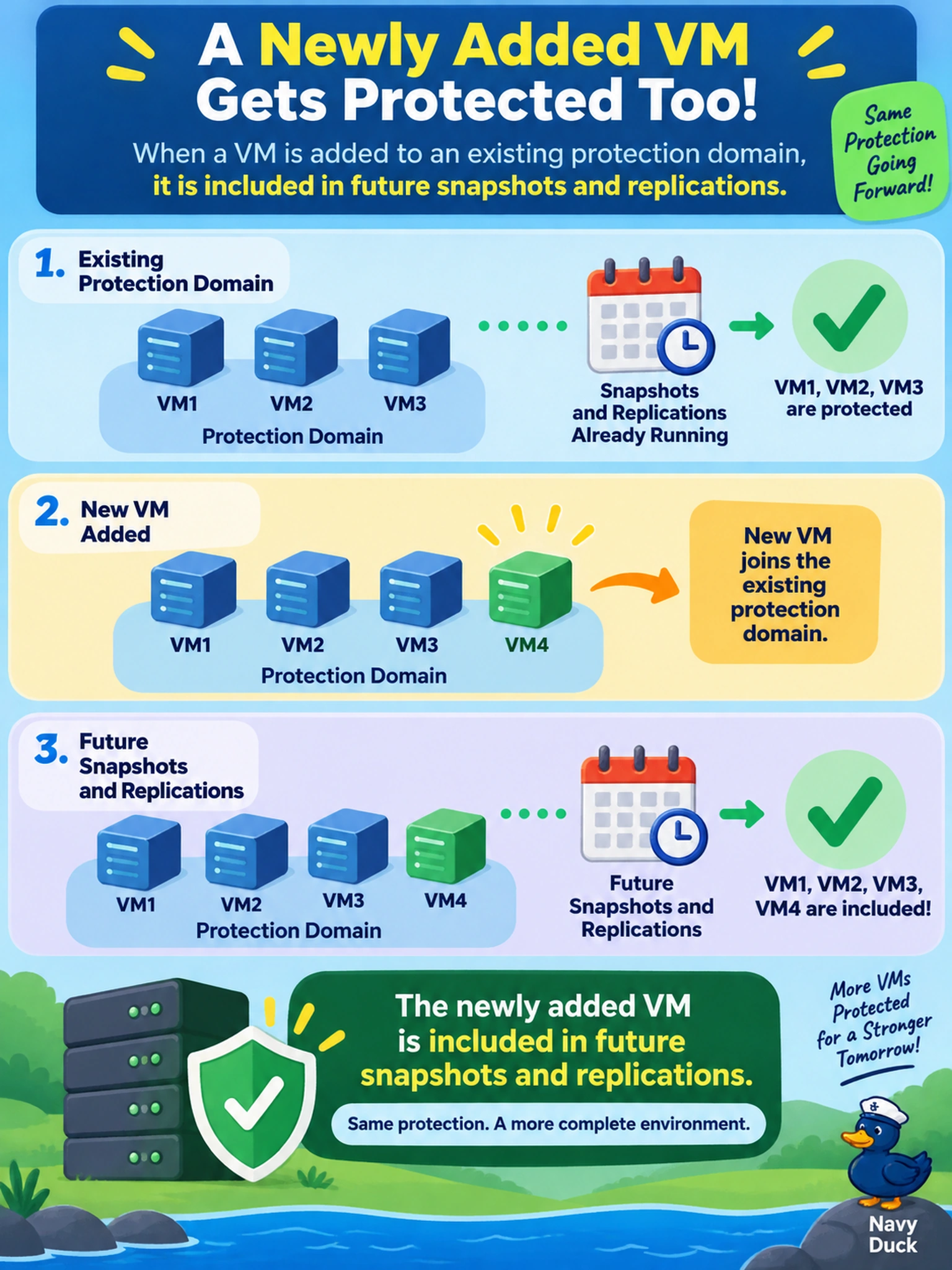
Think of a protection domain like a guest list you update before the party starts. If you add a VM now, you don’t go back and invite it to every snapshot that already happened — you only protect it from the next snapshot or replication onward. The trap is assuming membership changes rewrite history; they don’t.
Full Explanation
A protection domain defines the set of VMs that participate in a consistency group when a snapshot or replication cycle runs. Because snapshots are immutable point-in-time copies, changing membership is prospective: a VM added to the domain will be captured only by snapshot and replication operations that start after the change. The domain’s schedule and replication policy then determine when the next capture occurs. An answer claiming existing snapshots or remote copies are updated to include the new VM misunderstands snapshot immutability; prior copies cannot be altered to add a disk that was not in the original consistency group. An answer requiring deletion and recreation of the protection domain confuses membership management with policy creation; membership can be edited without tearing down the domain. An answer saying the VM is replicated to the remote site immediately without waiting for the next schedule ignores how replication cycles are triggered by policy or manual action, not by membership change alone. Exam caveat: membership changes affect future protection scope, not historical snapshots. Operational check: confirm the VM is listed in the protection domain, then review the next scheduled snapshot or replication result to verify its disks are included.