
Hospital administrators work in Outlook and need policy answers drawn from their own mailboxes. Which build strategy fits?
Select an answer to reveal the explanation.
Short Explanation
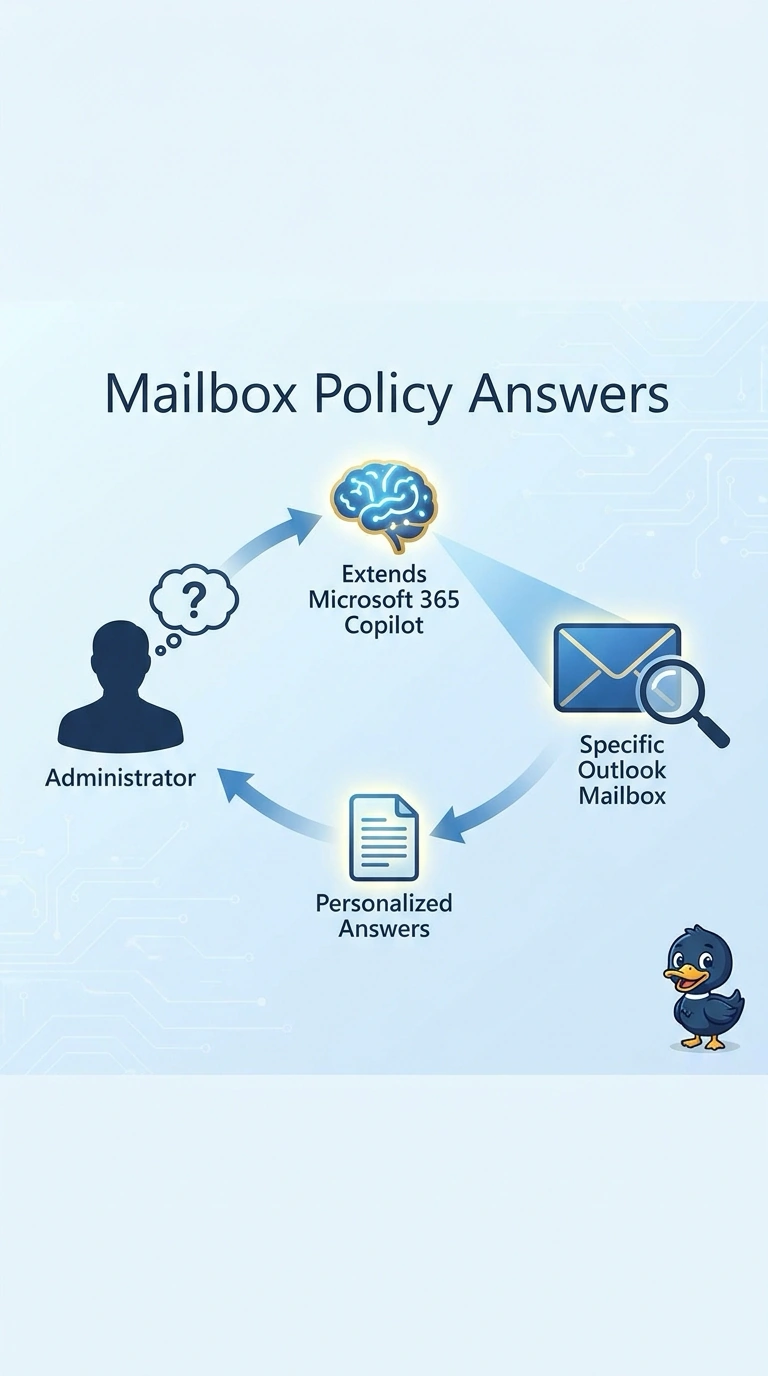
The policy they need is already in the inbox they have open. You extend Microsoft 365 Copilot so each administrator gets answers from that person's own mailbox. A shared copy of every inbox turns a private drawer into a lobby.
Full Explanation
These administrators already live in Outlook, and the policy answers are in their own mail. That is the case for extending Microsoft 365 Copilot: the person, the app, and the mailbox are the same work graph. The extension answers inside Outlook under that administrator's identity. A public portal agent that reads a shared copy of every administrator's mailbox moves private mail onto a channel any caller might reach. A kiosk agent on one service account that opens all of the administrators' mailboxes replaces each person's identity with a single key to every inbox. A Foundry agent on an anonymous web channel with the mailboxes uploaded as one file leaves Outlook, drops the per-person boundary, and treats mail as a bulk file. Exam caveat: an extension uses the mailbox the signed-in administrator can already open. It is not a license to search a colleague's mailbox. Operational check: sign in as one administrator, ask a policy question that appears only in that mailbox, and confirm another administrator's session does not return that message.