
Partners at a consultancy draft proposals in Word and want clause suggestions drawn from their own files. Which build strategy fits?
Select an answer to reveal the explanation.
Short Explanation
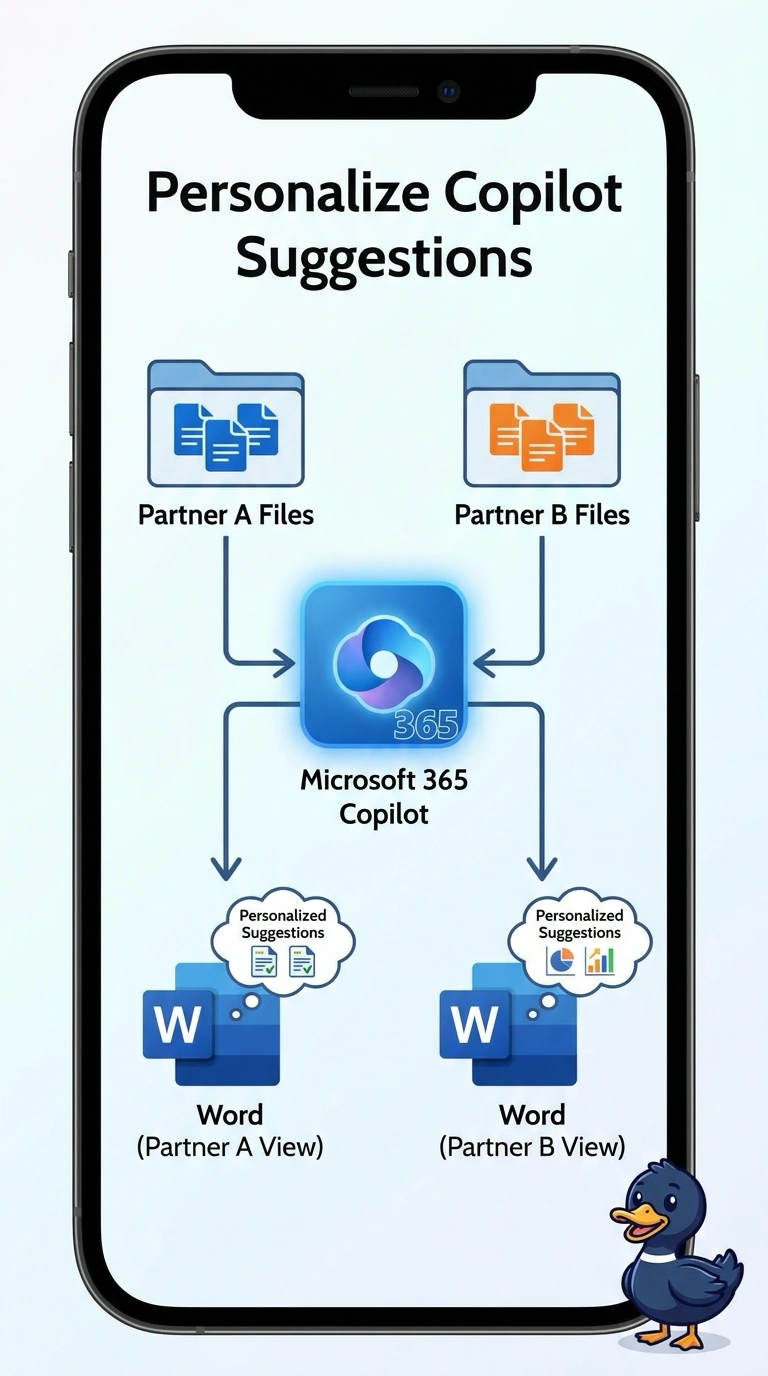
The partner is already at their own desk, in their own draft, with their own files in the drawer. You extend Microsoft 365 Copilot so clause suggestions come from that partner's files in Word. A public bot has no business opening the drawer for whoever walks up.
Full Explanation
Extend Microsoft 365 Copilot when the person already works in Microsoft 365 and the agent should use that person's own files. These partners draft in Word, and the clauses they need sit in their own work. An extension of Microsoft 365 Copilot runs in that document and stays inside the partner's identity. A public website bot that suggests clauses to anyone who opens the page has the wrong channel and no partner identity, so it cannot see one person's files without exposing them. An anonymous Copilot Studio agent that shares one proposal folder with every visitor collapses every partner's work into a single pile. A Foundry agent that searches a pooled archive of every partner's files for any caller is a pro-code search over the wrong boundary, and the caller is not signed in as the file owner. Exam caveat: extending Microsoft 365 Copilot does not publish the partner's files to the firm's public site. The suggestions stay in the partner's session. Operational check: sign in as one partner, ask for a clause that exists only in that partner's files, and confirm a second partner does not receive it.