
Factory supervisors work on a shop-floor kiosk and do not have a Microsoft 365 license. They need an agent for shift procedures. Which build strategy fits?
Select an answer to reveal the explanation.
Short Explanation
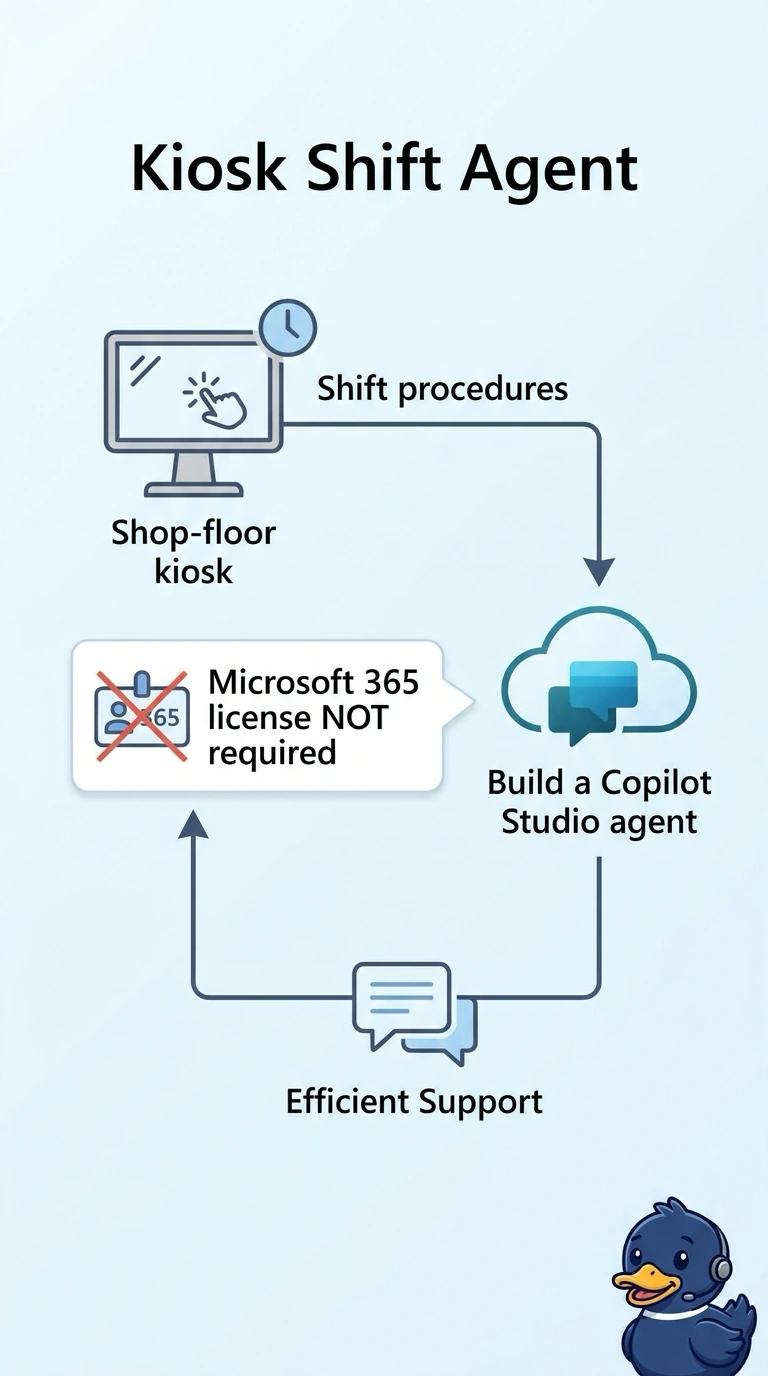
You cannot hand someone a desk phone in a room that has no desk. You build a Copilot Studio agent for the shop-floor kiosk, because these supervisors have no Microsoft 365 license to extend. A license written only in the design notes does not sign them in.
Full Explanation
Extend Microsoft 365 Copilot when the person already works in Microsoft 365 and the agent should use that person's own mail and files. These supervisors work on a kiosk and have no Microsoft 365 license, so there is no Copilot session to extend and no work graph on that device. A Copilot Studio agent can sit on the kiosk channel and answer shift procedures from approved knowledge. Extending Microsoft 365 Copilot and recording a license only in the design notes describes a user the tenant does not have. Extending each supervisor's Microsoft 365 Copilot from the kiosk even though that license is absent assumes an app the kiosk cannot open. Extending Microsoft 365 Copilot in Teams and requiring supervisors to leave the kiosk moves the work off the surface where the shift actually runs. Exam caveat: a Copilot Studio agent on the kiosk still needs a knowledge source the plant controls. The channel decision does not pick the documents. Operational check: open the kiosk signed in as a supervisor account with no Microsoft 365 Copilot license and confirm the shift agent responds there.