
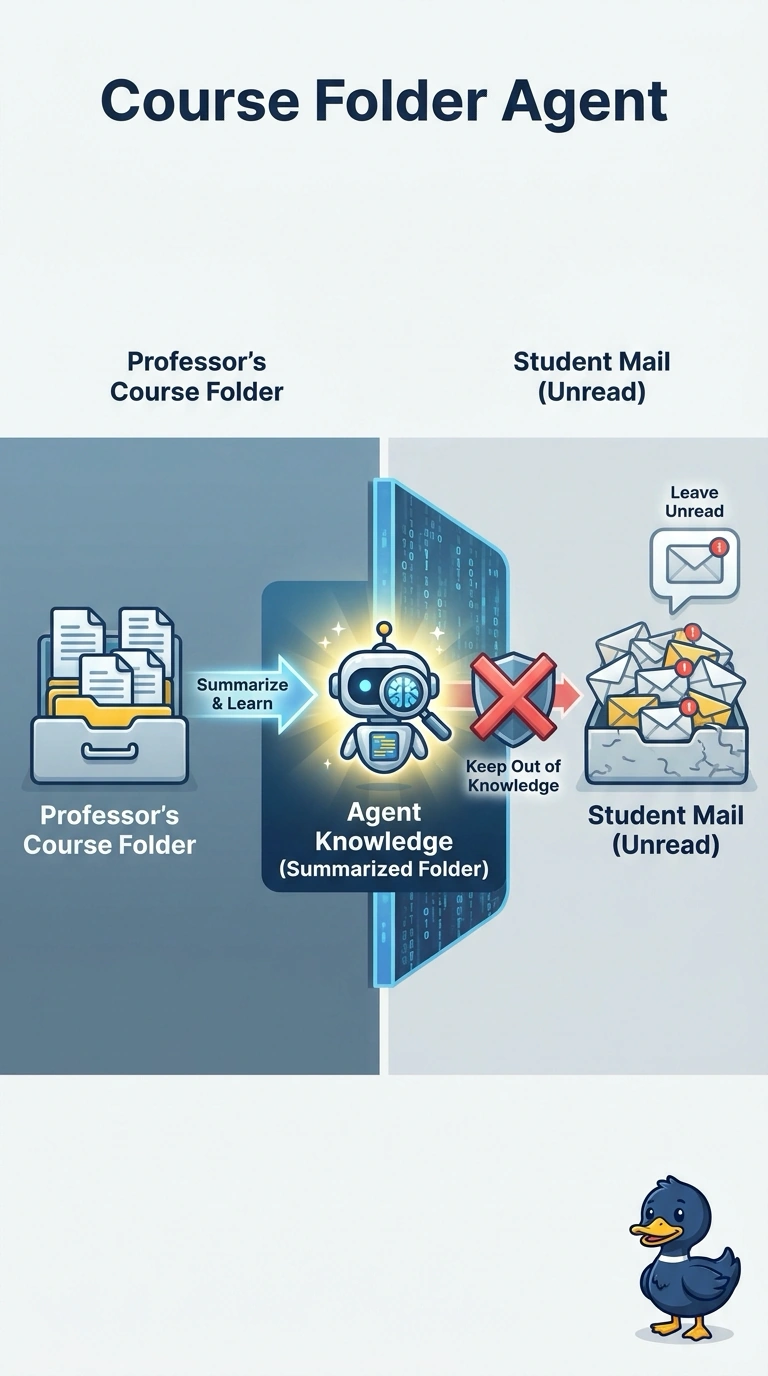
Faculty want a Microsoft 365 Copilot agent that summarizes the course folder a professor owns. Those professors can also open student mail about grades, and the summary must leave that mail unread. Which design fits?
Select an answer to reveal the explanation.
Short Explanation
The course pack and a student's mailbox are different drawers. You scope the Microsoft 365 Copilot agent to the professor's own course folder and you leave student mail out of its knowledge. A whole-mailbox search will summarize grade notes the agent was not asked to read.
Full Explanation
The faculty agent summarizes the professor's course folder. It is a Microsoft 365 Copilot agent scoped to that folder, and student mail is not part of its knowledge, even when the professor is allowed to open that mail. Letting the agent search the professor's whole mailbox and summarize every student thread it can open uses the professor's mailbox rights to read grade mail the summary was not supposed to include. Pointing the agent at a tenant-wide search so it can compare the course with students' private notes widens the read from one folder to other people's notes. Training a custom model on an export of student mail so the course summary echoes those messages copies private mail into weights and still ignores the course folder as the source. Permission to open mail is not the same as putting that mail in the agent's knowledge. Exam caveat: the professor can keep using ordinary mail search. This agent does not become that search. Operational check: generate a course summary and confirm the sources are files in the course folder and that no student mailbox message is cited.