
A retailer's inventory service already exposes a Model Context Protocol server with tools for on-hand quantity and bin location. A browser page shows the same numbers. The agent needs those quantities. Which extension fits?
Select an answer to reveal the explanation.
Short Explanation
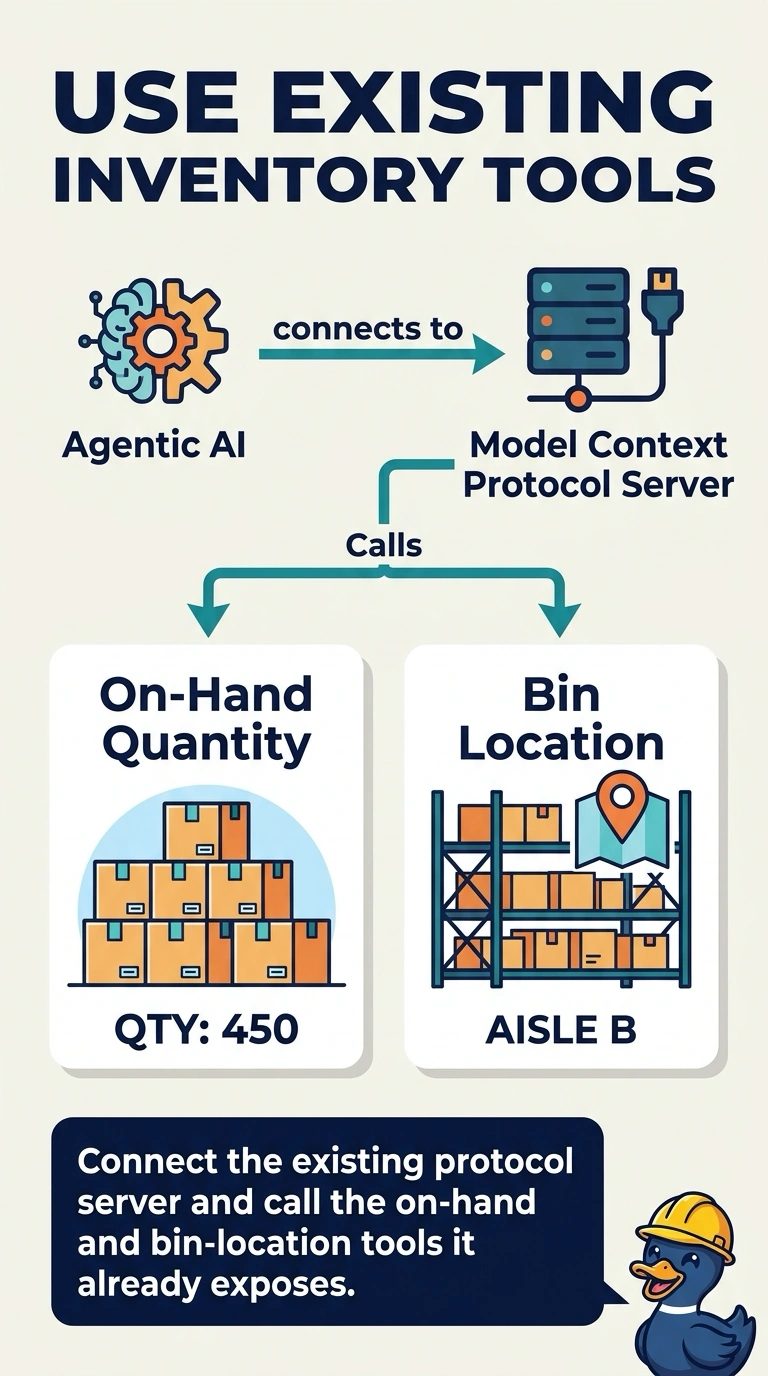
The inventory service already put labeled tools on the counter. You connect that Model Context Protocol server and call the tools. Clicking the same numbers on a screen rebuilds a door the service has already opened.
Full Explanation
Model Context Protocol is the extension when a tool server already speaks it. This inventory service exposes that server, with tools for on-hand quantity and bin location, so the architect connects the server and calls those tools. Computer Use that clicks the inventory screens and leaves the published protocol server unused drives the browser for data the server already returns, which is the screen path reserved for an app with no API and no tool server. A custom vision model that reads screenshots of the inventory page instead of calling a tool turns a structured quantity into an image problem and will miss the next bin change until someone retrains it. A prompt action that guesses the bin from the product name and does not call the inventory service invents a location the service was ready to provide. A browser that shows the same numbers is not a reason to ignore the server. Exam caveat: Computer Use remains the fallback on the day this service withdraws the protocol server and leaves only the screen. That is not today's design. Operational check: call the on-hand tool for a test item, change the bin in the inventory service, and confirm the next call returns the new bin without a screen click.