
A technical project manager is standardizing five agentic workflows that share prompts, configs, and run outputs across teams. Developers complain files are scattered and reviews miss changes. Which folder structure should the manager configure for a maintainable agentic workflow?
Select an answer to reveal the explanation.
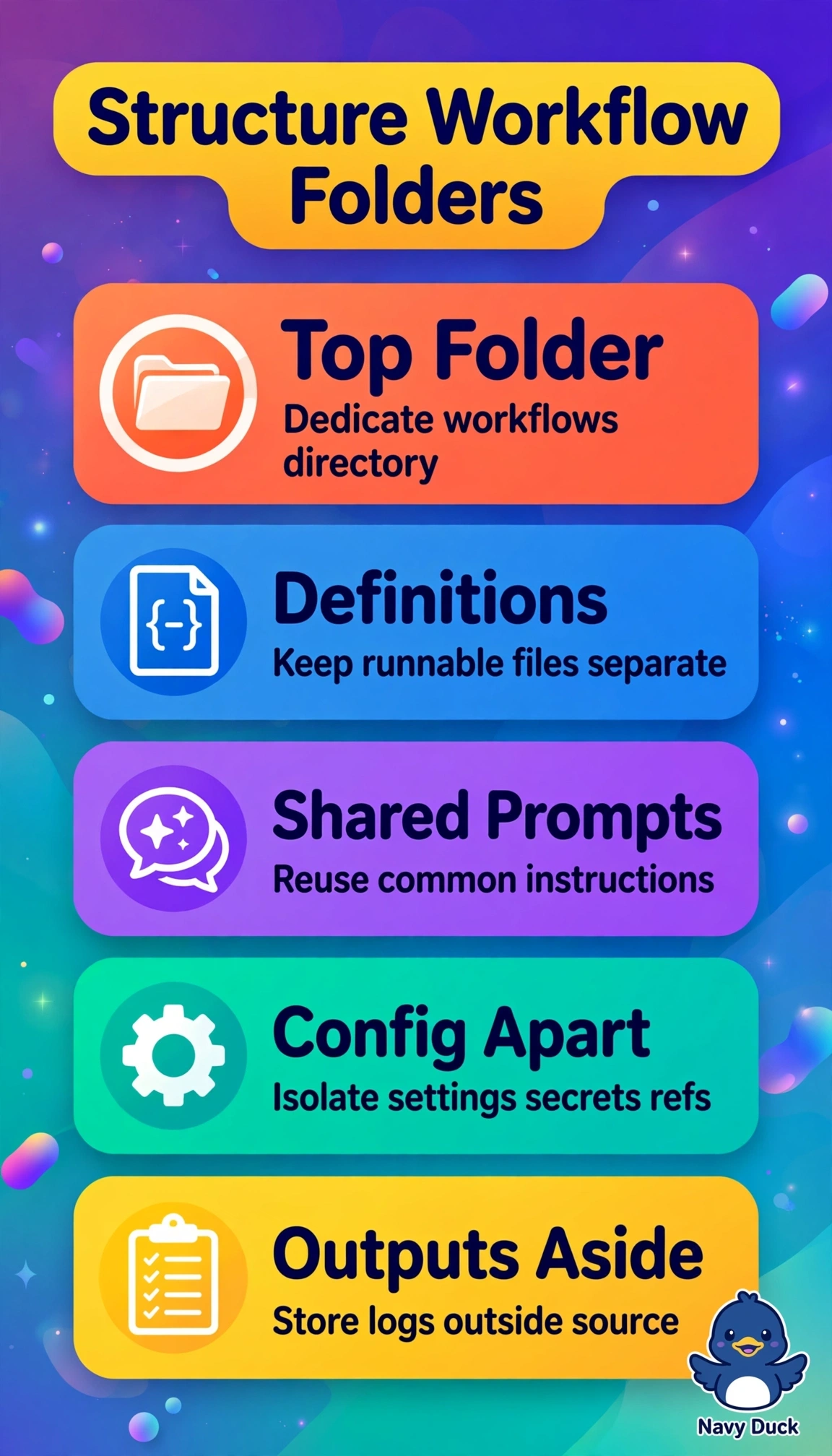
Short Explanation
You'll save your team headaches when you've got definitions, prompts, configs, and outputs tucked into their own labeled spots, like a tidy toolbox where you can grab the right tool right away. That workflows folder makes ownership obvious and reviews way easier.
Full Explanation
The correct structure succeeds because five workflows must share prompts, configs, and run outputs while remaining reviewable, so a dedicated workflows folder with separate version-controlled subfolders for definitions, shared prompts, config, and outputs using clear names provides a single source of truth, prevents drift, and makes diffs visible during review. Keeping central definitions, prompts, and configs but allowing each team to store run outputs locally feels faster for iteration and is common for debugging, yet it reintroduces scattering and breaks the stated need to share outputs across teams for comparison and audit. Copying a standardized template into each team repository is a legitimate autonomy and isolation pattern that preserves ownership, yet duplication means shared prompts and configs diverge over time and reviewers must track the same change in five places, directly contradicting standardization and the complaint that reviews miss changes. Embedding shared prompt text inside each definition file is widely used to keep a workflow self-contained and simplify initial reuse, yet it eliminates single-point prompt maintenance so an update requires editing every definition and risks inconsistency. On the exam, do not select a popular pattern that meets most needs; every shared artifact and the scattering complaint must be satisfied. As a practical check, confirm one versioned root with four named children and that one prompt edit creates one diff visible to all teams.