
A startup team creates three agentic workflows for triage, release notes, and security review, but files are scattered across personal branches and chat exports. New hires cannot find or reuse them and permissions are unclear. Which organization should the team adopt to configure the folder structure for an agentic workflow correctly?
Select an answer to reveal the explanation.
Short Explanation
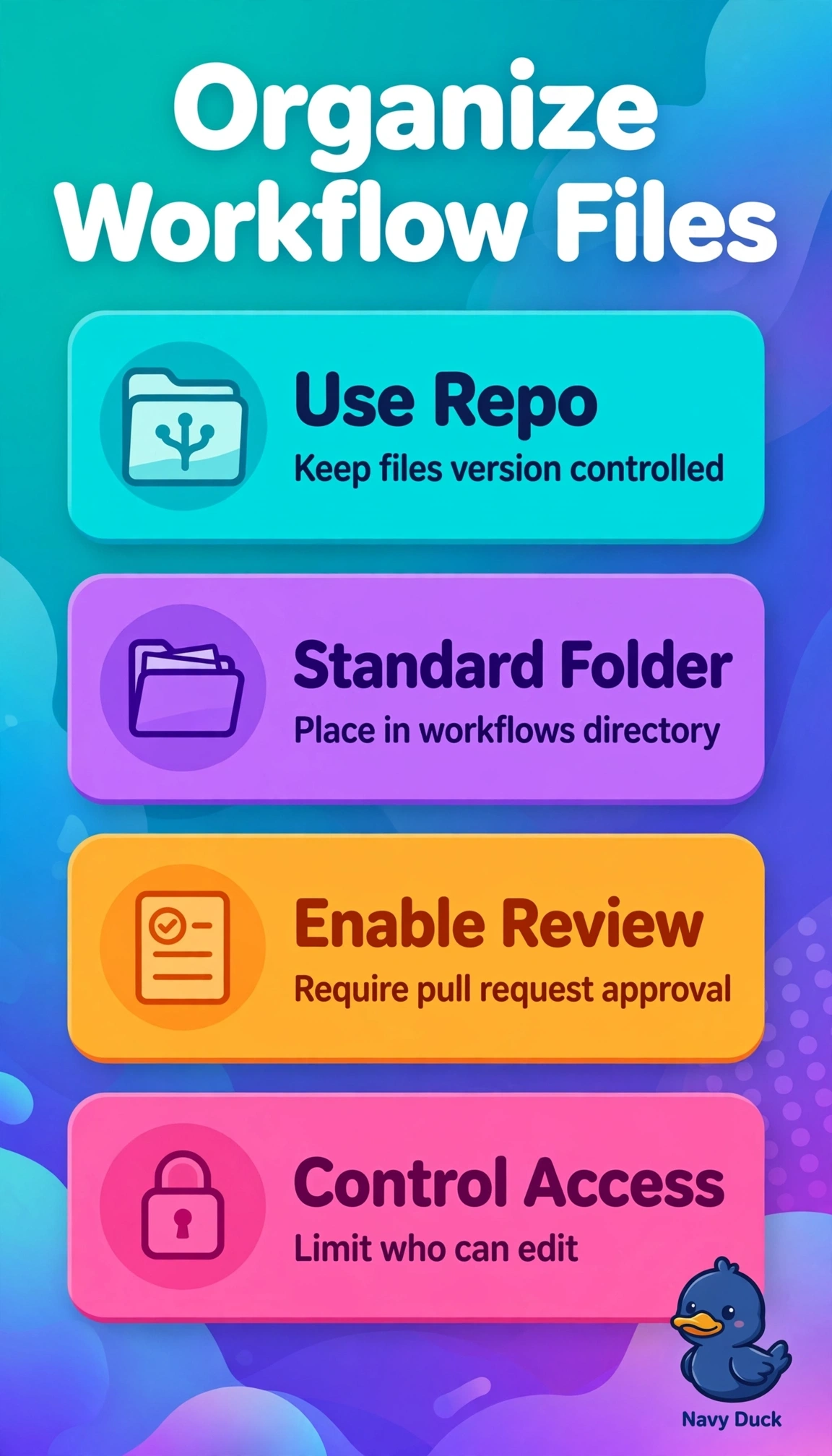
You're filing recipes in a shared cookbook, not leaving them on sticky notes. Put versioned workflows in the repository’s .github/workflows folder so you can find, govern, and reuse them.
Full Explanation
Store versioned workflow files in the repository’s .github/workflows folder: that location is natively discovered, access is governed through repository permissions, and new hires can find and reuse triage, release-notes, and security-review workflows without searching chats or personal branches. A central docs repository’s docs/workflows folder can provide versioning, search, and managed permissions, but it is not the expected location for agentic workflows, so automation discovery is lost. Personal forks’ .github/workflows folders have the right path and can contain versioned files, but fragmented ownership hides updates from the team and undermines central discovery and consistent permissions. Organization-wide reusable actions can offer versioning and managed permissions, but they distribute consumable actions rather than configure the expected folder structure for source-controlled workflows. For exams, distinguish storage that is merely versioned and searchable from storage that is versioned, centrally permissioned, and in the executable discovery path. As a practical check, verify that files are on the main repository’s default branch under .github/workflows, visible to intended roles, and findable and reusable by a new hire without chat links or fork access.