
A technical project manager drafts a Copilot Chat request to fix a checkout bug: the agent needs the exact error issue #412, the payment.js file context, and current terminal output. Vague answers waste sprint time. Which technique best uses @ mentions to attach content including tools, files, and issues?
Select an answer to reveal the explanation.
Short Explanation
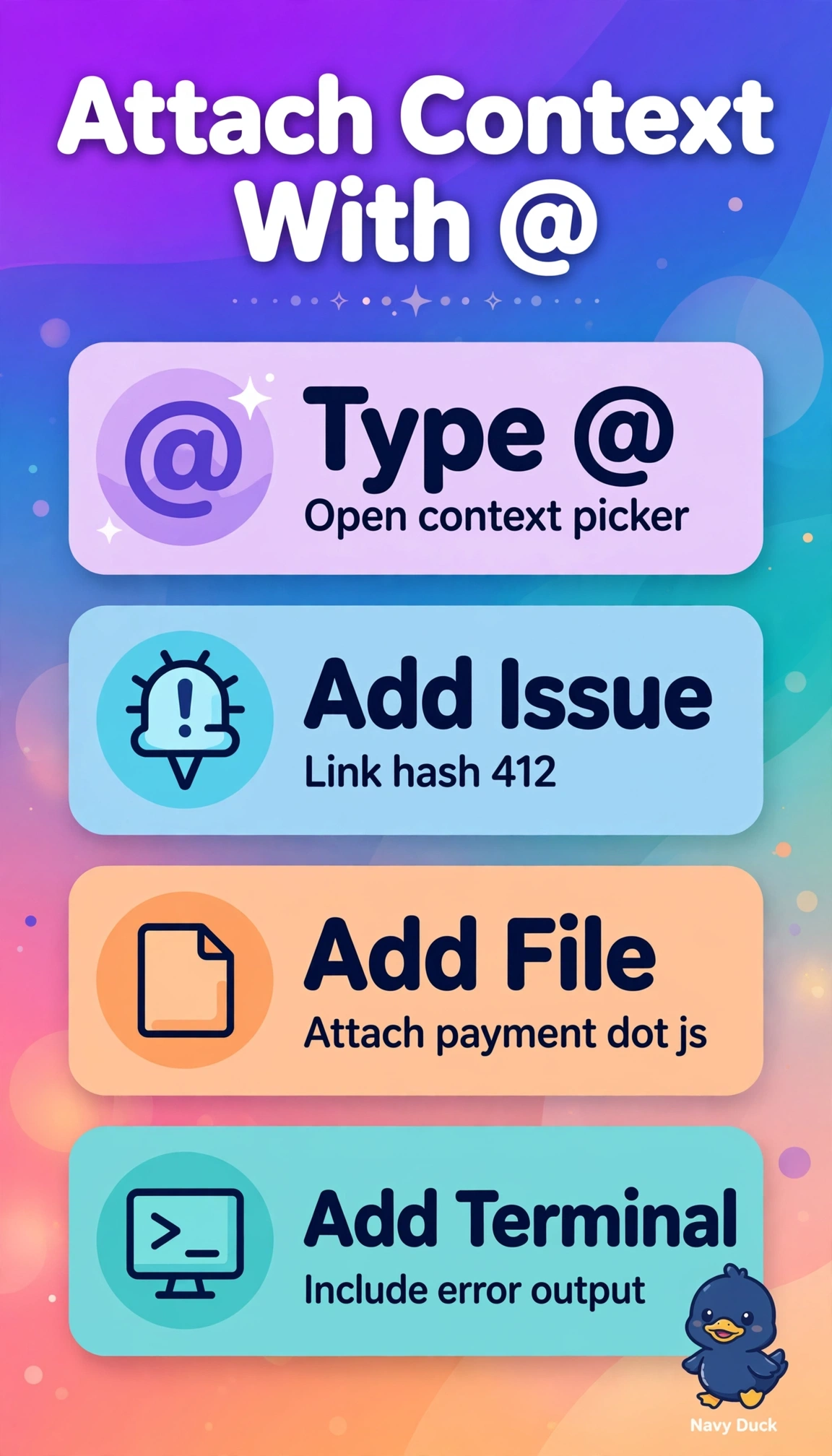
You cut guesswork when you point directly at evidence. Adding explicit chat context with @ turns vague help into grounded fixes.
Full Explanation
The correct technique succeeds because Copilot Chat @ mentions create explicit, linked context rather than plain text, so attaching the issue, the file, and the terminal selection together lets the model ground its reasoning in the exact bug report, the actual implementation, and the current runtime evidence, which reduces hallucination and vague troubleshooting that wastes sprint time. The approach that attaches only payment.js and terminal output is a strong everyday debugging pattern for live code and logs, yet it fails here by concept of traceability because without the linked #412 the model lacks requirements history, comments, acceptance criteria, and related commits. The approach that attaches only #412 and terminal output is also commonly used for reproducing failures from reports and logs, yet it fails here by concept of source grounding because without direct attachment of payment.js the model must guess at functions, imports, and logic instead of reading the authoritative file. The approach that attaches only #412 and payment.js is a sound pattern for planning a targeted code change, yet it fails here by concept of runtime grounding because without current terminal output the model cannot see the live error, stack, or exit state and may propose a stale fix. As an exam caveat, distinguish @ for attachable context from other Chat affordances for commands or symbols and do not equate manually typing an identifier with linking it. As a practical check, before sending verify all three pills appear in the prompt and the terminal selection is current, then ask for a fix that cites each source.