
A business analyst wants a Copilot agent to extract tables from 150 vendor PDFs weekly, and the team found a highly rated external PDF-table skill in a public registry. Security requires verified provenance and scoped install. Which step should the analyst take to install external skills safely?
Select an answer to reveal the explanation.
Short Explanation
You are adding a power tool, so check the label first. Installing only the verified skill with tight scope is like buying certified gear and trusted sourcing keeps your weekly extraction fast and safe.
Full Explanation
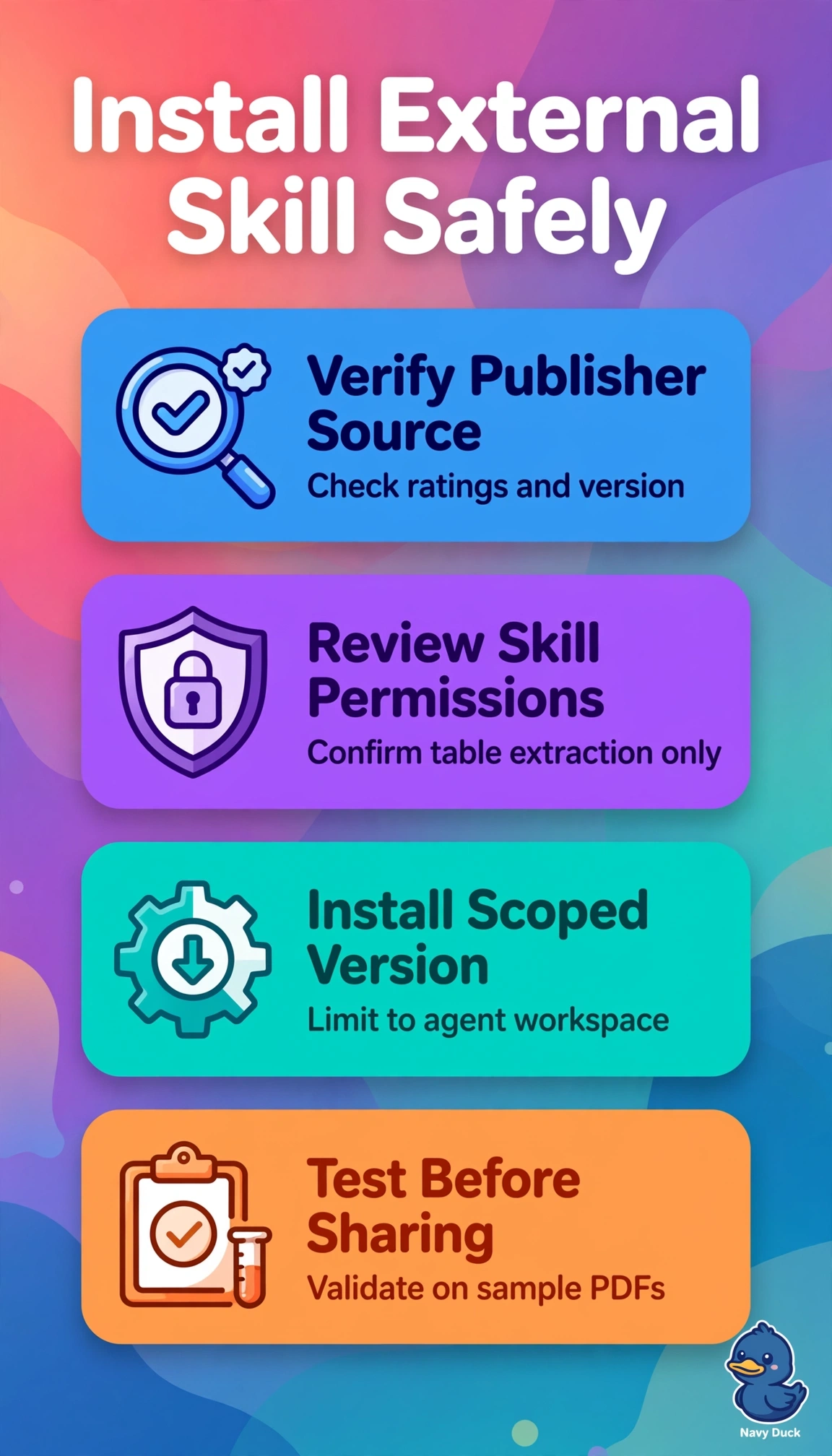
The correct step combines both security controls with the business need by sourcing only a verified skill from a trusted supply chain and limiting its permissions to the single agent workspace that processes the 150 weekly vendor PDFs, which preserves provenance, least privilege, and automation. The highly rated registry skill scoped to the workspace fails on provenance because community ratings, stars, and download counts do not establish publisher identity, code integrity, or review, so a popular package can still introduce malicious or vulnerable code into the production agent. The verified skill enabled for all agents fails on least-privilege scoping because extending a data-access skill beyond the intended workspace unnecessarily exposes other agents, data, and connectors and widens the blast radius of any defect or compromise. The verified skill installed only in a personal workspace for manual testing fails on deployment fit because isolation without promotion to the agent leaves the weekly high-volume workflow unautomated, unshareable, and ungoverned in production. For exams, distinguish verified trusted source from popular public source and workspace-only scope from tenant-wide or personal scope, even when wording emphasizes efficiency or caution. As a practical check, confirm publisher signature and registry trust label before install and then verify in the admin or agent management view that the skill appears only in the intended agent workspace with only required connections.