
A laptop's built-in camera stays black. Its cable is seated, and a USB webcam on the same laptop works. Which part should be replaced?
Select an answer to reveal the explanation.
Short Explanation
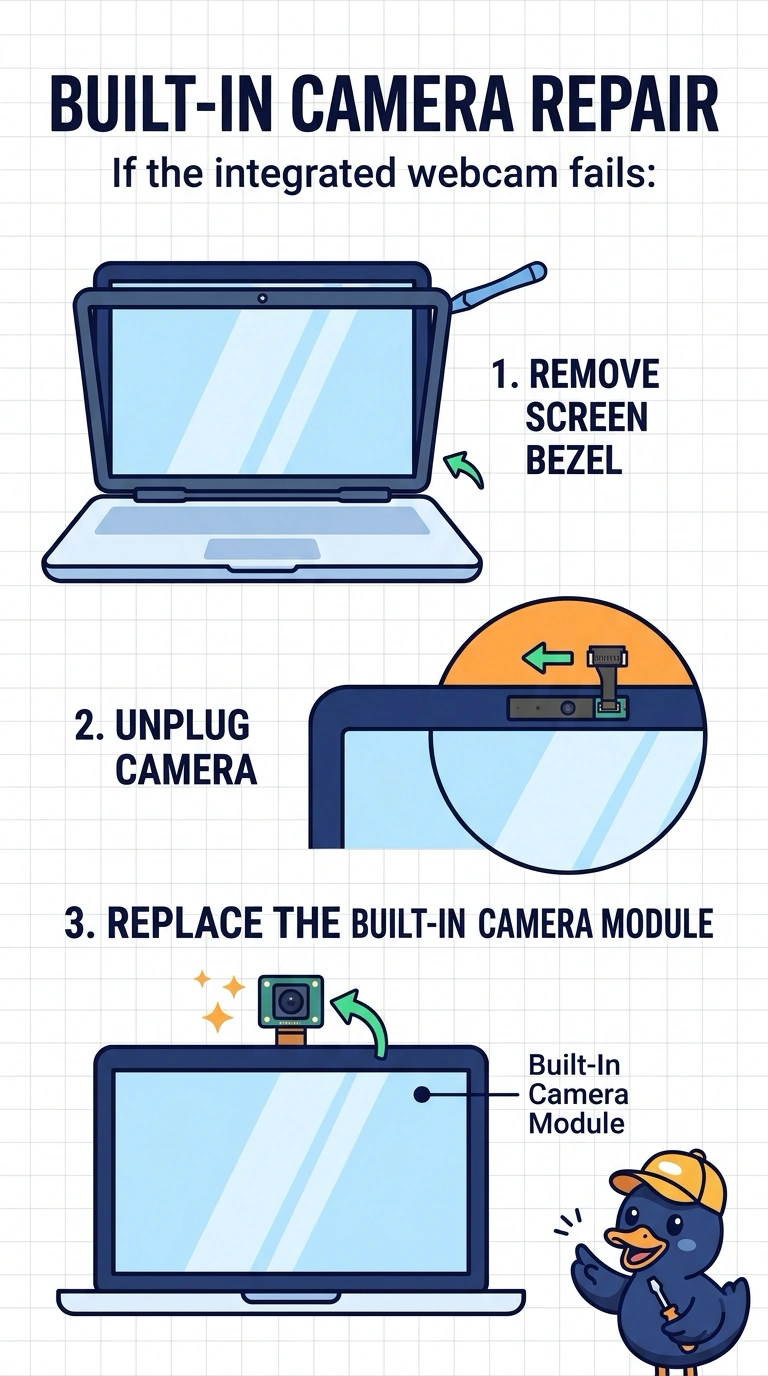
Since your USB webcam works and the built-in camera cable is seated, the built-in camera module is the part to replace. The battery, SIM card, and trackpad do not provide the built-in camera’s picture.
Full Explanation
A working USB webcam shows that the laptop can use a camera, while the built-in camera remains black despite its cable being seated. This points to a failure in the built-in camera module, so replacing that module is the appropriate repair. The battery supplies power to the laptop; it does not supply the built-in picture, and the laptop’s working USB camera shows that the machine is powered. A SIM card provides cellular identity rather than capturing images, so it is not the laptop camera. The trackpad is a pointing device, not a camera component, and it does not focus the built-in camera. Exam caveat: confirm that the camera app is aimed at the built-in device before ordering a replacement module. A privacy shutter or a disabled camera can also make the image appear black, so the symptom alone does not prove that the module has failed. Practical check: replace the built-in camera module, select it in the camera app, and confirm that it provides a live picture. Close the bezel only after the picture is live, so you do not trap a loose connector.