
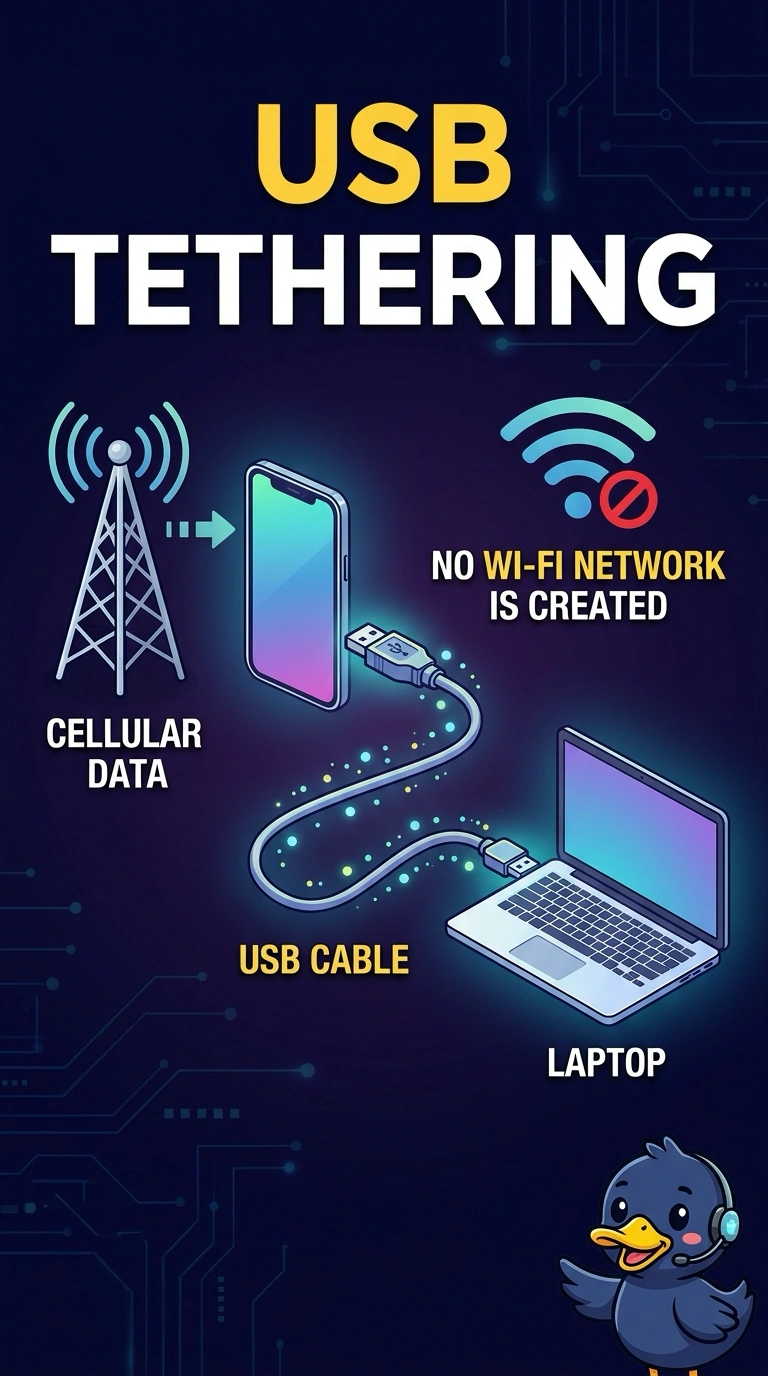
A phone shares its cellular data connection with a laptop through a USB cable. No Wi-Fi network is created. Which feature is that?
Select an answer to reveal the explanation.
Short Explanation
You’re sharing the phone’s cellular connection with the laptop through a cable, not creating a Wi-Fi network. That feature is USB tethering. Near-field communication is a short tap, a desk dock is not required, and mobile device management applies policy rather than sharing data.
Full Explanation
USB tethering lets you share a phone’s cellular data connection with a laptop through a USB cable, without creating a Wi-Fi network. Near-field communication is a short-range tap technology; it does not carry the laptop’s internet traffic over USB. A desk dock is not required for this connection: the important detail is the cable between the phone and laptop, and USB tethering can be used without a desk dock. Mobile device management applies policies to devices; it is not the feature that shares a cellular connection. The defining clue is that the laptop uses the phone’s cellular path through USB, rather than joining a Wi-Fi network created by the phone. Exam caveat: tethering may need to be enabled or permitted on the phone, and data used by the laptop still counts against the cellular plan. Practical check: connect the USB cable, enable tethering, turn off the laptop’s own Wi-Fi, and open a page to confirm the laptop can reach the internet through the phone.