
A small office firewall must allow encrypted web sessions to a local server and must keep clear-text web traffic blocked. Which port should be permitted?
Select an answer to reveal the explanation.
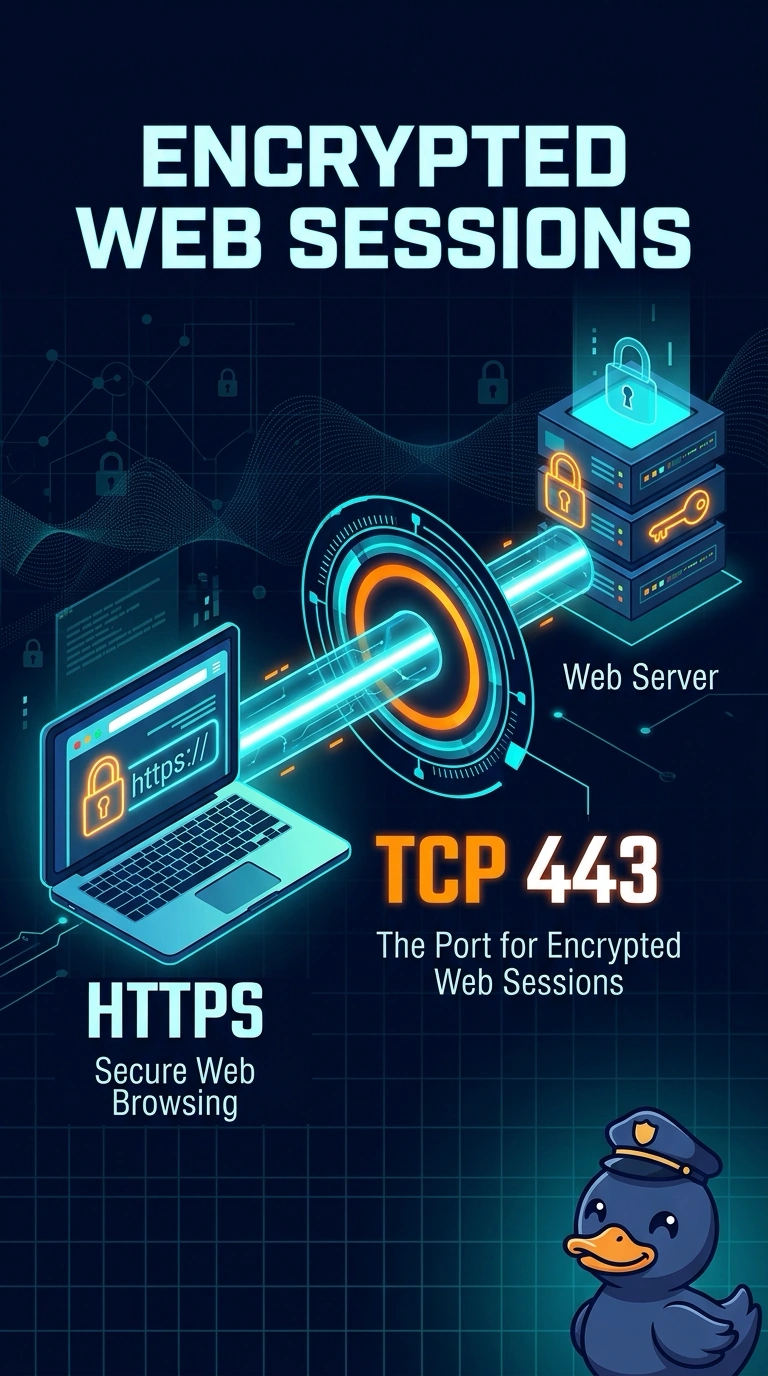
Short Explanation
The locked door for a web page is not the same door as the open one. Encrypted web sessions use HTTPS on TCP 443. Port 80 is the clear-text door you were told to leave shut, and the mail ports do not carry the web session at all.
Full Explanation
HTTPS carries encrypted web traffic on TCP 443. Permitting that port lets the encrypted sessions through, which is what the office asked for. TCP 80 is HTTP, the clear-text web protocol the firewall is supposed to keep blocked. Opening it would do the opposite of the request. TCP 25 is SMTP, used to transfer email between servers. It is not the encrypted web port. TCP 110 is POP3, used by a client to retrieve mail. A web server does not need it for HTTPS. Exam caveat: filtering the port does not inspect the certificate. A service can also be moved to another port, so a later check of the server's listener still belongs in the change. Operational check: permit TCP 443, browse the site, and confirm a clear-text request to port 80 from outside is refused. After the rule is in place, try the site from a guest network and from the office LAN so you see both the permit and the block. Write the permit and the block in the change ticket so the next person does not reopen port 80. Note the rule number in the ticket.