
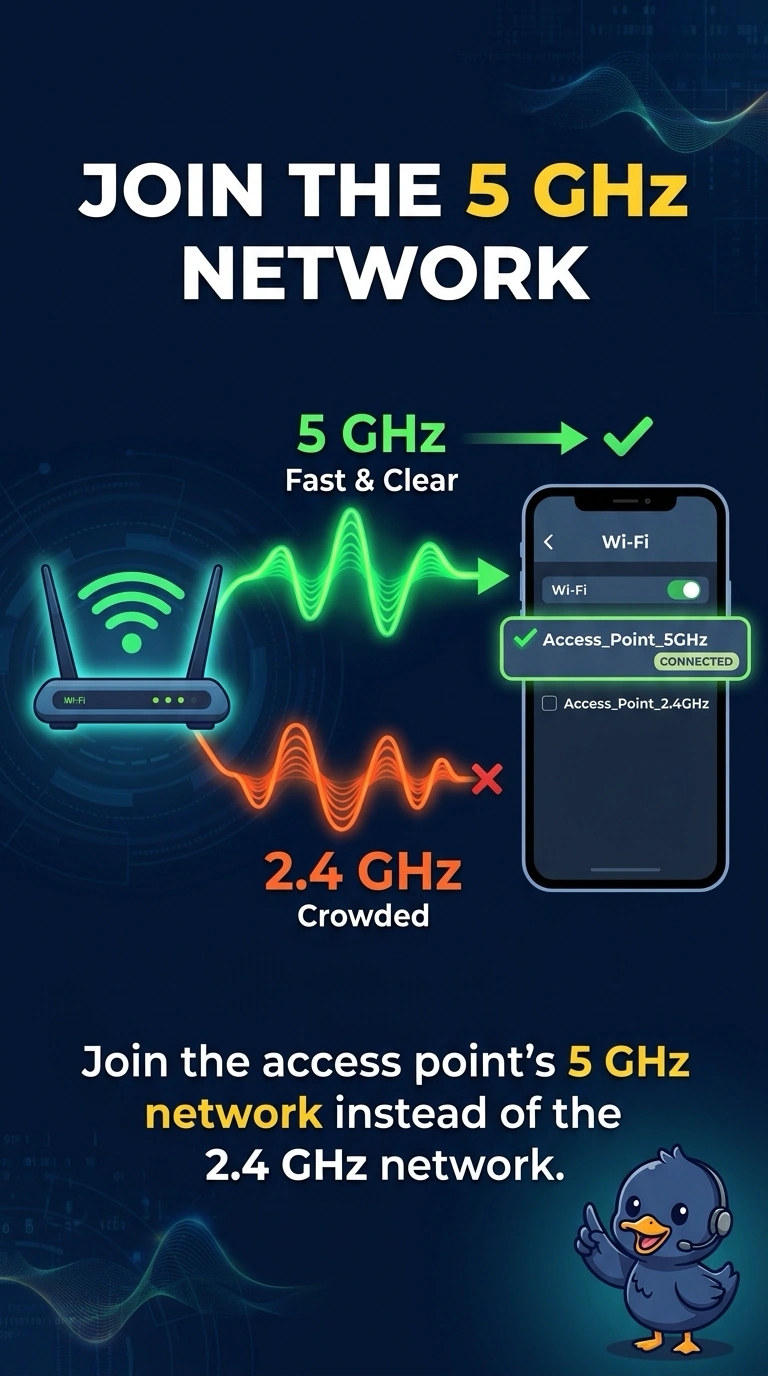
Neighboring networks crowd the 2.4 GHz band at an apartment. The laptop and the access point both support 5 GHz. Which change avoids that crowd for this laptop?
Select an answer to reveal the explanation.
Short Explanation
The downstairs band is a packed lobby. The upstairs band is 5 GHz, and both the laptop and the access point can use it. You do not escape a 2.4 GHz crowd by picking a channel that is still in that crowd, and Bluetooth or a lease timer does not retune the radio.
Full Explanation
The 2.4 GHz band has few non-overlapping channels and is where neighboring networks pile up. The 5 GHz band has more room, and this laptop and access point both support it, so joining the 5 GHz network moves the laptop off the crowded band. Channel 1 is a 2.4 GHz channel. Staying there does not leave the crowded band. Bluetooth is a separate short-range radio. Enabling it does not move a Wi-Fi association to 5 GHz. A DHCP lease controls how long an address is kept. It does not select a radio band. Exam caveat: 5 GHz does not travel through walls as well as 2.4 GHz. If the laptop is far from the access point, check the signal after the move. Operational check: connect to the 5 GHz network name, confirm the laptop reports a 5 GHz channel, and compare retries with the old connection. Forget the old network on the laptop so it does not fall back to 2.4 GHz the next time the 5 GHz signal dips. Check the signal at the desk the laptop actually uses, not only next to the access point. Save the 5 GHz network as the preferred profile.