
Contacts added on a phone never appear on the user's laptop. Both devices use the same account, and contact sync on the phone is turned off. Which change makes the new contacts appear?
Select an answer to reveal the explanation.
Short Explanation
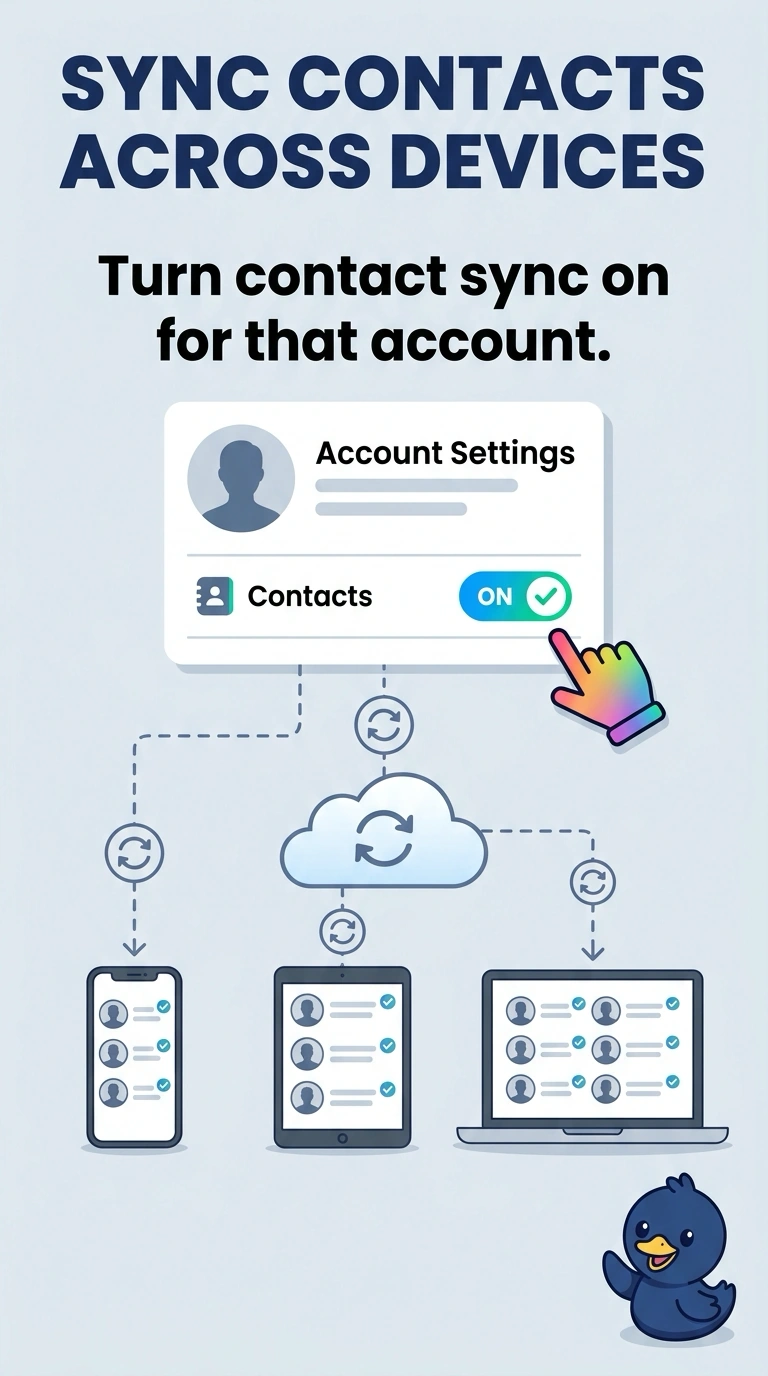
The account is the same and the phone was told not to share its contacts. You turn contact sync on. A radio pair across cities, a payment tap, and a cellular card are not the address book.
Full Explanation
Contact sync is what copies contacts through the account to the laptop. It is turned off, so new contacts stay on the phone. Turning it on is the change. Bluetooth pairing is a short-range link. It does not copy contacts to a laptop in another city. Near-field communication is a tap. It is not the contact database. A SIM identifies the phone to a cellular network. Replacing it does not fill the laptop's contact list. Exam caveat: both devices have to be signed into the same account. Sync on a different account will not show these contacts. Operational check: turn sync on, add one test contact, and confirm it appears on the laptop. If the laptop is signed into a different account, the contact will not show up there.