
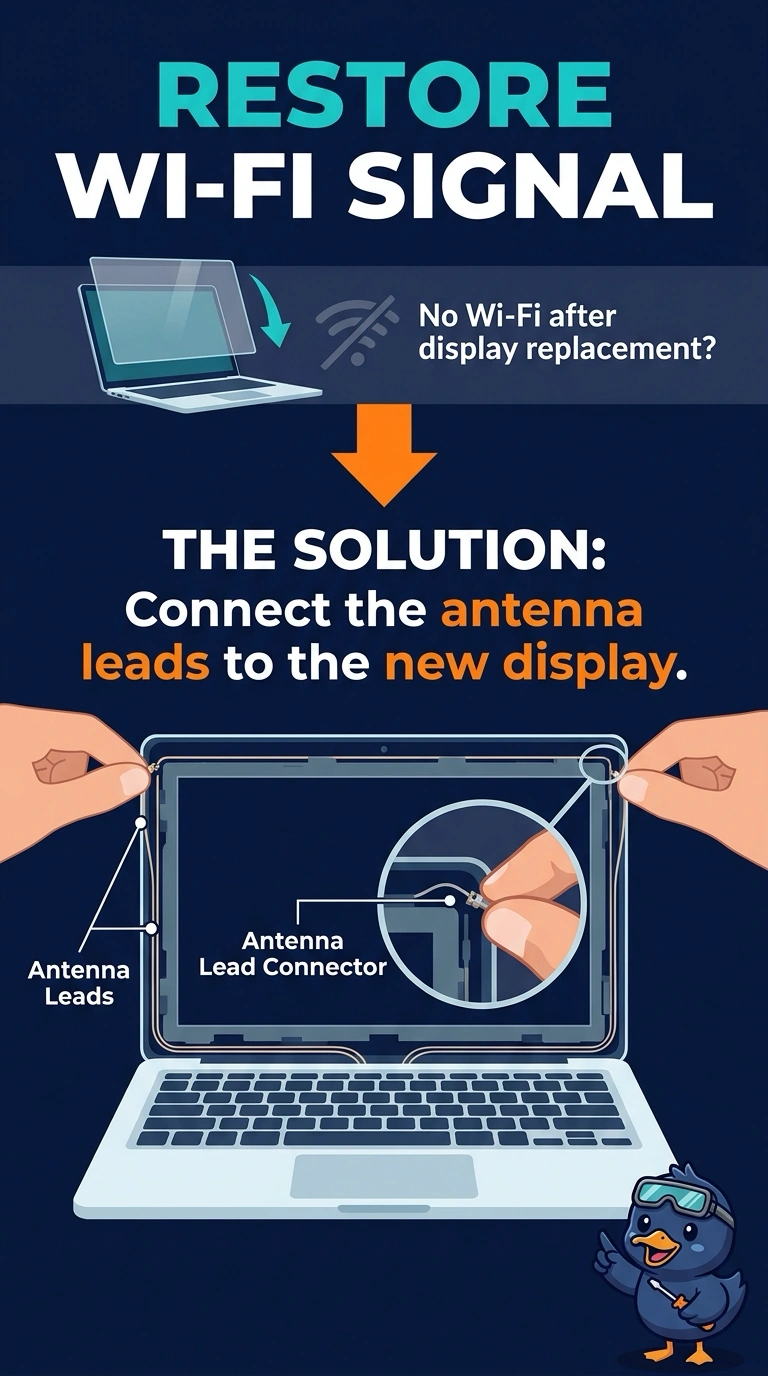
After a laptop display is replaced, Wi-Fi is weak in every position. The antenna leads were never moved onto the new display. Which action restores the signal?
Select an answer to reveal the explanation.
Short Explanation
The new lid went in without the antennas that live in the lid. You connect those antenna leads. The battery, the keyboard, and the operating system do not carry the radio through the display.
Full Explanation
Laptop Wi-Fi antennas usually live in the display, and their leads have to be connected when the display is replaced. Leaving them off makes the signal weak in every position. Connecting the leads is the repair. The battery does not contain the antennas. The keyboard is not where those leads terminate in the lid. The operating system cannot route a lead that was never attached. Exam caveat: the leads are small and must go to the correct posts on the wireless card. Swap the leads only if the card's markings say so. Operational check: connect the leads, close the lid through its normal range, and confirm the signal no longer stays weak at every angle. Walk the laptop a few feet and confirm the signal rises, which the missing leads never allowed.